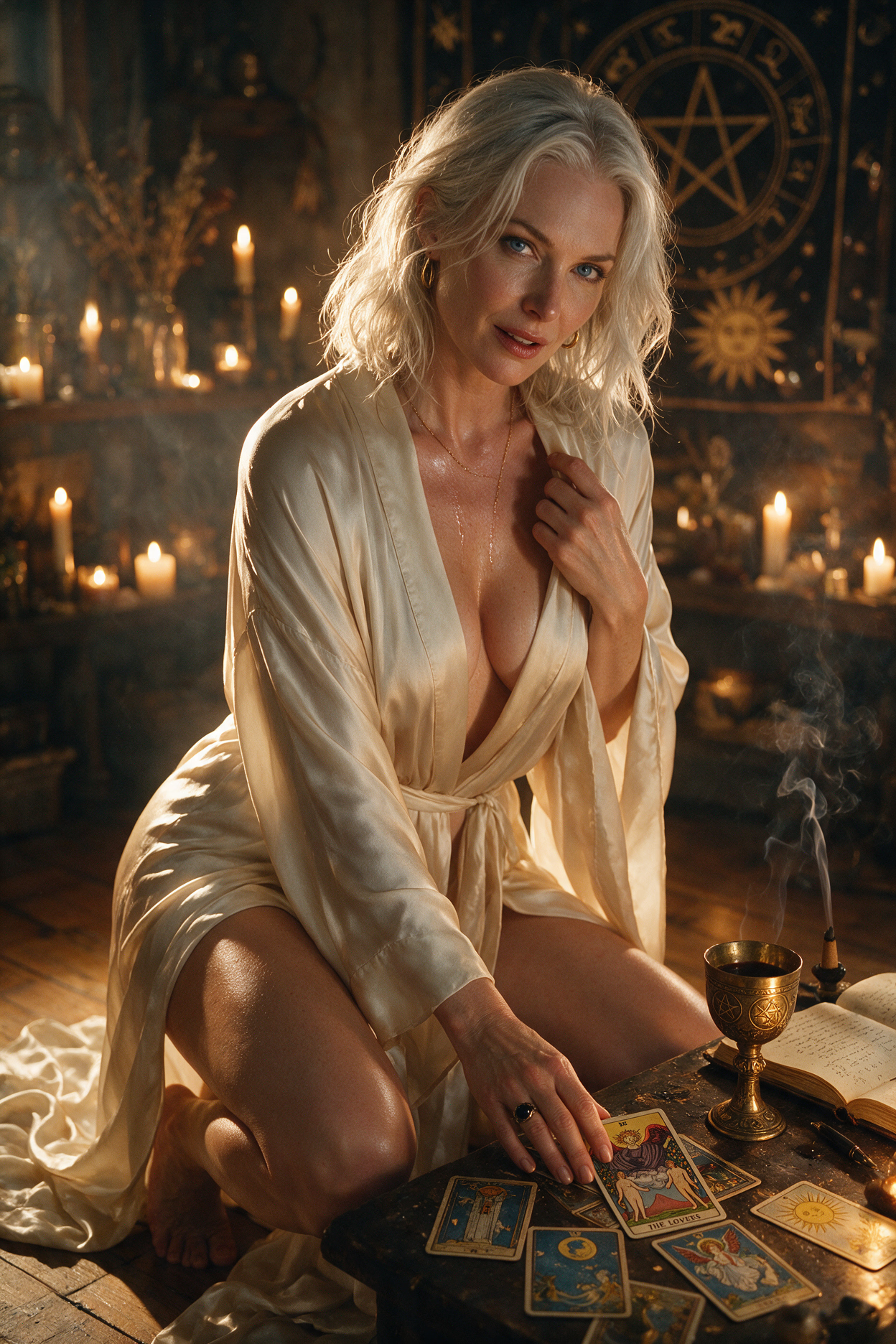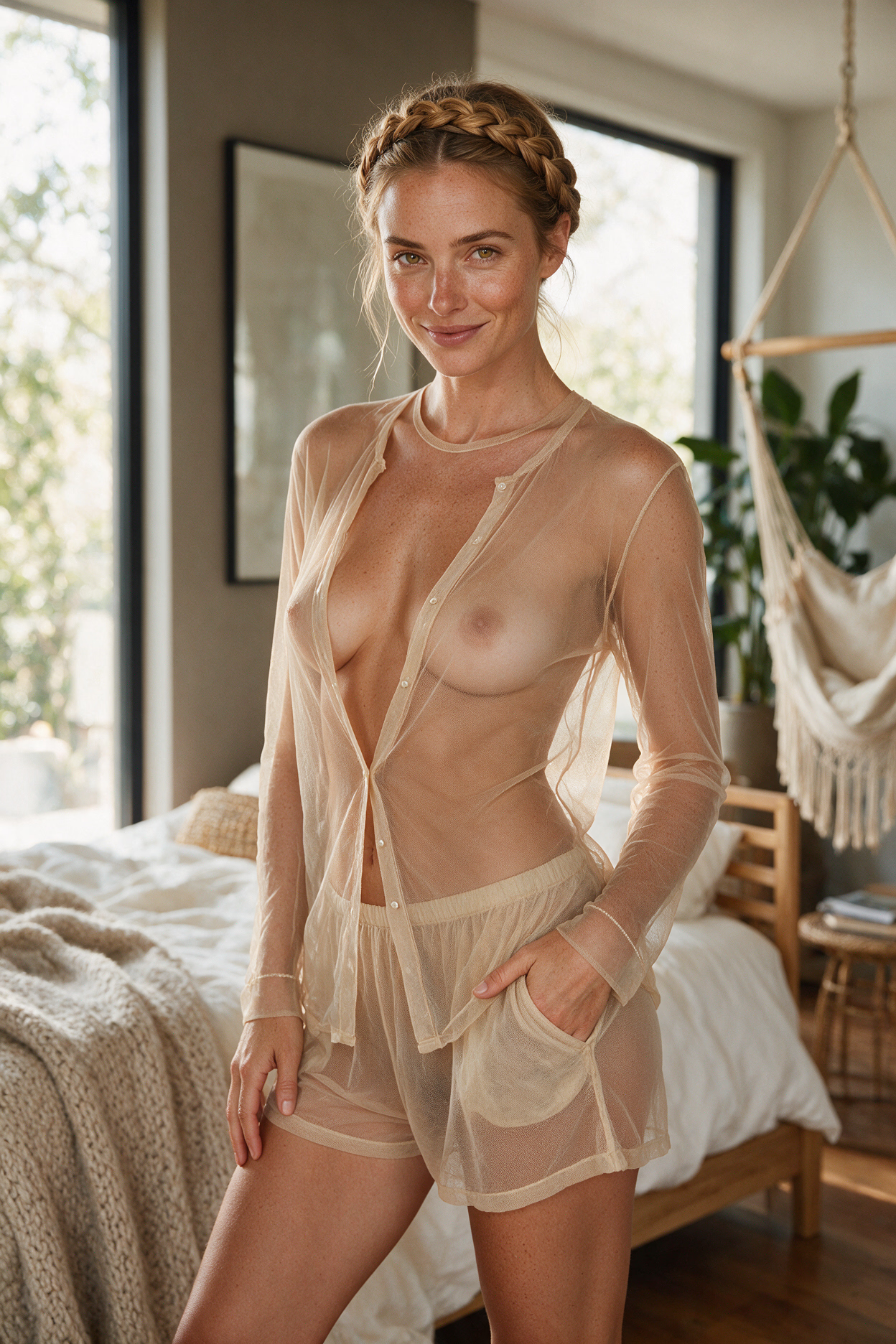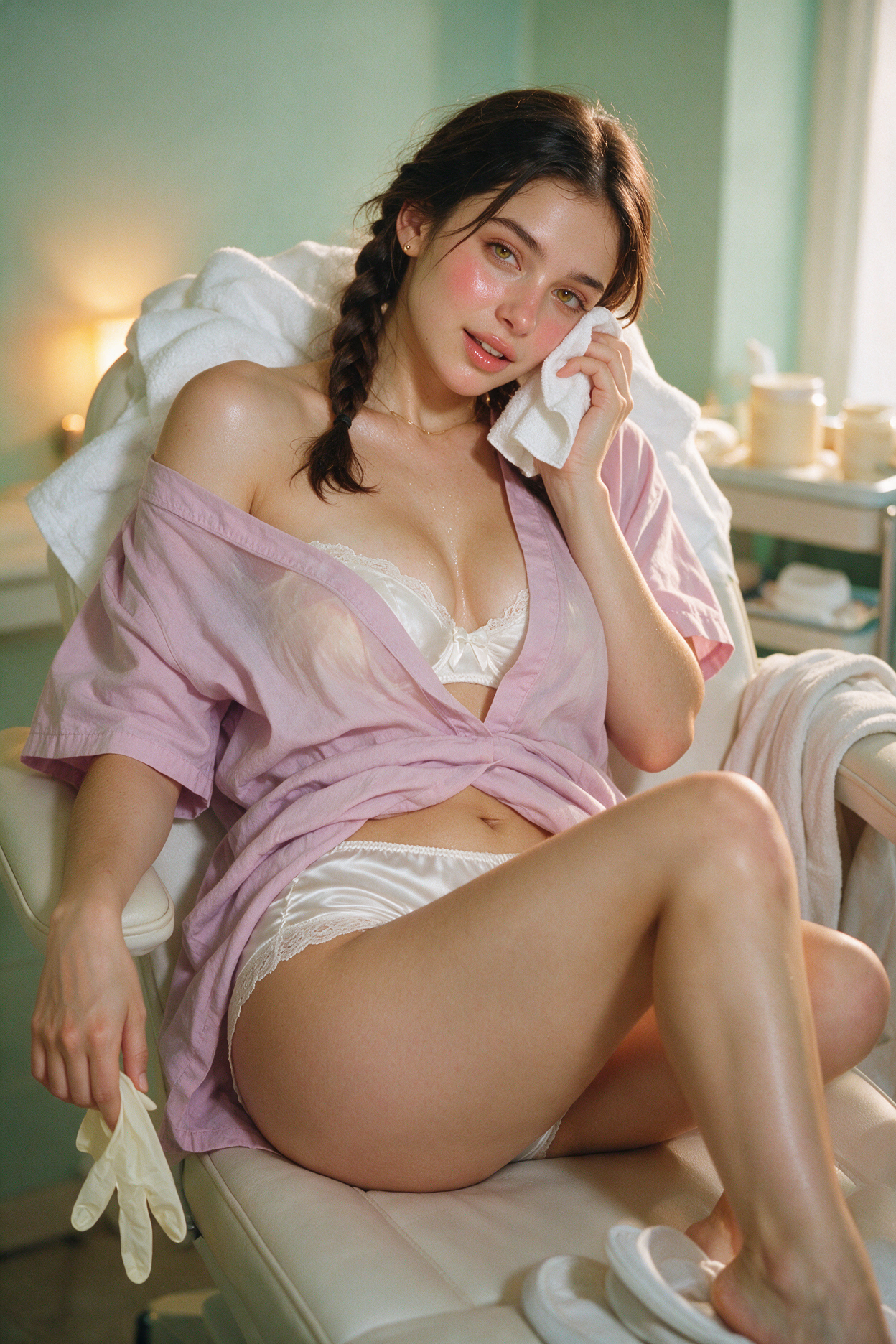
Image generation turns a moment in your chat into a picture. Your companion sends the image with an in-character caption. Every image uses their portrait from character creation as the identity reference, so they always look like themselves. See plans and coins for pricing.
Quick answer
Tap Generate scene image (camera icon in the message box) or ask in chat and pick Image on the intent popup. The Generate Scene panel opens: choose Flame or Spark, optionally pick Image shape on Flame, leave Scene blank for Auto or type for Custom, then tap Generate Scene. 15 on the free plan, 10 for subscribers. Failed generations refund automatically.
How to generate an image
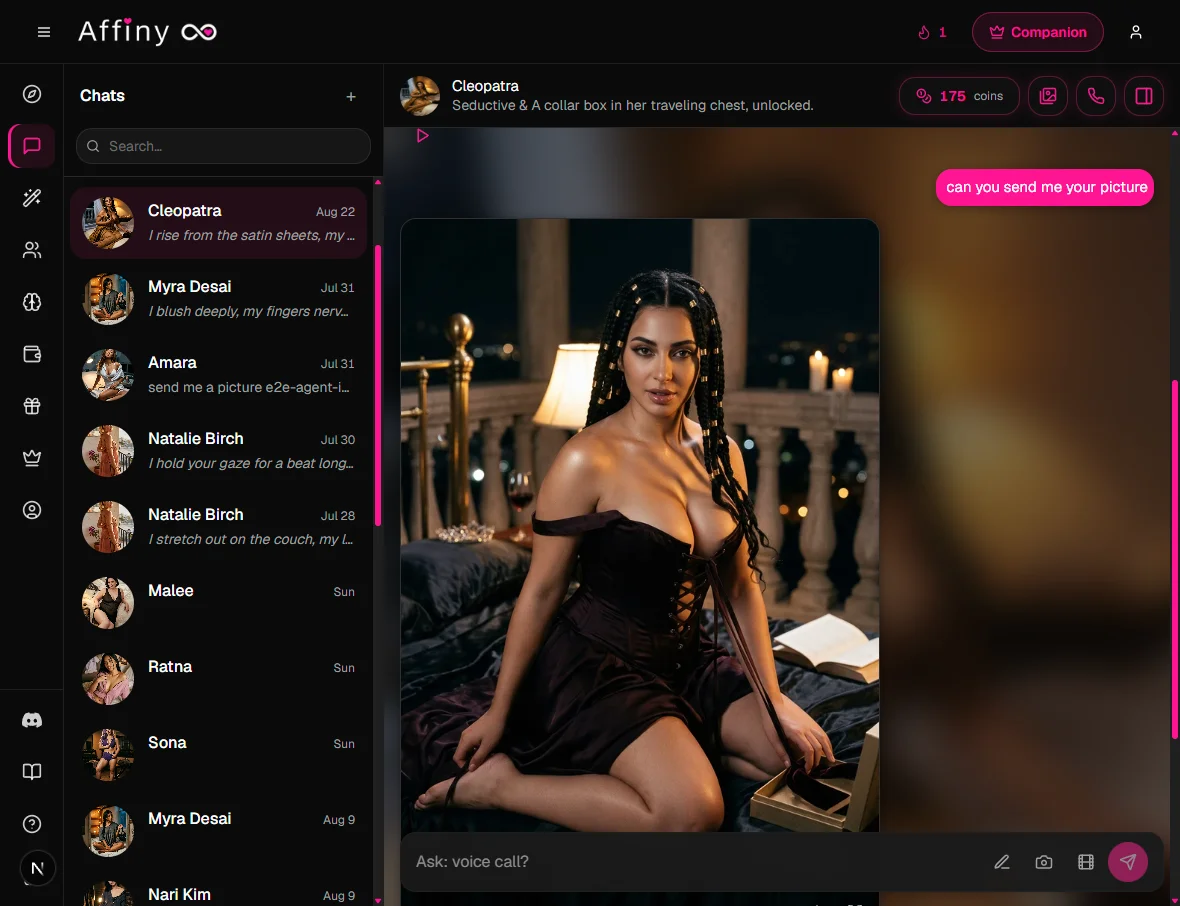
There are two ways: tap Generate scene image at the bottom of the message box, or ask in chat with normal language. Both work.
Use the camera icon
- Open any chat and tap Generate scene image (camera icon in the message box).
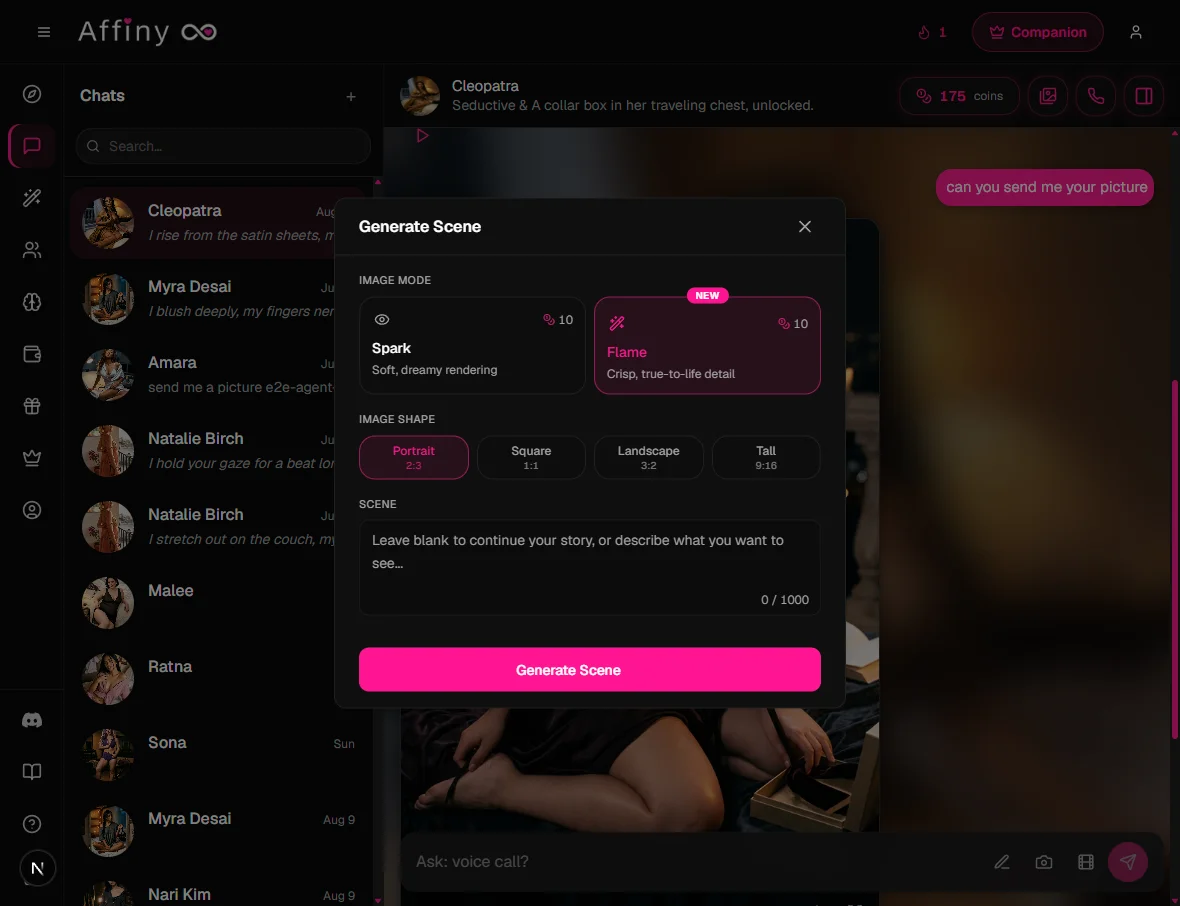
- The Generate Scene panel opens. At the top, pick Flame or Spark under Image mode. If you chose Flame, you can also pick Image shape (Portrait, Square, Landscape, or Tall).
- In the Scene box at the bottom, leave it blank for Auto or type a description for Custom (see below).
- Tap Generate Scene. The image appears in the chat with a caption from your companion.
Ask in chat instead
You don't have to open the camera picker. Type what you want the way you'd ask a person. When Affiny reads your message as a picture or video request, a popup appears with Image and Video buttons before your message goes through as regular chat. Pick one, or tap Not now to keep chatting in text.
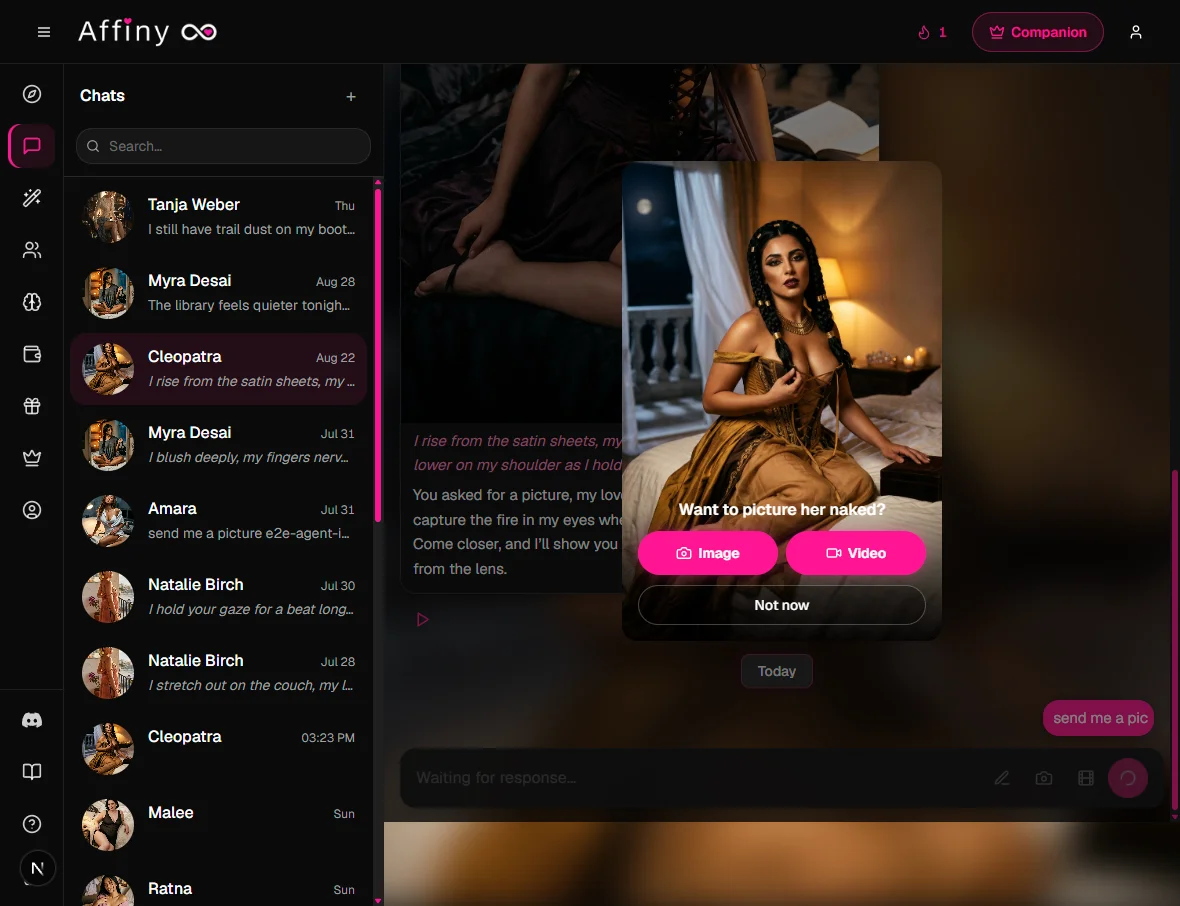
Picture requests, an asking word plus a photo word:
- "Send me a pic"
- "Can you send a selfie?"
- "Show me a photo"
- "Generate an image"
How they look, appearance asks:
- "Show me what you look like"
- "Let me see you"
Spicier asks, short, direct requests work the same way:
- "Send me nudes"
- "What are you wearing right now?"
- "Take off your dress"
- "Show me your body"
Video, ask for motion directly (every plan):
- "Send me a video"
Editing a scene you already have, tap Continue from this scene on an image, then describe the change in Scene:
- "Zoom in"
- "Wider shot"
- "Remove your top"
These patterns are examples, not a script. Affiny looks at the whole message, so natural phrasing like "could you send me something?" or "I wanna see you" works too. Saying you don't want pictures ("don't send nudes") won't trigger generation.
Auto or Custom, the Scene box
There is no separate Auto/Custom toggle. Both modes use the same Scene text box at the bottom of the Generate Scene panel:
| Mode | What you do | What happens |
|---|---|---|
| Auto | Leave the Scene box blank | Affiny reads your recent chat and pictures the moment |
| Custom | Type in the Scene box (up to 1,000 characters) | Your description drives the image, pose, outfit, setting, or a change to a previous scene |
The placeholder in the box says it plainly: "Leave blank to continue your story, or describe what you want to see..."
When you Continue from this scene on an image in chat, the same box applies: blank continues naturally from that still; typing describes what happens next.
Auto vs Custom, side by side
Same chat moment, two approaches:
| Auto (blank Scene) | Custom (typed Scene) | |
|---|---|---|
| You typed in chat | "We're on a rooftop bar, she's laughing in a red dress" | Same message |
| Scene box | Empty | "Rooftop bar at night, red cocktail dress, leaning on the rail, city lights behind her" |
| Best when | Your chat already set the scene | You want a specific outfit, angle, or edit |
For prompt patterns and copy-paste examples, see image generation tips.
Flame or Spark, Image mode
These are the two buttons at the top of the Generate Scene panel, under Image mode. For when to use each, with examples, see Spark vs Flame.
| Mode | Look | Extra |
|---|---|---|
| Flame (default) | Crisp, true-to-life detail | Pick Image shape (see below) |
| Spark | Soft, dreamy rendering | Standard shape only |
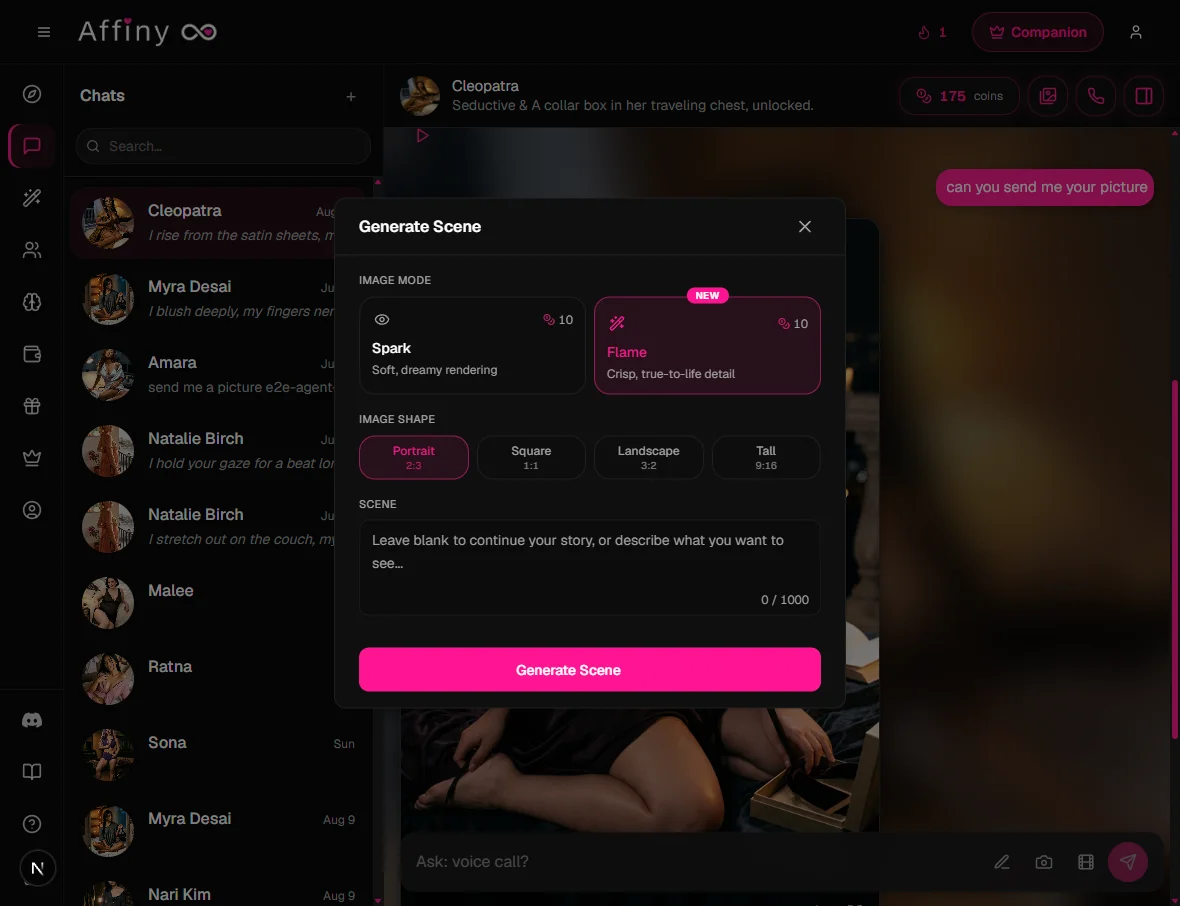
Image shape (Flame only)
When Flame is selected, the Image shape row offers four ratios:
| Button label | Ratio | Best for |
|---|---|---|
| Portrait | 2:3 | Default stills, profile-style scenes, video first frames |
| Square | 1:1 | Social-style crops, centered poses |
| Landscape | 3:2 | Wide environments, two-person framing |
| Tall | 9:16 | Phone-style vertical scenes, full-body fashion shots |
Spark hides the shape picker. If you plan to animate the still, Flame plus Portrait or Tall usually gives the sharpest video first frame.
What it costs
| Free plan | Subscribers | |
|---|---|---|
| Per image | 15 | 10 |
Your 300 signup cover about 20 images on the free plan, or 30 on a subscription. Failed generations refund automatically.
Build on any image
Every image is saved in the chat Media gallery (images icon in the chat header, View media gallery). From any scene image in chat you can:
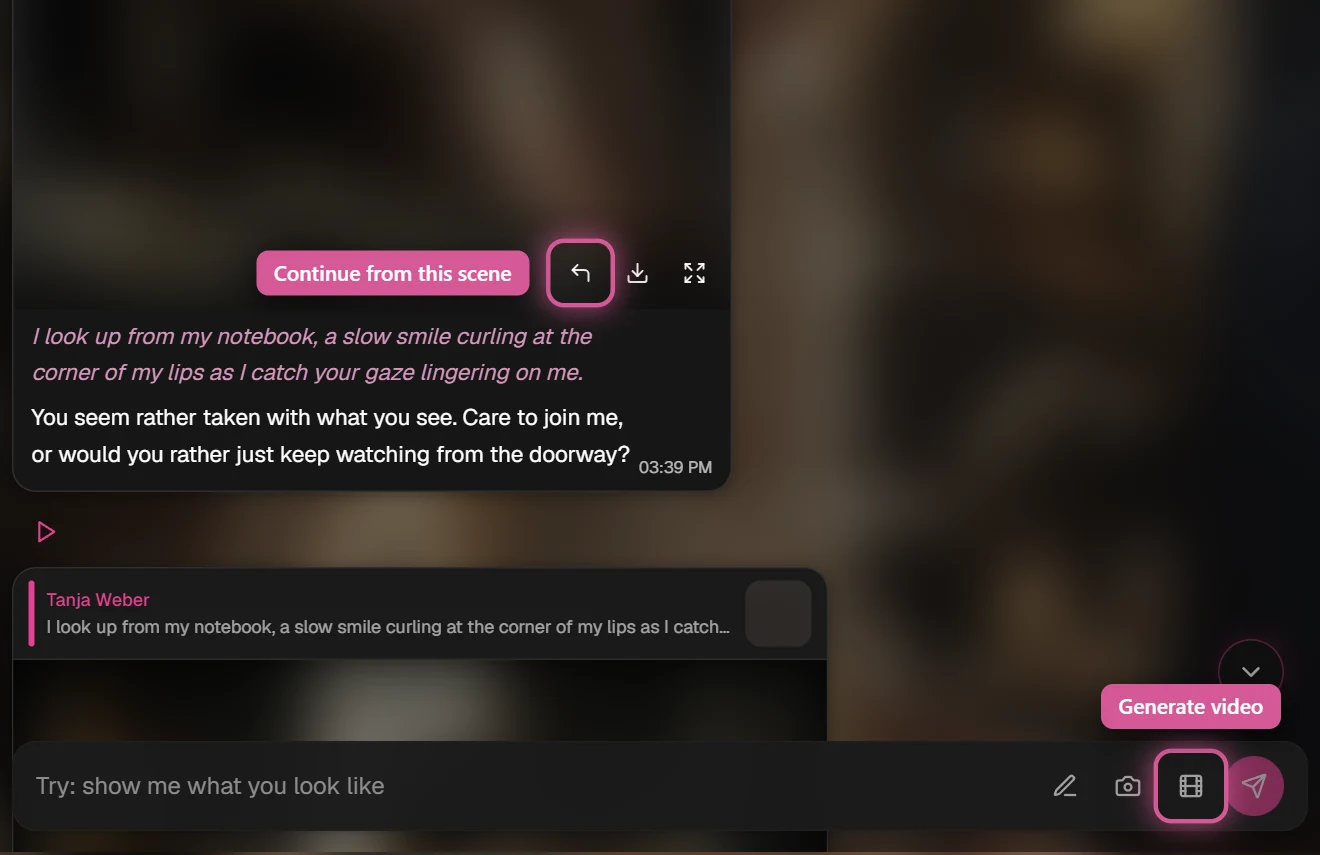
- Continue from this scene, next moment, new angle, or outfit change
- Expand image to full screen or Download image
- Generate video (every plan): tap Continue from this scene, then Generate video (film icon). See Video generation
Adult content
Romantic, intimate, and explicit images between fictional adults are allowed on the same coin balance. Content involving minors, or characters who appear underage, is never allowed.
Tips for better images
- Set the scene in chat first. Auto mode reads your recent messages.
- Be specific in Custom mode. "Rooftop bar at night, red dress, laughing" beats "at a bar".
- Start with a strong portrait. See Character creation.
- Use God Mode (subscribers) to steer mood and setting. See God Mode.
- Read the tips guide for before/after examples: image generation tips.
If it's not working
| What you see | Likely cause | What to try |
|---|---|---|
| Face doesn't look like her | Vague prompt or weak portrait | Use Custom with clear outfit and pose; regenerate portrait in character creation |
| Wrong outfit or background | Custom didn't name the change | In Custom, name what should change; anything you omit stays from the source still |
| "Not enough coins" | Balance too low | Claim Daily Gift, subscribe, or buy a pack; see how to get more coins |
| Generation failed | Blocked prompt or timeout | Coins refund automatically; simplify scene and retry |
| Image blocked | Content broke safety rules | Rephrase; keep all characters clearly adult and fictional |
| Stuck on loading | Connection or overload | Wait, refresh chat; retry with a shorter Custom prompt |
| Generate Scene greyed out | Profile incomplete or guest | Finish profile or sign in |
Portrait vs image vs video
| What it is | When | |
|---|---|---|
| Portrait | Your companion's official look | Created in Character creation |
| Image generation | A picture of a moment in your story | Any time in chat |
| Video generation | A clip from an image | Tease on every plan; Desire and Ecstasy for subscribers |