
Video generation brings a still image to life. The secret to a great clip is simple: the video starts from the exact frame you give it. So a great video is really two steps: make a great first frame, then describe one great motion.
Quick answer
Build a sharp Flame still first. Tap Continue from this scene, then Generate video. Pick Tease to test cheaply, Desire for sound and longer motion, or Ecstasy for the most realistic clip, up to 30 seconds and 4K. Describe the action in plain verbs and match clip length to it. Failed clips refund coins automatically.
Every plan can make videos: free users get Tease, and Companion and Intimate subscribers get Tease, Desire and Ecstasy, plus Obsession on anime companions. Video now follows your direction much more closely, with far fewer requests toned down or turned away, so you have more room to be creative. See video generation for prices and modes.
The 5-step workflow
Every clip follows the same path: still first, motion second. Below is the full flow with Cleopatra, the same steps work for any companion.
Step 1: Open image generation
In chat, tap Generate scene image (camera icon, next to Generate video). That opens Generate Scene.

Pick Flame for crisp detail (best for video). Choose Portrait 2:3 or Tall 9:16 if you want a phone-style clip.
Step 2: Write the still prompt (Custom)
Type your scene in the Scene box, outfit, pose, setting and camera angle. Leave nothing to guesswork; the video can only animate what is already in this frame.
See image generation tips for prompt rules. For big pose changes, start with "New pose:".
Step 3: Generate the still and check it
Tap Generate Scene. The image lands in chat with a caption. Zoom in: is the pose, lighting and framing exactly what you want in the clip?
Checklist for a video-ready still:
- ✅ Setting, lighting and outfit match what you want in the video
- ✅ Everyone who should appear is already in frame
- ✅ The body part that will move is visible (e.g. face for a smile, shoulders for a turn)
- ✅ Props she'll touch are already in the picture
- ✅ Her face is clear and well lit
Step 4: Chain the still, then open video
On the image you just made, tap Continue from this scene (↩ icon on the image). A thumbnail strip appears above the message box, that tells the app which frame to animate.
Tap the film icon → Generate Video. The panel header should say Continuing from a previous scene.
Step 5: Choose mode, write motion, generate
Pick Tease to test cheaply (silent, 5 or 8 seconds), Desire for sound and longer clips, or Ecstasy for the most realistic result. Then describe the motion in the What happens box and tap Generate Video. The clip appears in chat when it finishes.
How to attain this (quick checklist)
| Step | What you do | What to check |
|---|---|---|
| 1 | Tap camera → Flame + shape | Panel open, engine selected |
| 2 | Type Custom scene prompt | Pose, outfit, lighting, camera angle named |
| 3 | Generate Scene | Still looks perfect, fix with Continue from this scene if not |
| 4 | Continue from this scene on that image → tap film icon | Reply strip shows the source thumbnail |
| 5 | Pick a mode, describe what happens, Generate Video | Clip plays smoothly; coins refunded if it fails |
Step 3 (detail): Choose mode, resolution and length
| Tease | Desire | Ecstasy | |
|---|---|---|---|
| Who | Every plan | Subscribers | Subscribers |
| Length | 5 or 8 seconds | 2 to 15 seconds | 2 to 30 seconds |
| Resolution | 480p or 720p | 720p or 1080p | 480p up to 4K |
| Sound | Silent | On by default, can be turned off | On by default, can be turned off |
| Extra controls | What happens | What happens, sound | What happens, sound, speed, shape |
| Cost (subscribers) | 5 or 10/sec | 30 or 50/sec | 15 to 55/sec (Fast: 20 to 75) |
Free users pay 10 or 20/sec for Tease.
Tip: test an idea as a cheap Tease clip first. When you like the motion, make the Desire or Ecstasy version. See Tease vs Desire vs Ecstasy for which mode fits which clip.
Step 4: Write the motion direction
This is where most videos succeed or fail. Describe what moves, in plain sentences.
Match the action to the length. Short clips can't fit big movements, and trying makes them jitter:
| Clip length | What works | Examples |
|---|---|---|
| 2–5 seconds | Small movements: face, eyes, breath | A slow smile, a glance up, a wink, biting her lip, a breath in, a head tilt |
| 5–8 seconds | Small hand and body movements | Tucking hair behind her ear, sliding a hand along her thigh, adjusting a strap, leaning in |
| 8–15 seconds | Full-body motion that builds | Turning around, walking toward the camera, dancing, stretching, arching her back |
| 15–30 seconds (Ecstasy) | A full scene in a few beats | She stands, crosses the room, sits on the bed, then leans back and smiles at the camera |
Use action verbs, not adjectives. The video can show movement, not moods:
- ❌ "Sensual, intimate, cinematic, beautiful."
- ✅ "She slowly runs her fingers through her hair, tilts her head, and smiles at him."
Describe the whole arc. Say how the action starts, what it does, and how it ends:
- ✅ "She lifts the wine glass from the table, takes a slow sip, then lowers it and licks her lips while holding his gaze."
Keep it slow. Avoid fast, quick, sudden and immediately, which cause jittery motion. Say slowly, gently or gradually instead.
One camera move, or none. The camera stays still by default, and that usually looks best. If you want movement, ask for just one:
- "Camera slowly pushes in toward her face."
- "Camera slowly pulls back to reveal the room."
- "Camera slowly pans left."
Don't combine moves, and don't ask the camera to circle around her.
Don't add what isn't there. Asking for a new person, prop or location that isn't in the still usually fails. Add it to the image first (Step 1).
Step 5: Add sound and words (Desire and Ecstasy)
Sound is on by default in Desire and Ecstasy (untick Include sound for a silent clip). With it on, the clip gets ambient audio and your companion's voice.
- Ambient: mention it in your direction: "rain on the window", "soft music in the background", "waves in the distance".
- Sounds: breaths, sighs, laughs and moans come from the action you describe.
- Dialogue: write a short line in quotes, 5 to 10 words: She whispers "come here" and smiles. Longer lines lip-sync less well.
- Other languages: say which: She whispers in Hindi "idhar aao".
There's no separate "things to avoid" box. If something keeps showing up, say what you want instead: "She is alone in the room, the camera stays still."
Full walkthroughs (Cleopatra)
Three complete flows: still prompt → still → chain → motion prompt → video. All use the same companion so you can see how face and style stay consistent.
Example 1: Kneeling pose
A, Still prompt. Open the camera icon and paste your scene:
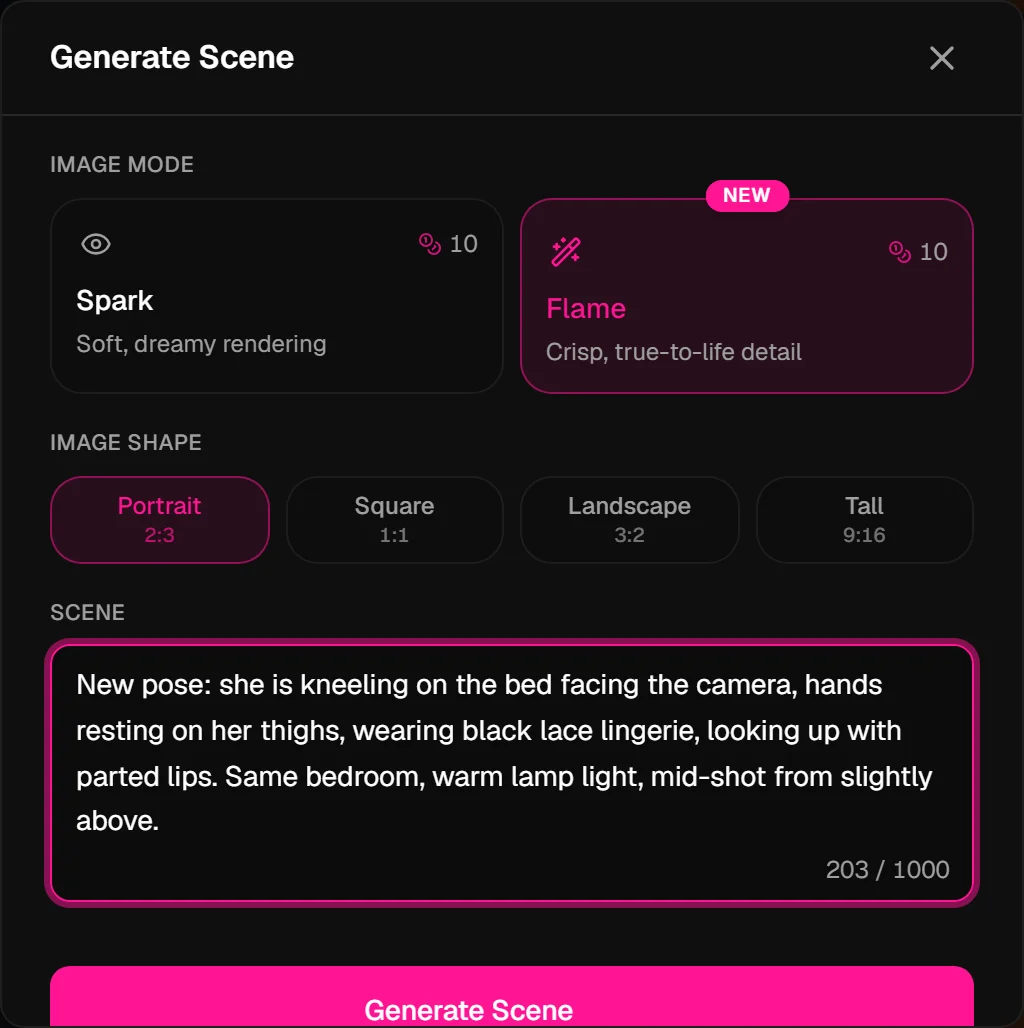
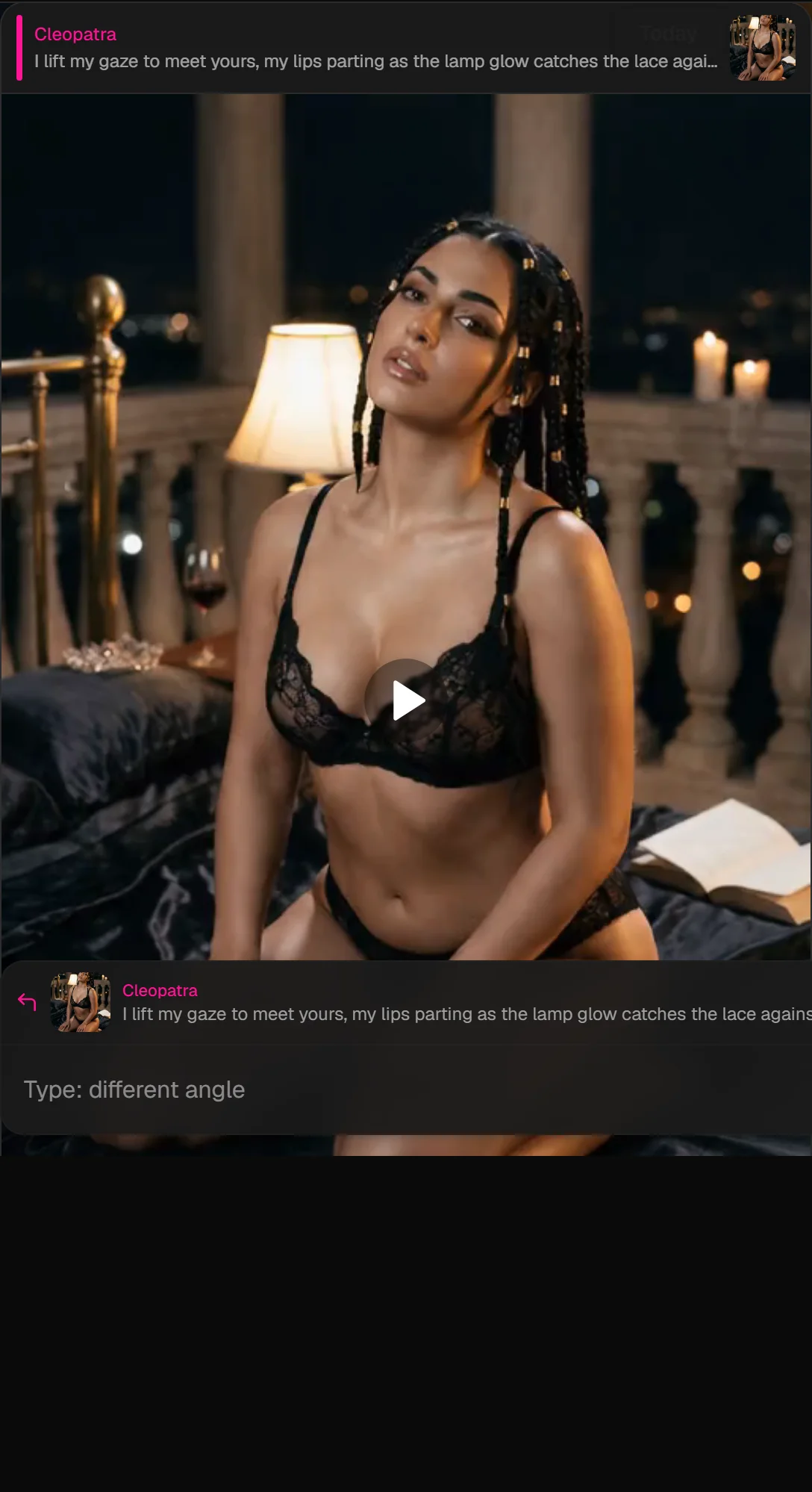
New pose: she is kneeling on the bed facing the camera, hands resting on her thighs, wearing black lace lingerie, looking up with parted lips. Same bedroom, warm lamp light, mid-shot from slightly above.
Why this works: "New pose:" forces a full re-compose. You name position (kneeling), hands, outfit, expression, and camera (mid-shot from above), everything the video will inherit.
B, The still (your first frame).
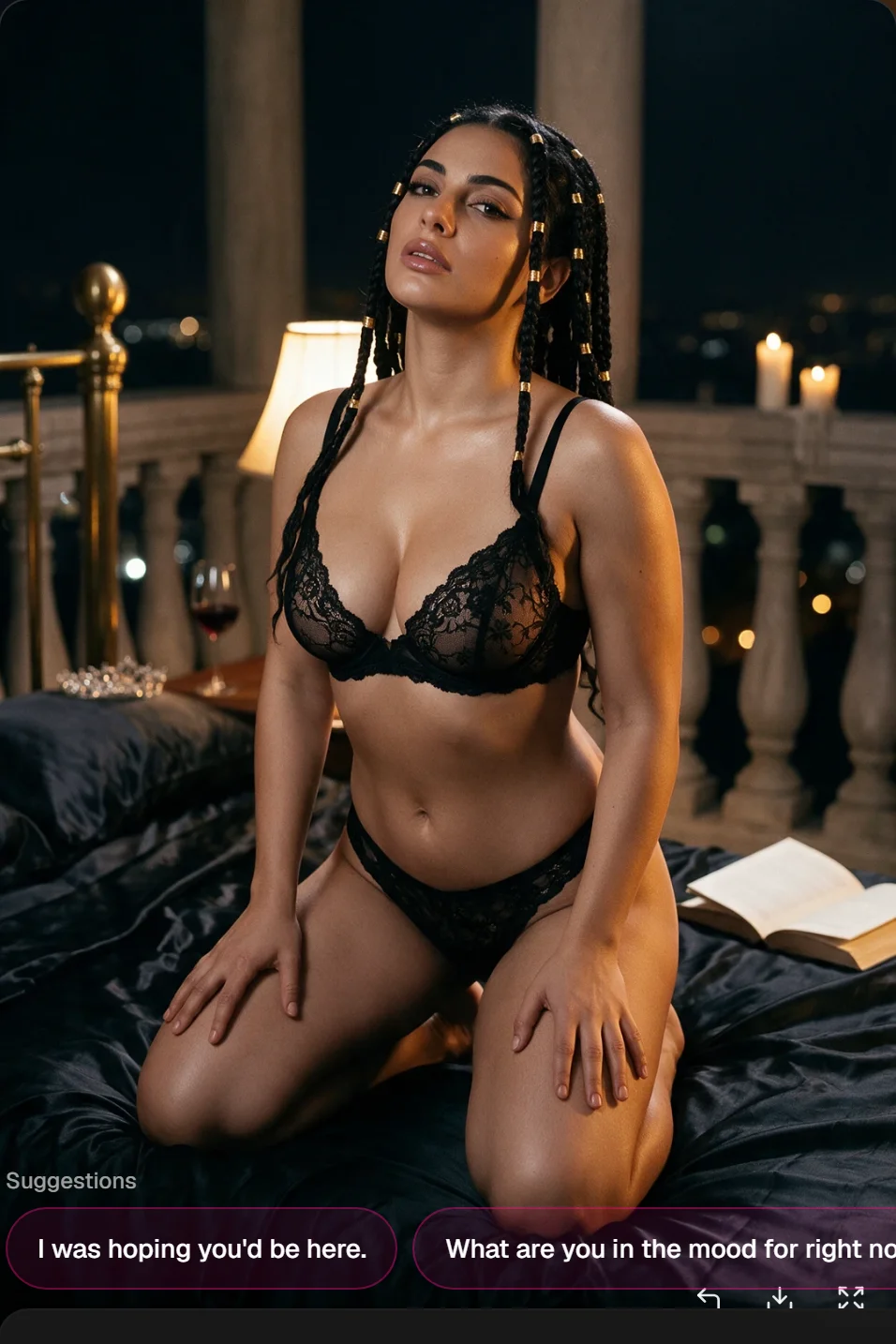
C, Chain it. Tap Continue from this scene on that image, then the film icon. The reply strip confirms which frame you're animating:

D, Motion prompt. Tease · 480p · 5 seconds is a cheap way to test. Describe one slow action:
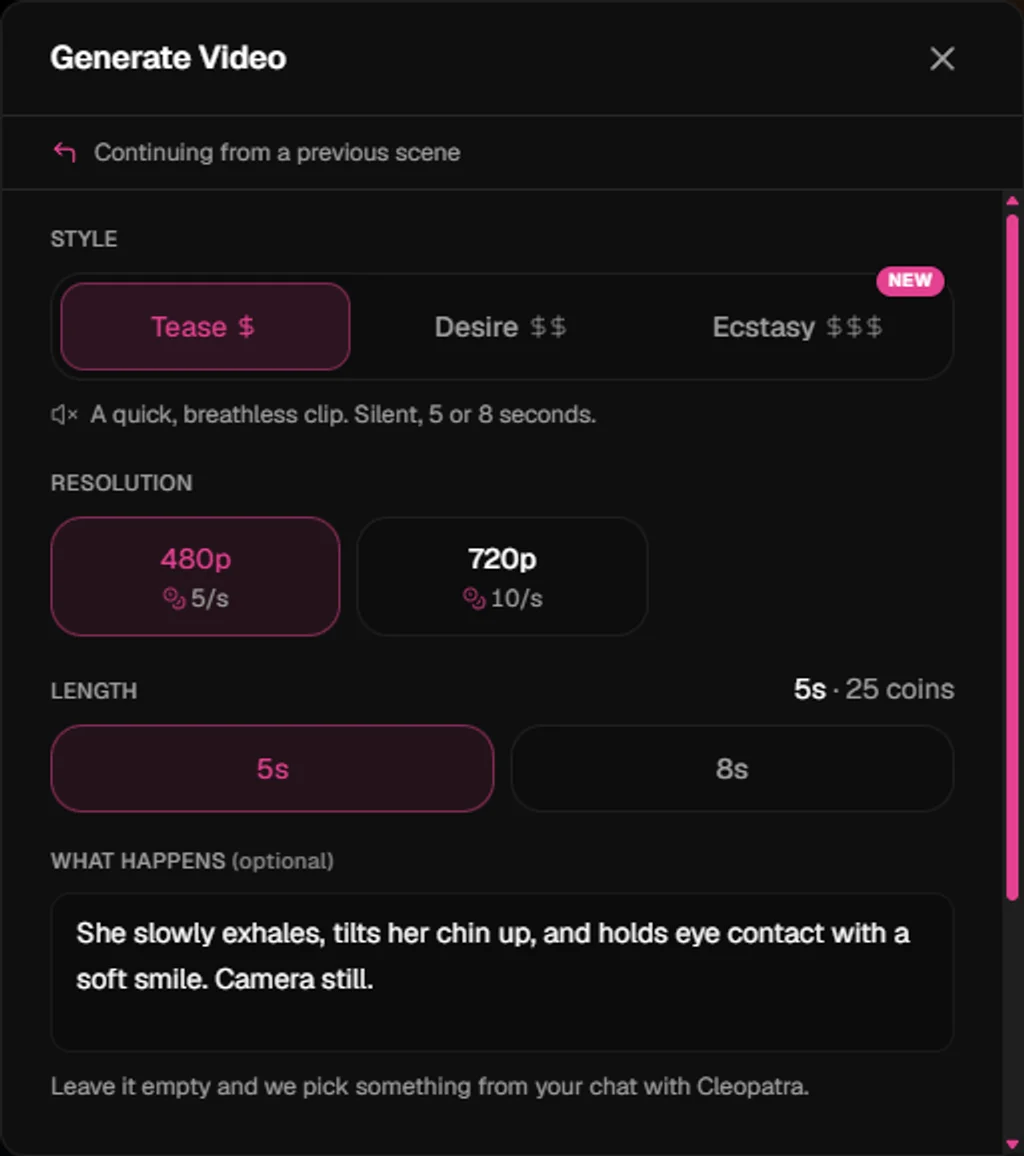
She slowly exhales, tilts her chin up, and holds eye contact with a soft smile. Camera still.
Why this works: The still already shows the kneeling pose, the motion only adds breath, chin tilt and eye contact. Small moves on a 5-second Tease clip stay smooth.
E, The clip. After Generate Video, the finished clip appears in chat:
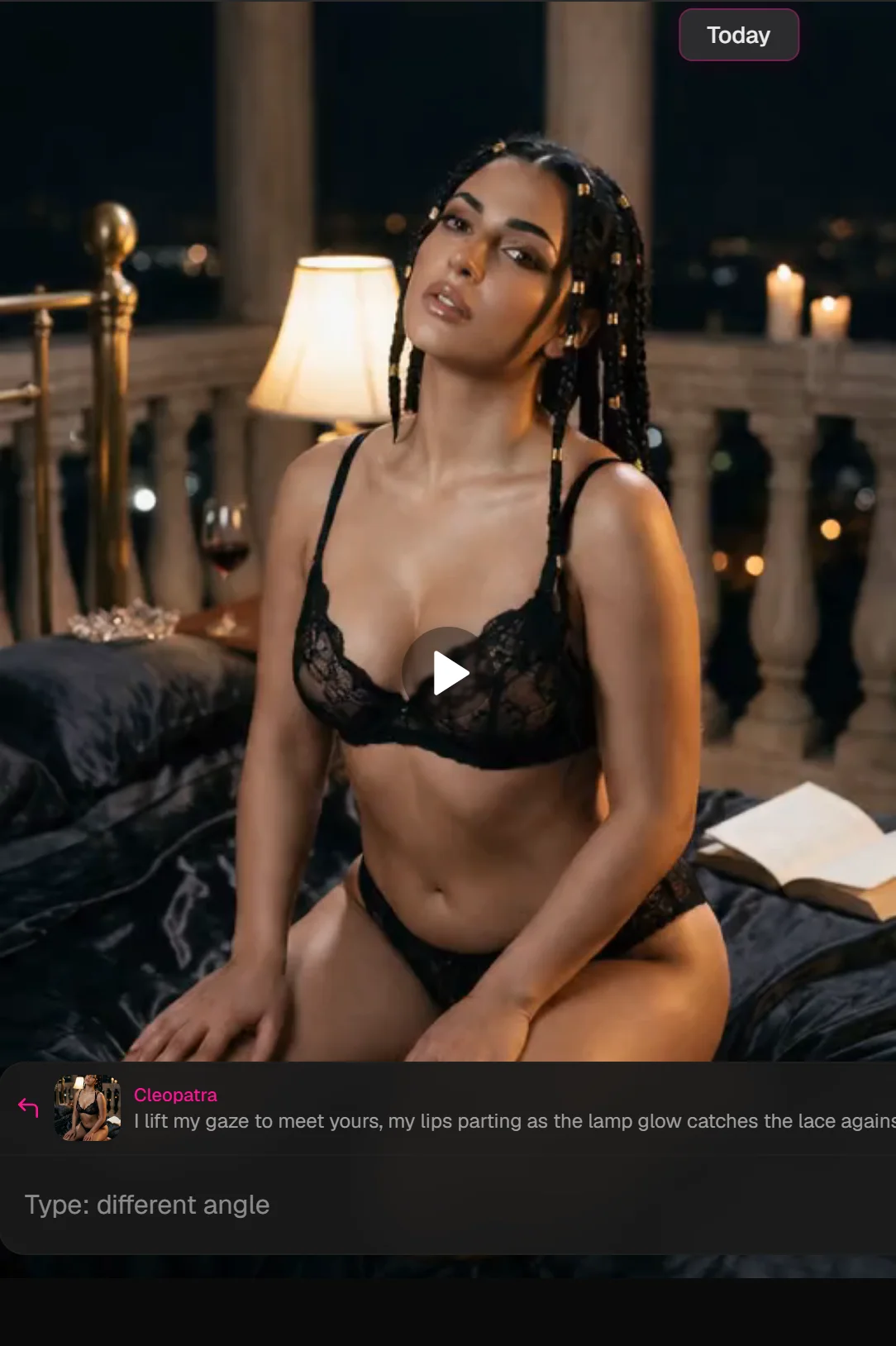
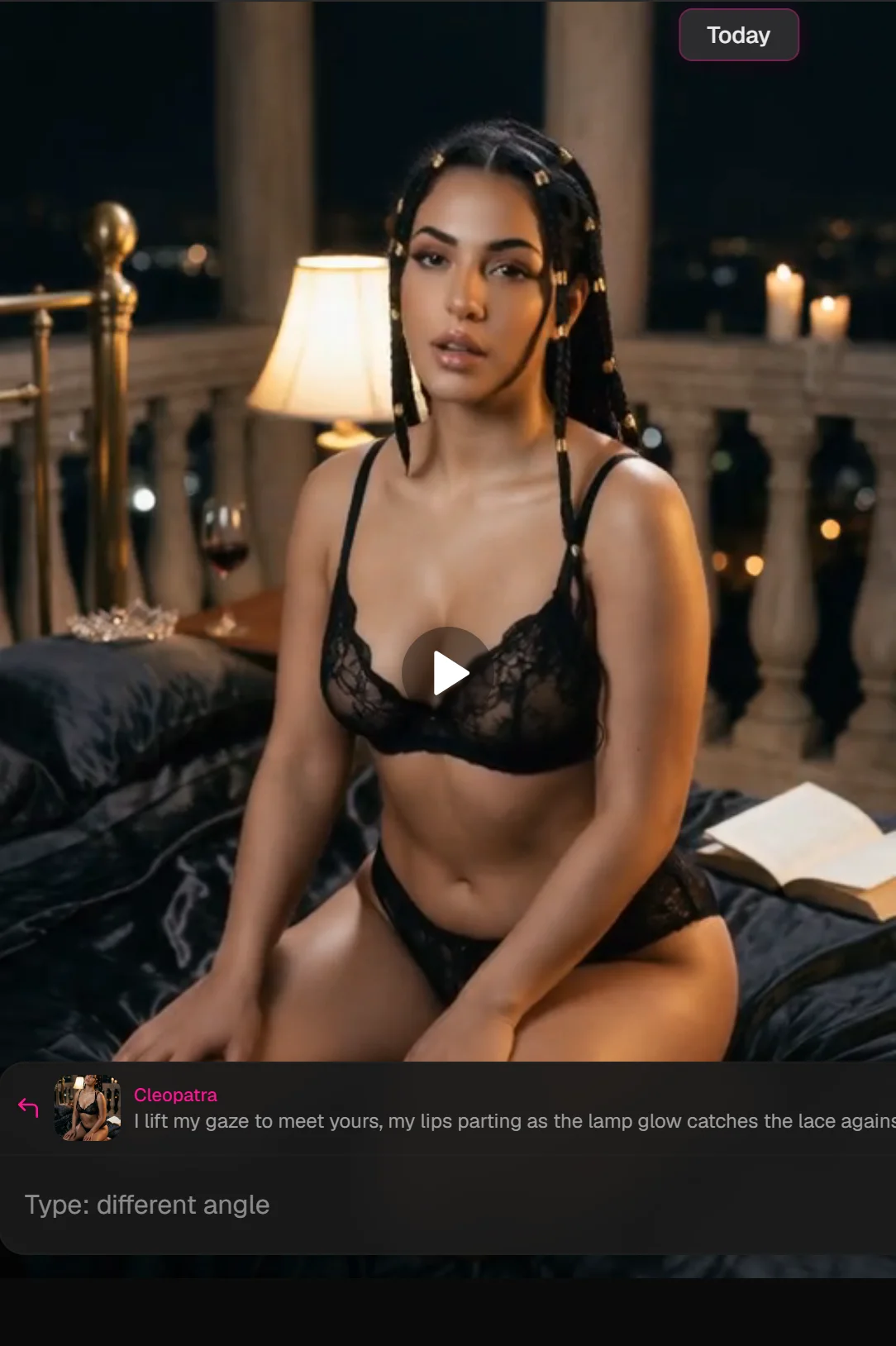
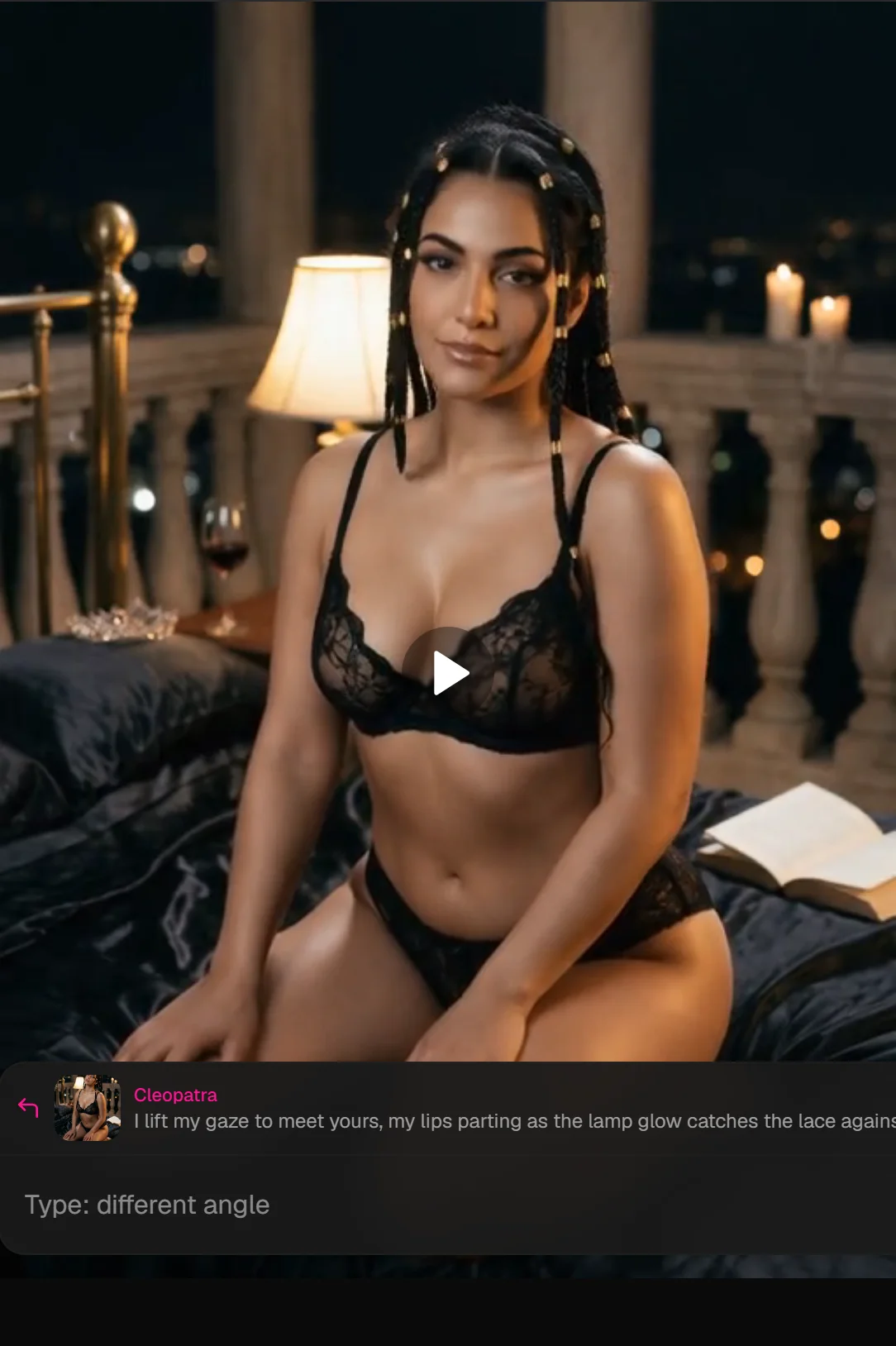
First frames (how motion progresses, frame 0 → mid-clip):
Example 2: Rear-angle / on-all-fours pose
A, Still prompt:
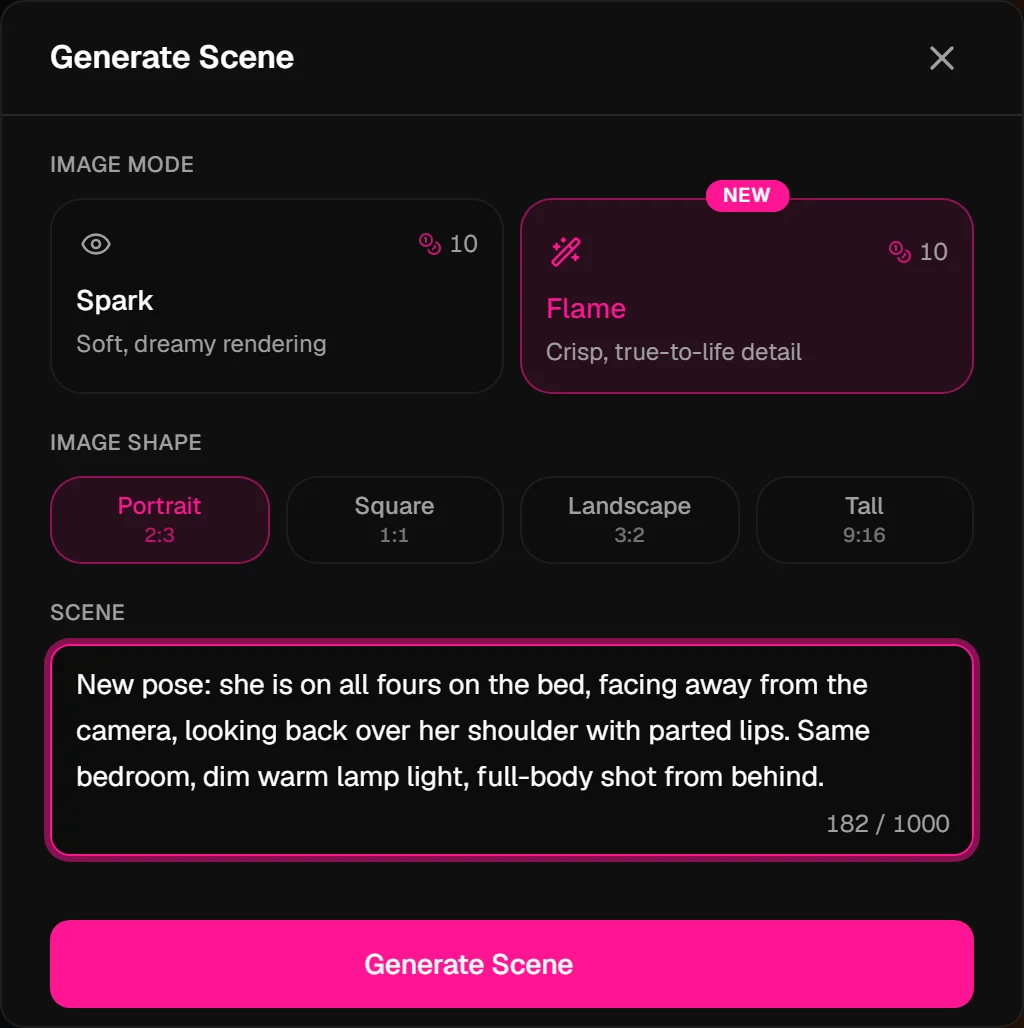
New pose: she is on all fours on the bed, facing away from the camera, looking back over her shoulder with parted lips. Same bedroom, dim warm lamp light, full-body shot from behind.
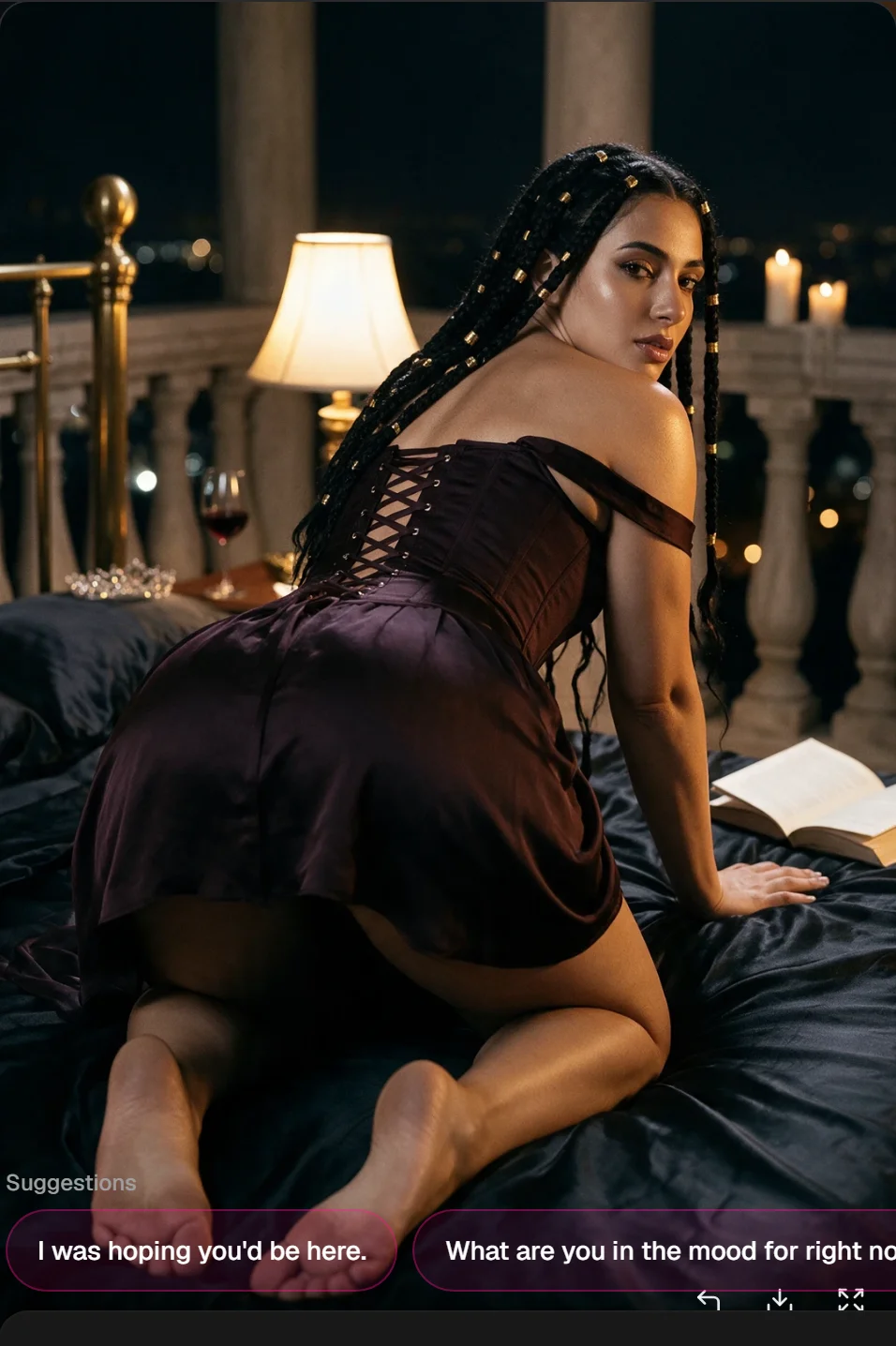
Why this works: Rear angles need explicit direction, "facing away", "looking back over her shoulder", and "full-body shot from behind" tell the model where face and body go. Without that, the video will warp trying to invent the angle.
B, The still:
C, Chain → film icon:

D, Motion prompt:
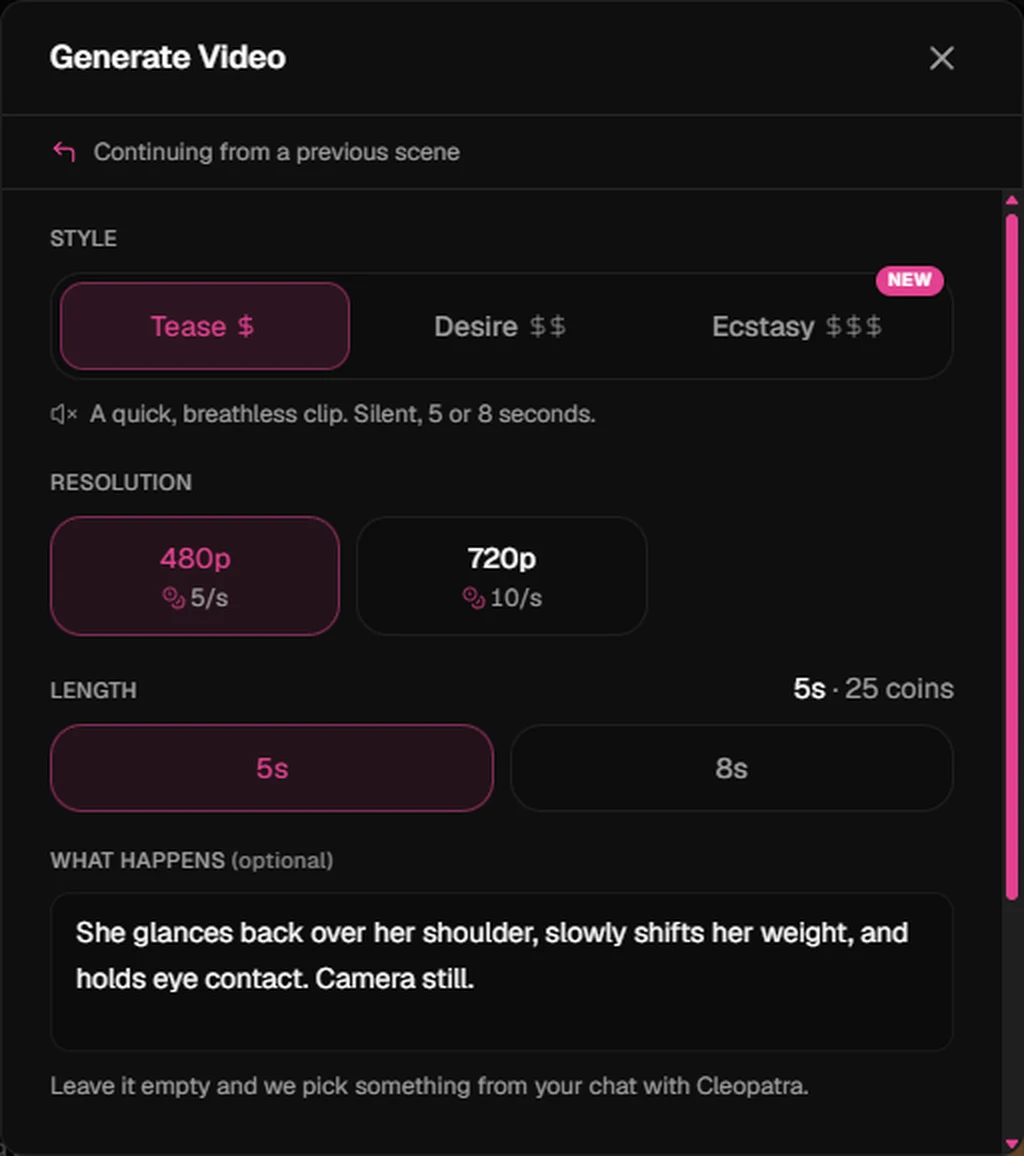
She glances back over her shoulder, slowly shifts her weight, and holds eye contact. Camera still.
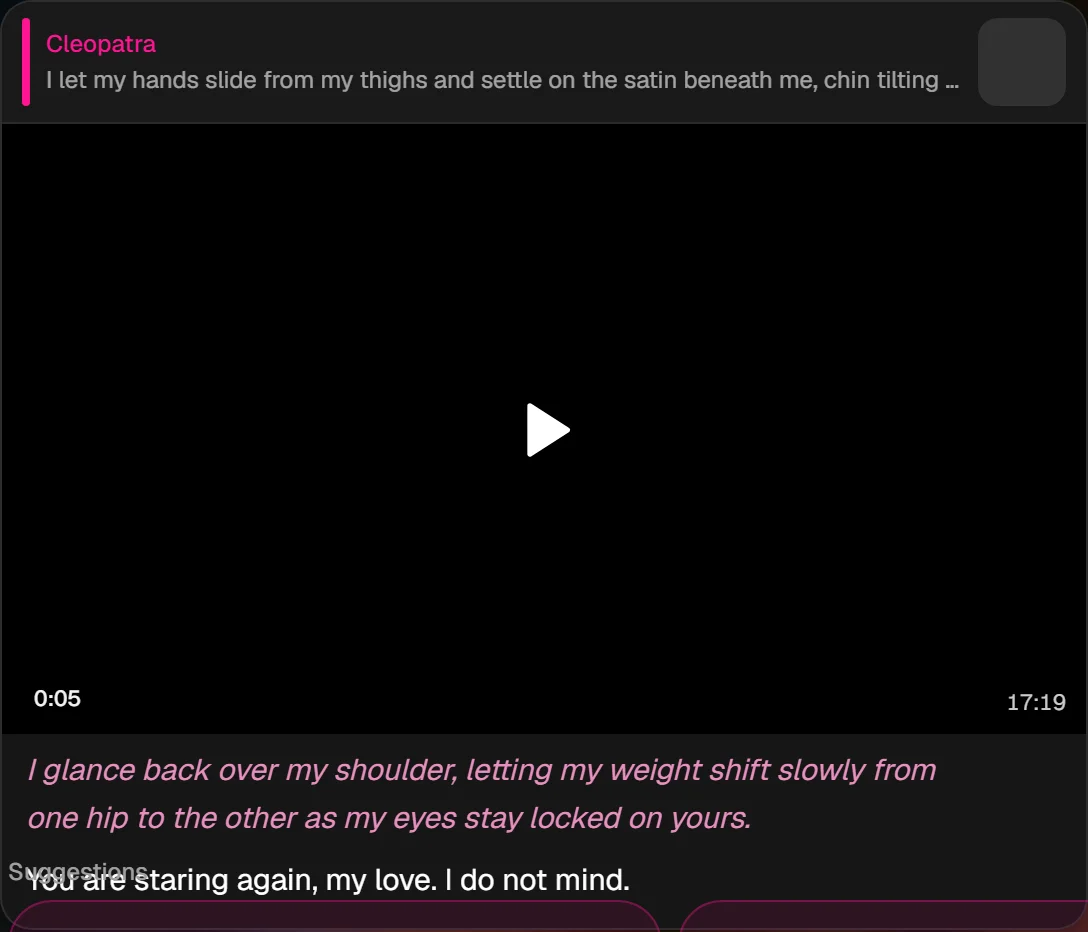
E, The clip + frames:
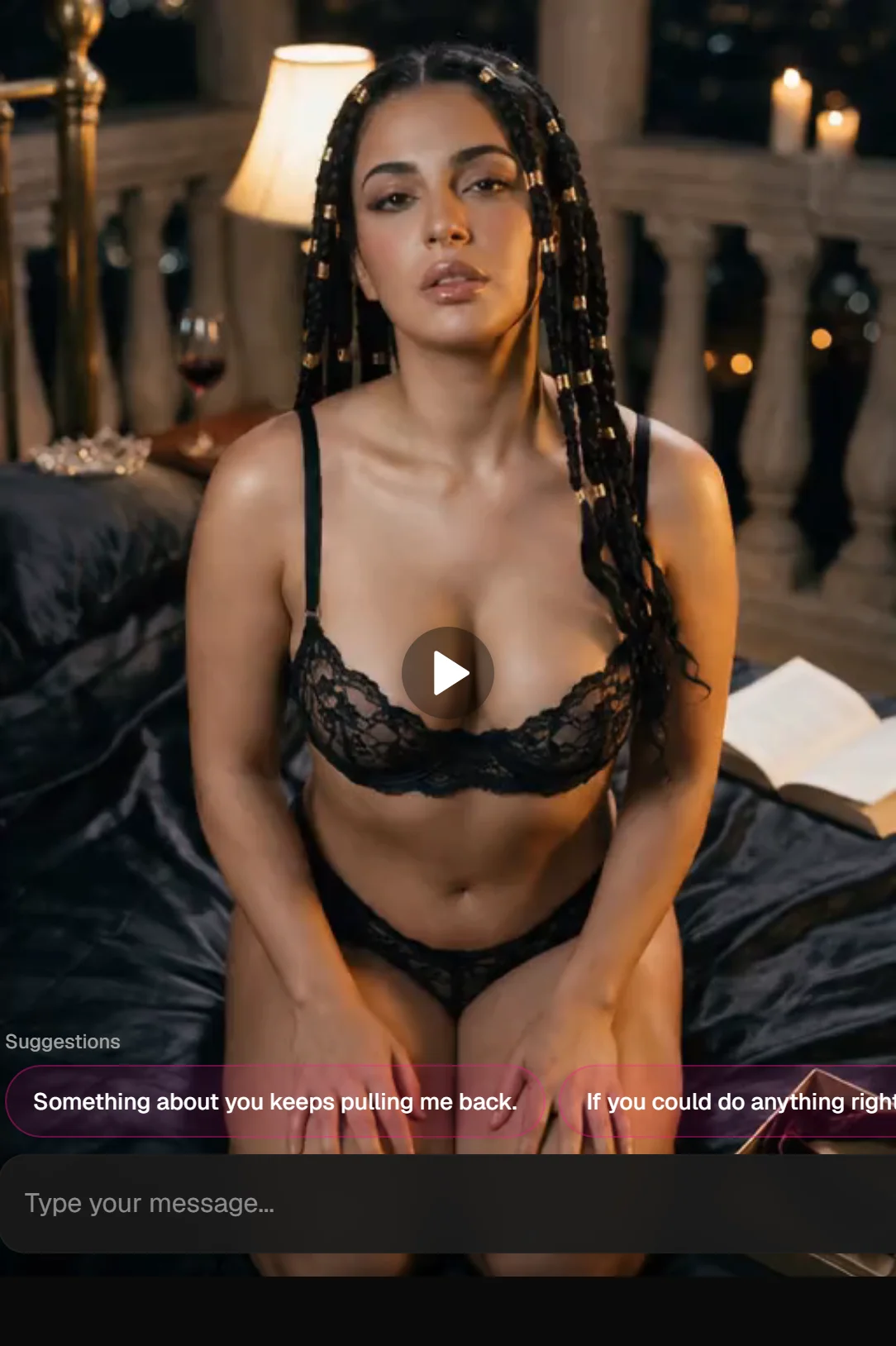
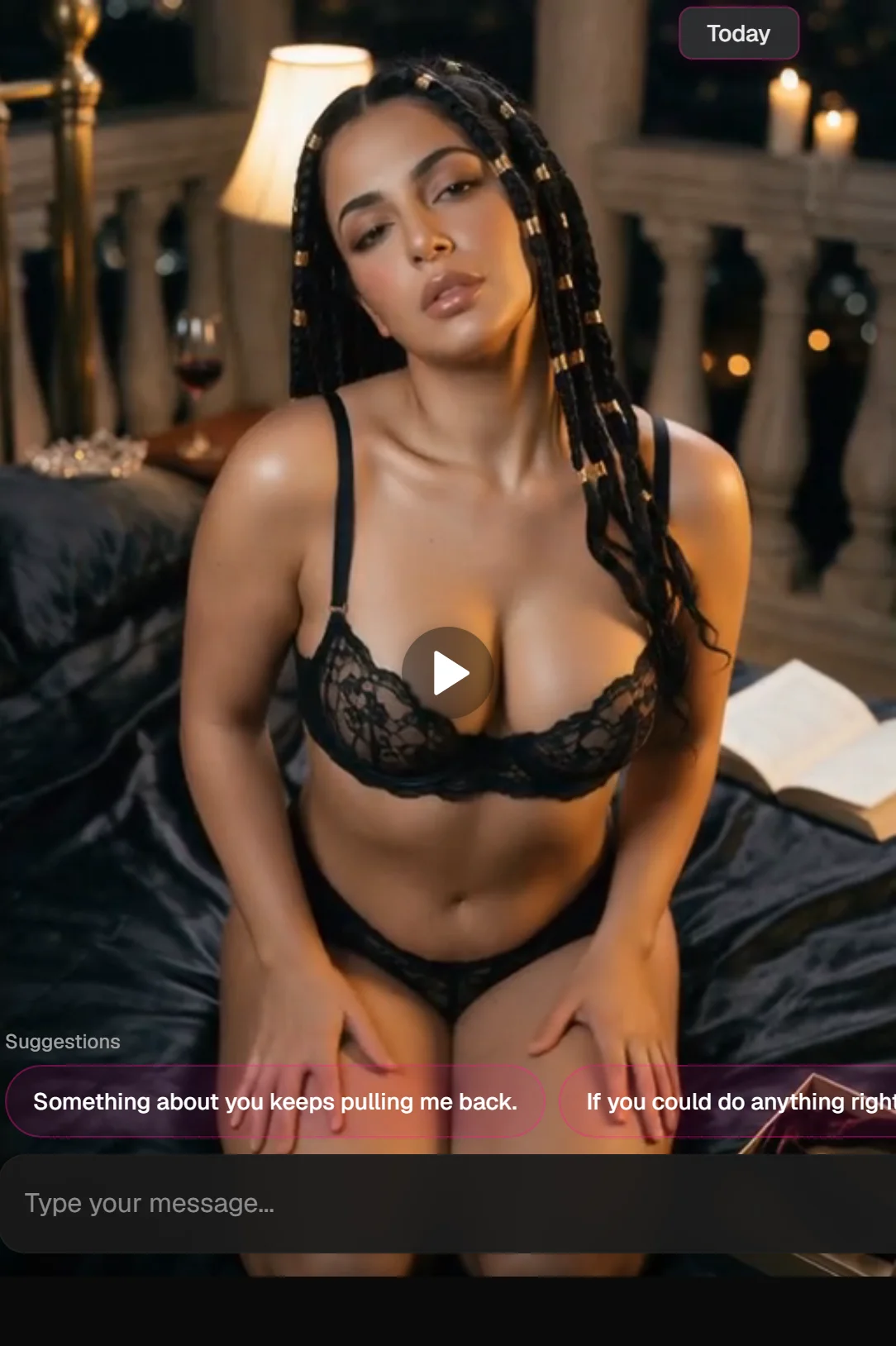
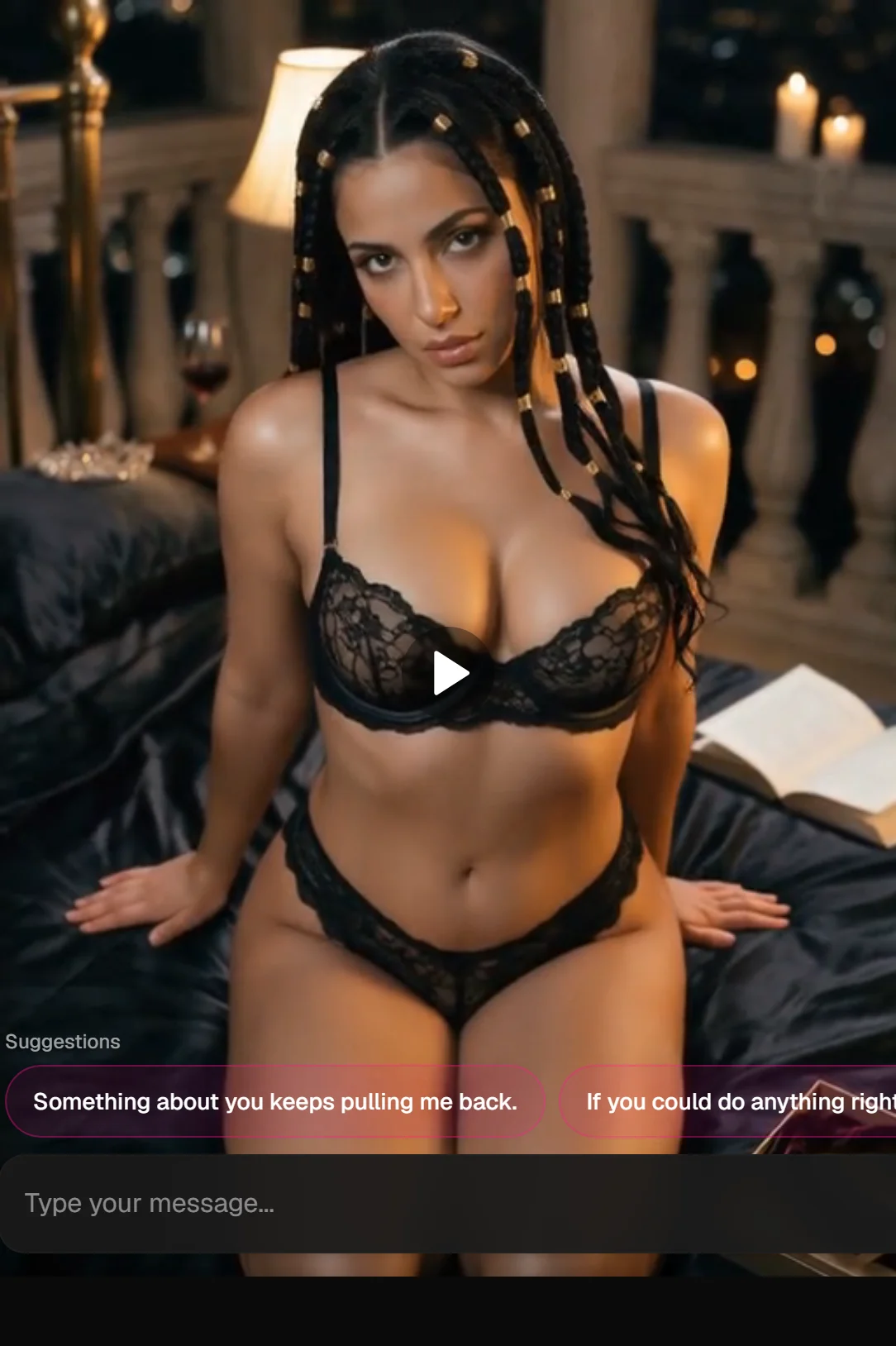
Example 3: Rooftop date (location + flirt motion)
A, Still prompt (moves the whole scene):
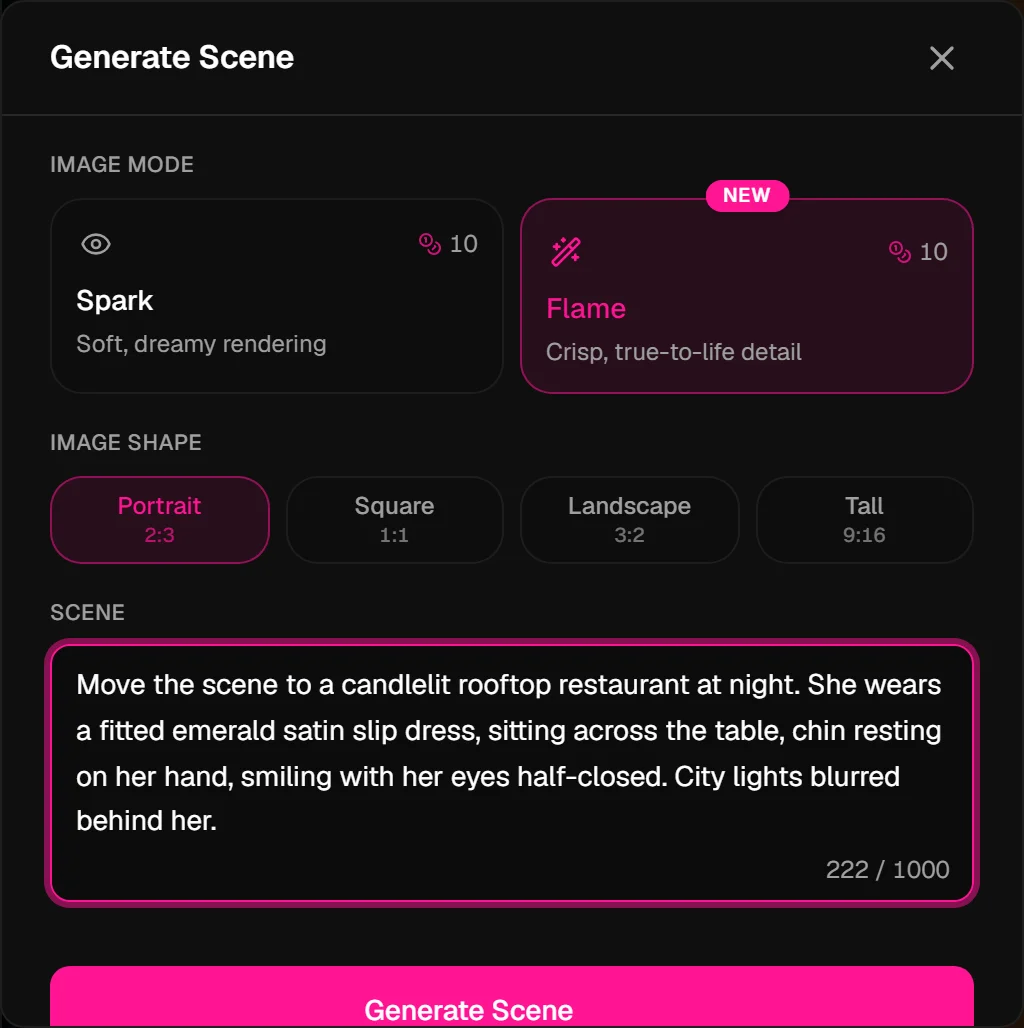
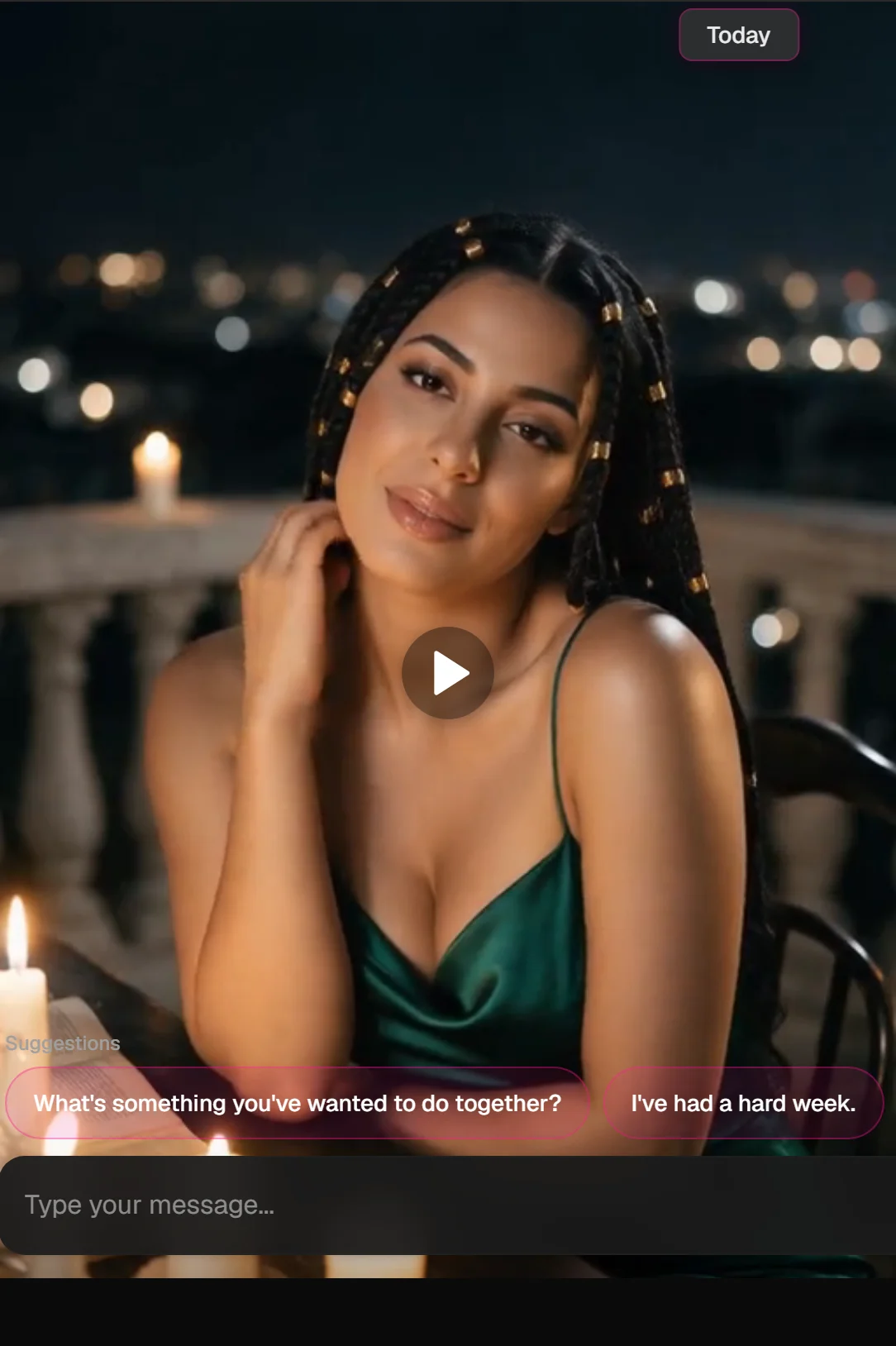
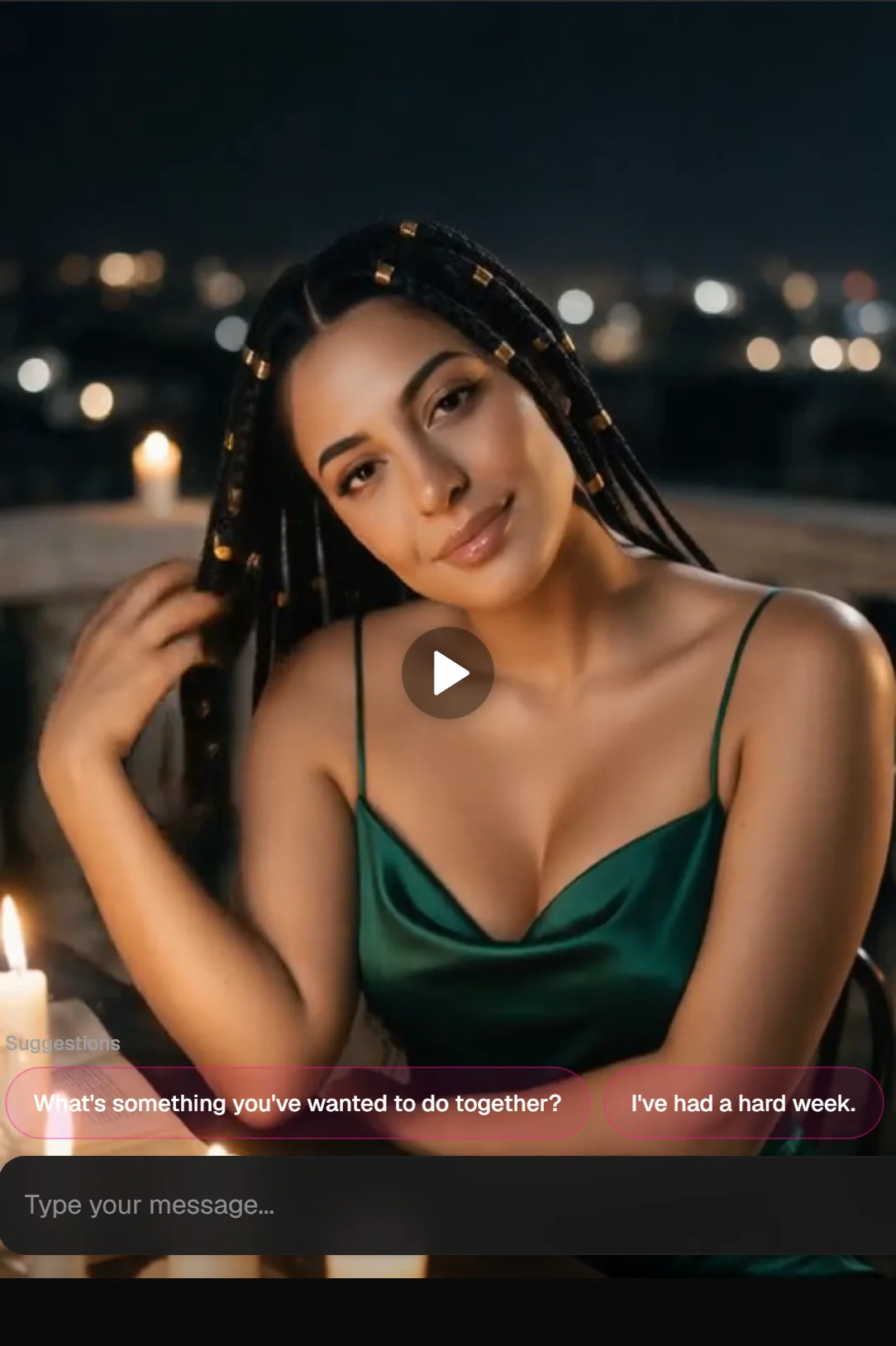
Move the scene to a candlelit rooftop restaurant at night. She wears a fitted emerald satin slip dress, sitting across the table, chin resting on her hand, smiling with her eyes half-closed. City lights blurred behind her.
B, The still:
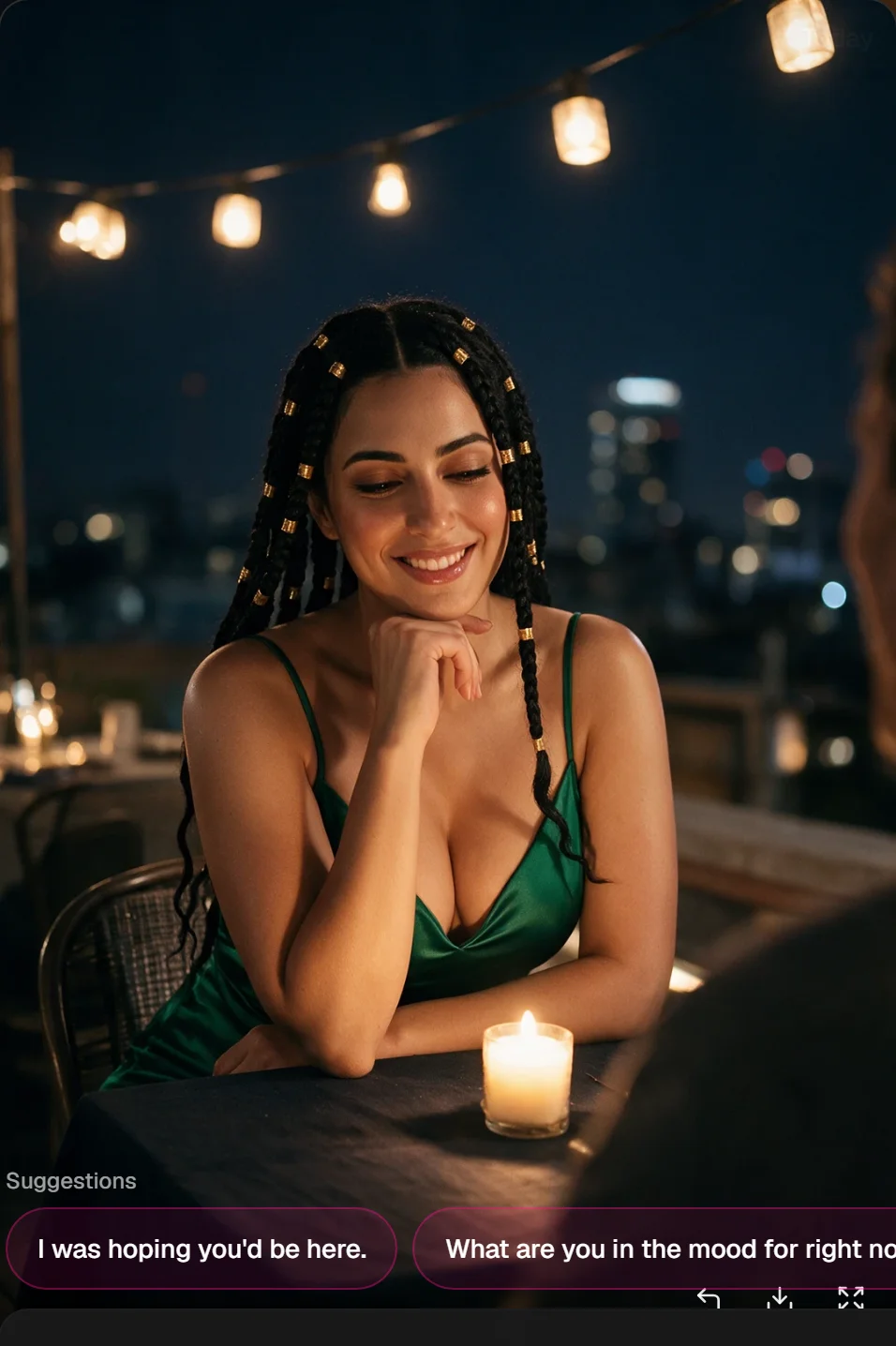
C, Chain → film icon:

D, Motion prompt:
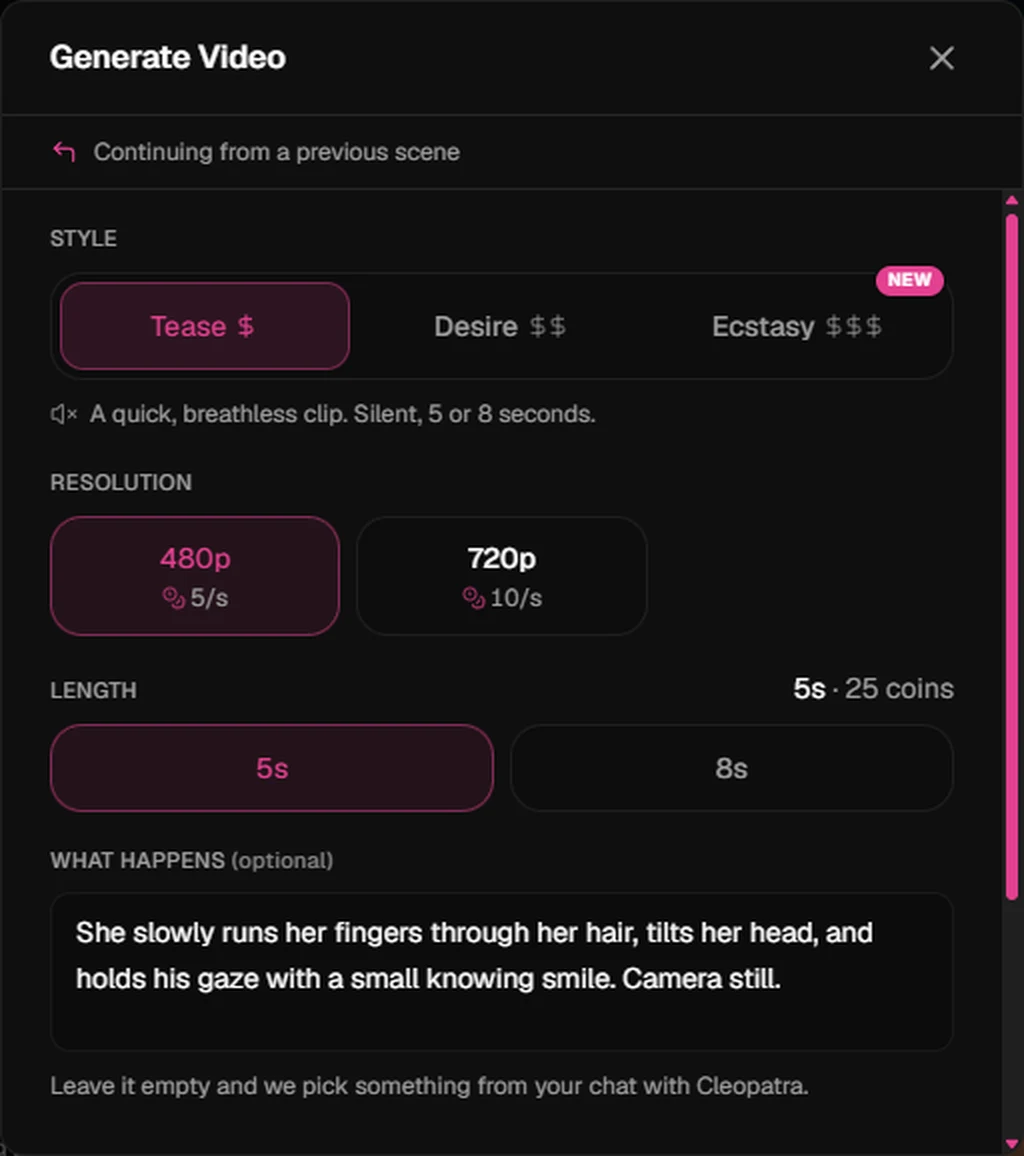
She slowly runs her fingers through her hair, tilts her head, and holds his gaze with a small knowing smile. Camera still.
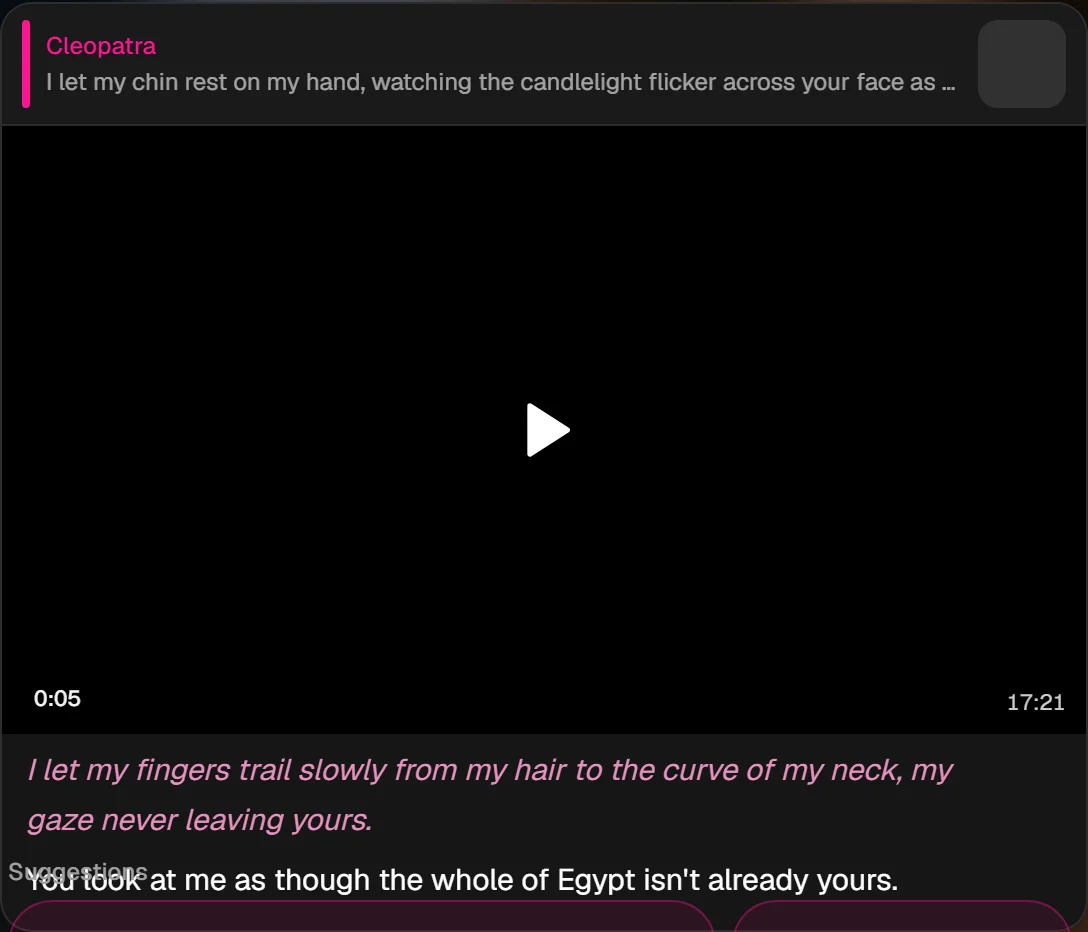
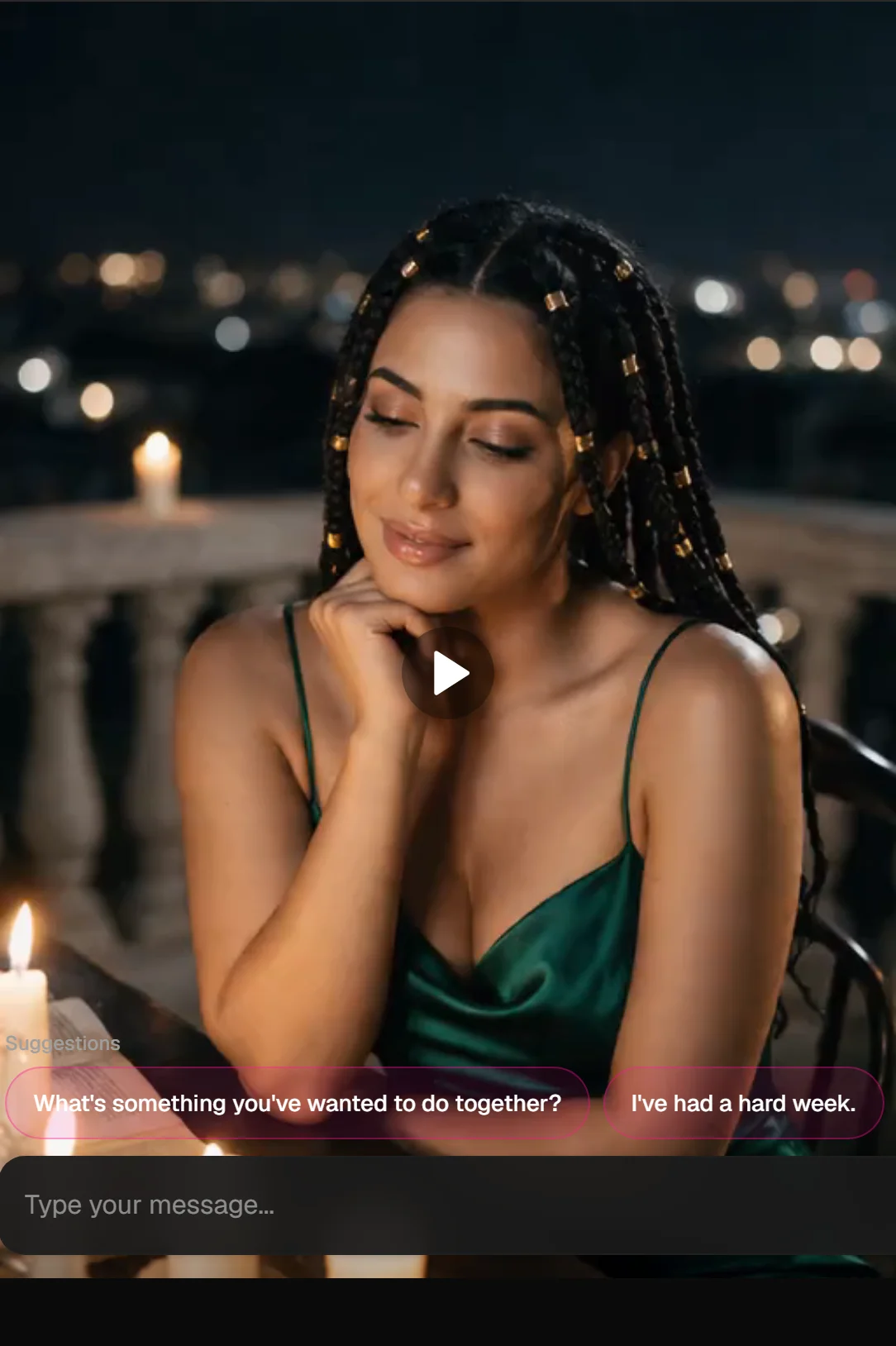
E, The clip + frames:
More motion prompts to copy
2-second micro-tease (Desire): She glances up from under her lashes and her lips curl into a slow, knowing smile.
8-second flirt (Desire, sound on): She leans forward across the table, rests her chin on her hand, and whispers "you're late" before breaking into a soft laugh. Soft café chatter in the background.
10-second reveal (Desire): She stands with her back to him at the window, then slowly turns around, letting the robe slip off one shoulder, and walks two steps toward him while holding his gaze. Camera slowly pulls back.
20-second scene (Ecstasy, sound on): She sets her glass down and walks slowly toward the bed, the silk robe brushing her thighs. She sits on the edge, lets the robe slide off her shoulders, and leans back on her hands. She bites her lip and whispers "your turn". Rain on the window in the background.
Chain clips into a story
Each video can start from any generated image, so you can build a sequence:
- Make scene 1 and animate it.
- Continue from this scene to make the next still (the next moment, or a new angle).
- Animate that still.
- Repeat. Each clip picks up where the last image left off.
Changing one thing per step keeps her looking consistent across the whole story.
Common problems and fixes
| Problem | Likely cause | Fix |
|---|---|---|
| Nearly frozen video | Motion direction too short or vague | Describe a specific action with concrete verbs |
| Jitter or warping | Too much action for the length, speed words, or camera moves stacked | Simplify, say "slowly", keep the camera still |
| The action happened off-screen | Wrong angle in the still | Re-make the still from an angle that shows the action |
| Someone or something appeared from nowhere | Asked for things not in the still | Put them in the image first |
| Dialogue out of sync | Line too long | Keep spoken lines to 5–10 words |
| Face changed | Very large movement in a short clip | Use a longer clip or a smaller action, or switch to Ecstasy |
| Video failed | A temporary problem, or a request the content rules block | Your coins come back automatically. Try rephrasing |
Cost reminders
- Tease: 5/sec at 480p, 10 at 720p (a 5-second clip is 25). Free users pay double: 10 or 20.
- Desire: 30/sec at 720p, 50 at 1080p
- Ecstasy Standard: 15/sec at 480p, up to 55 at 4K
- Ecstasy Fast: 20/sec at 480p, up to 75 at 4K
Sound costs nothing extra in Desire and Ecstasy. Failed videos are refunded. See plans and coins.
What's not allowed
Adult content between fictional adults is allowed. Anything involving minors or characters who look like minors, real people's likenesses, non-consensual or violent harm, or hate is never generated. If part of a prompt breaks the rules, that part is simply left out.
Related: Image generation tips · Video generation · Image generation