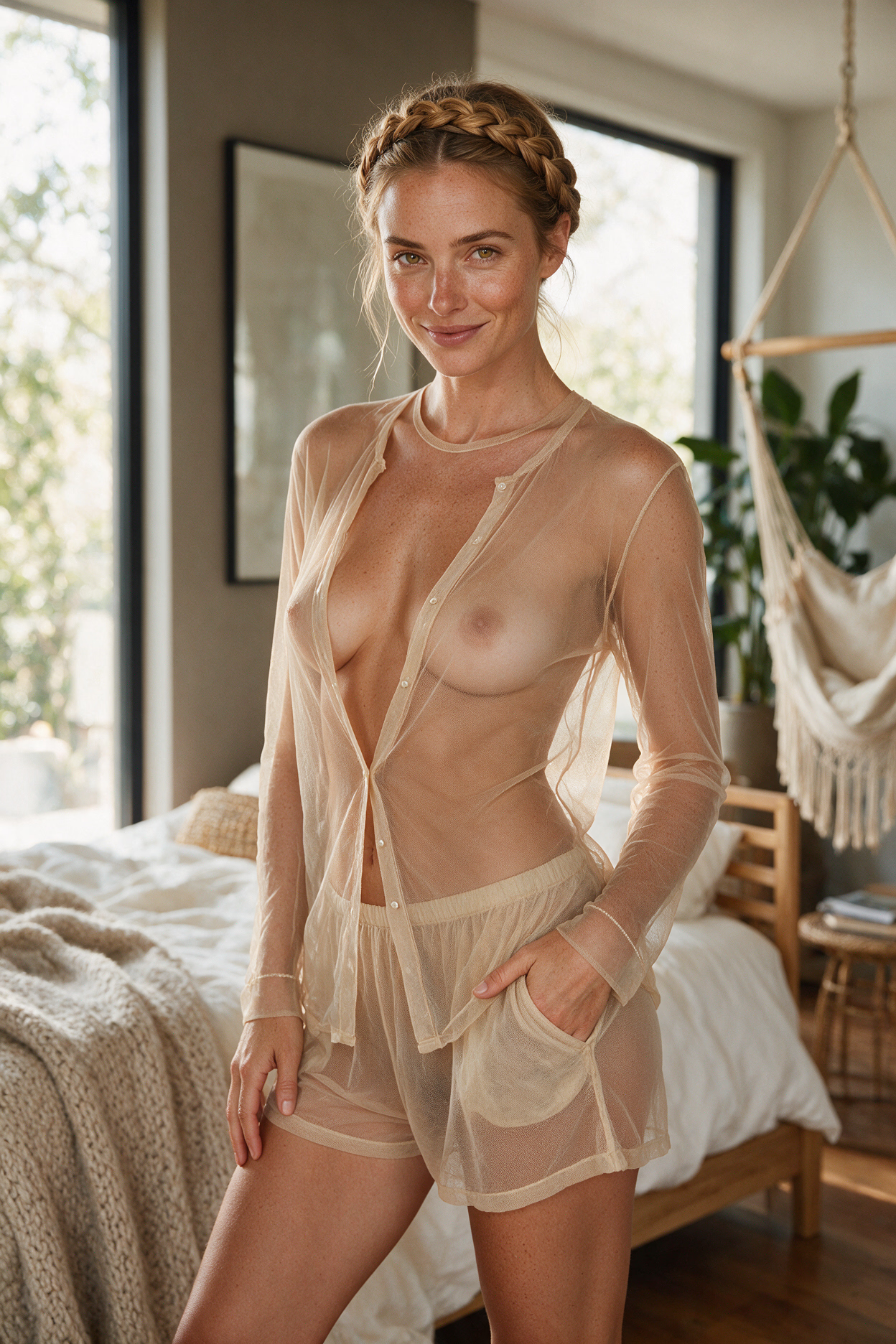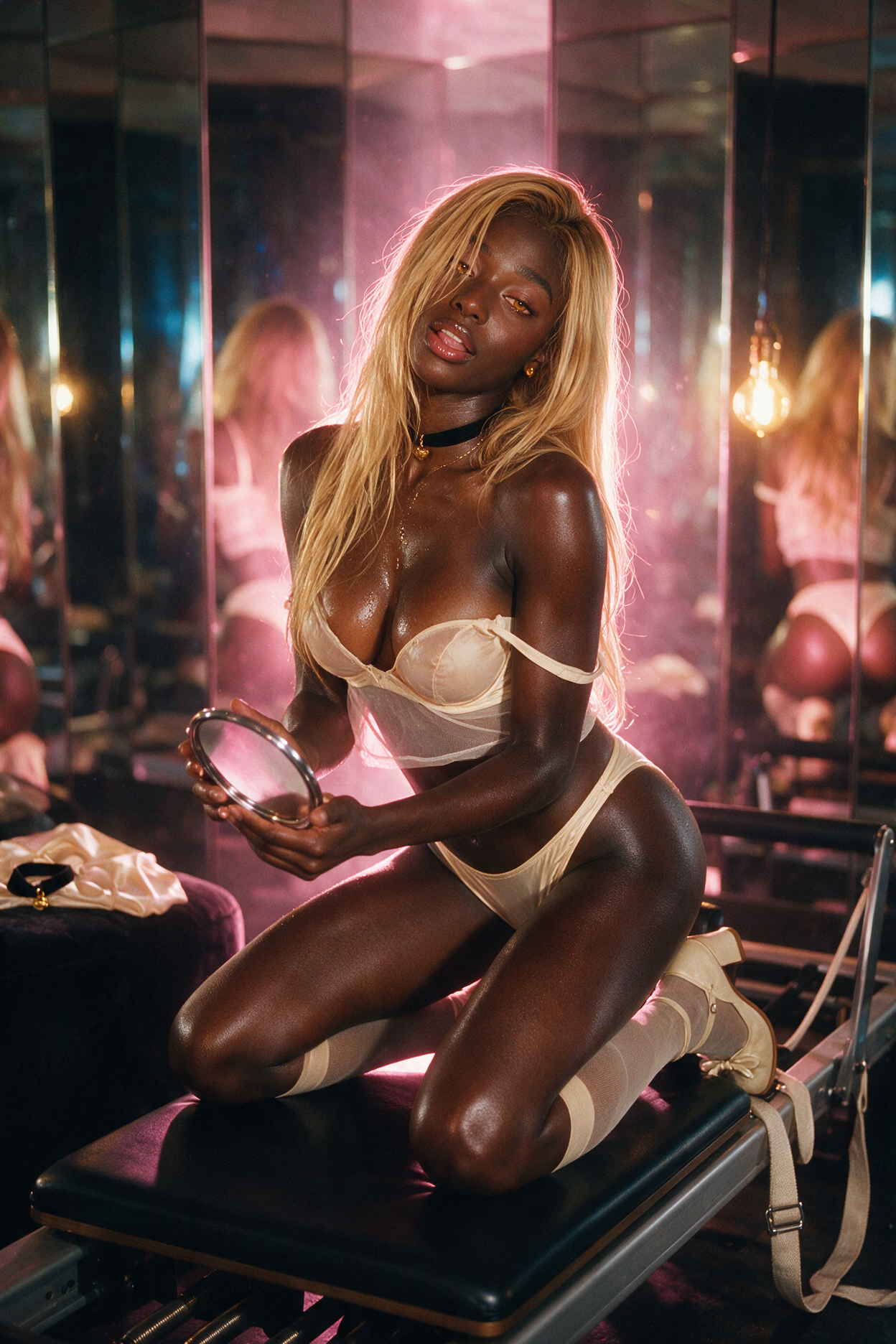

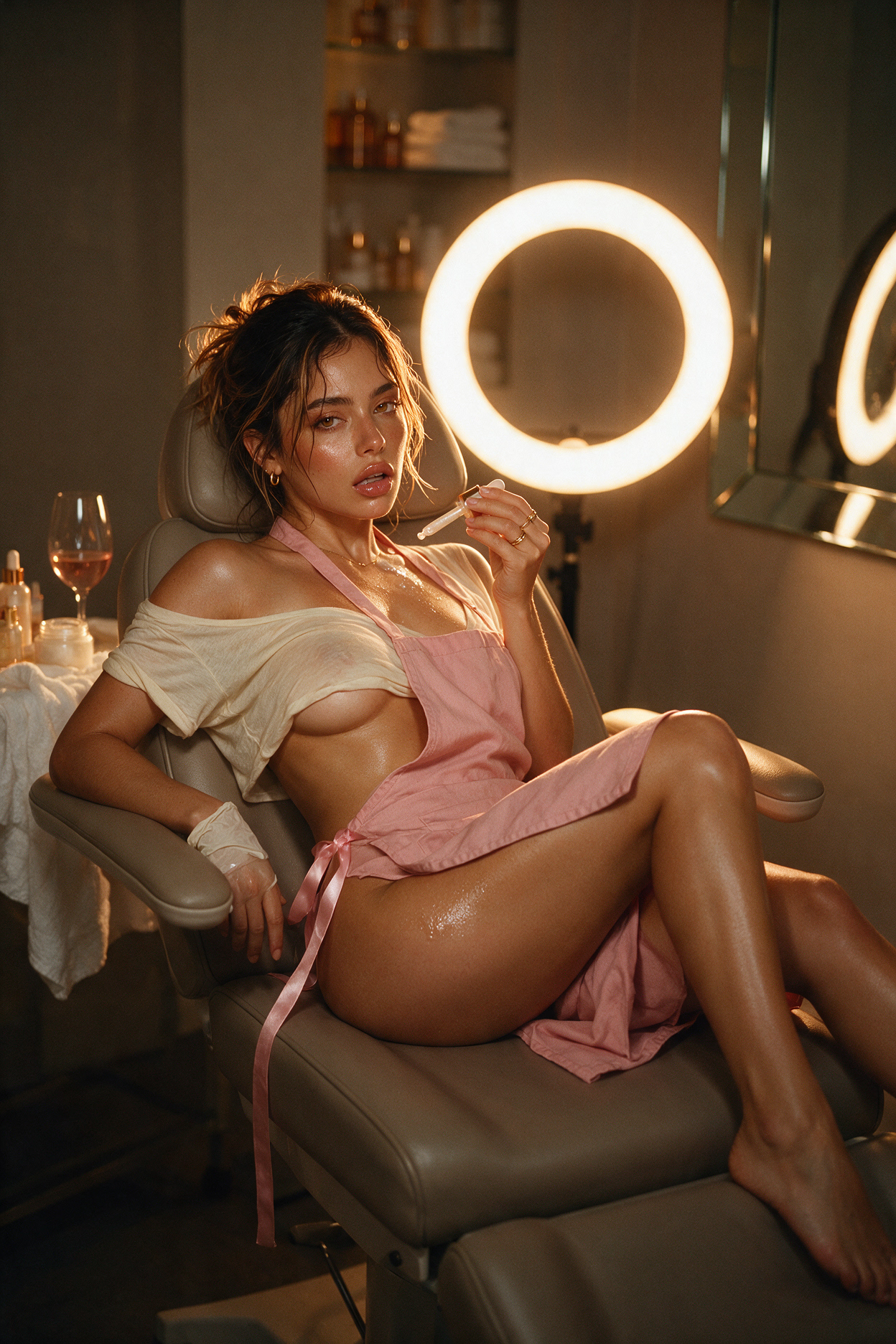
Affiny has three video modes: Tease, Desire and Ecstasy. All three take a still, either a scene from your chat or your companion's portrait, and bring it to life, and all three keep her face. They differ in how long the clip runs, how sharp it is, whether it has sound, and how much can happen in it.
This guide explains each mode, compares their specs, shows the same still animated in all three, and walks through how to pick the right one, judge the result, and avoid the mistakes that waste a render.
Quick answer
Tease for a quick taste, on any plan. Desire for a longer scene with sound. Ecstasy when you want it to look and sound real: up to 30 seconds and 4K, with the steadiest face and body. Desire and Ecstasy are for subscribers.
If you're unsure, test the still in Tease first, then make the real clip in Desire or Ecstasy.
What the three modes are
Think of them as three levels of the same idea: how much of a moment you want to see.
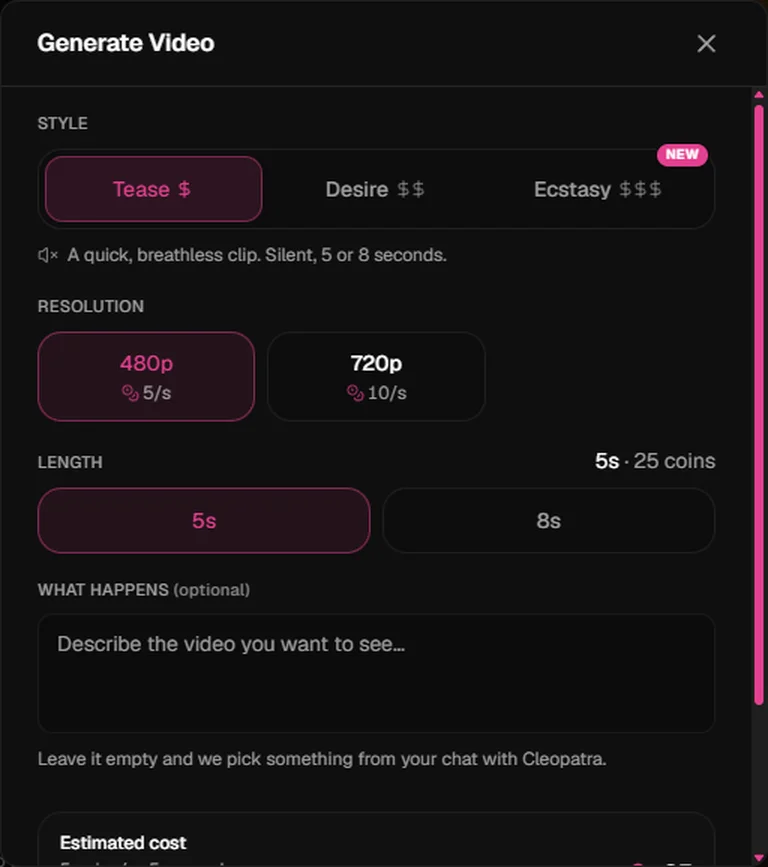
Tease: the glance
A quick, intimate moment. Tease takes one simple motion, a smile, a glance, a sip, a hair flip, and plays it in 5 or 8 seconds. It's silent and keeps the framing of your still. It's the only mode on the free plan, and the cheapest way to see whether a still animates well.
Desire: the scene
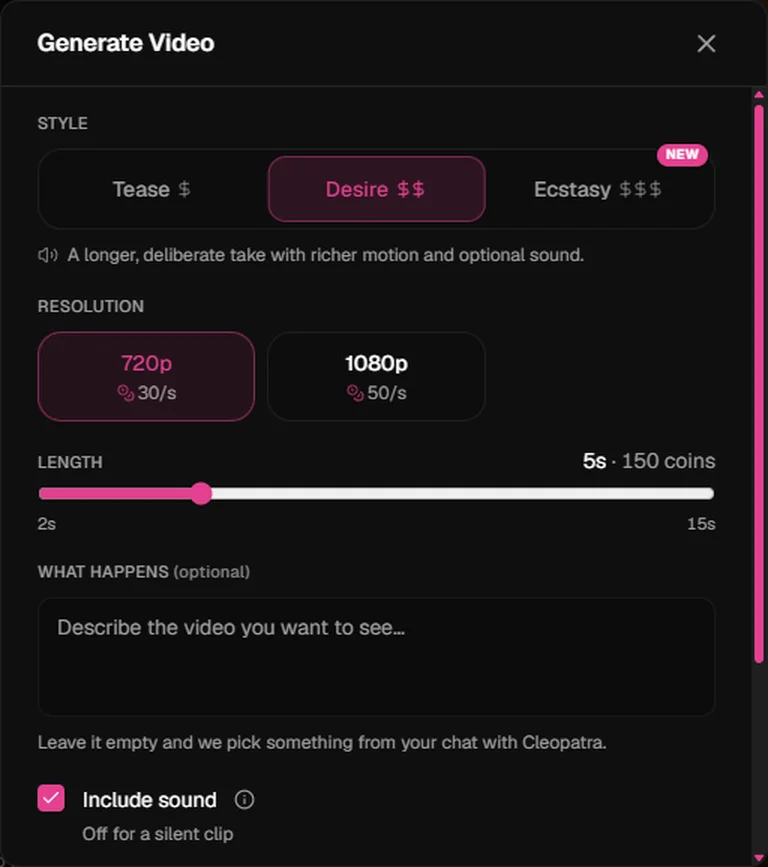
For when you want time and rhythm. Desire plays a scene out second by second: she turns, crosses the room, leans in, says something. It runs from 2 to 15 seconds, at 720p or 1080p, with sound on by default: breath, laughter, a whisper, the room around her. Like Tease, it keeps the framing of your still.
Ecstasy: the full take
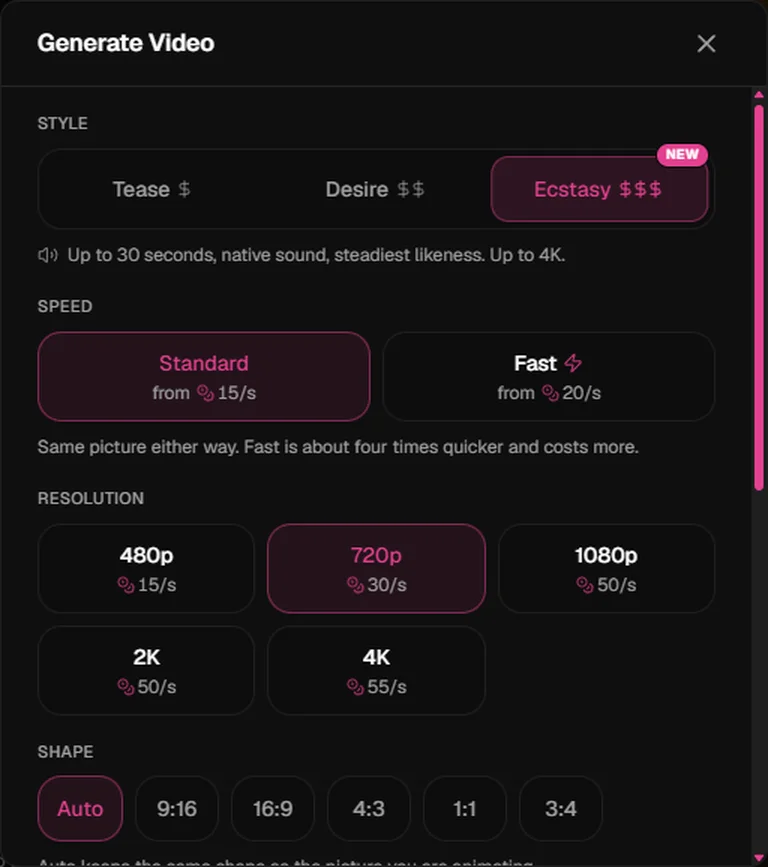
Our newest and most powerful mode. Ecstasy builds a whole scene in stages rather than one movement, and it's the mode that holds her face and body steadiest from the first frame to the last. It runs up to 30 seconds, goes from 480p all the way to 4K, has sound built in, and is the only mode that lets you change the shape of the clip. It also comes in two speeds: Standard, and Fast, which gives the same picture much sooner for a little more.
Specs side by side
| Tease | Desire | Ecstasy | |
|---|---|---|---|
| Who | Every plan | Subscribers | Subscribers |
| Length | 5 or 8 sec | 2 to 15 sec | 2 to 30 sec |
| Resolution | 480p, 720p | 720p, 1080p | 480p, 720p, 1080p, 2K, 4K |
| Sound | Silent | On by default | On by default |
| Shape | Same as your still | Same as your still | Auto (same as your still), 9:16, 16:9, 4:3, 1:1, 3:4 |
| Speed | One speed | One speed | Standard or Fast |
| What happens | One simple motion | A scene, second by second | A full scene in stages |
| Face and body | Steady for small motions | Steady for moderate motion | Steadiest of the three |
| Relative cost | $ | $$ | $$$ (Fast costs a little more) |
All three are priced per second, by mode and resolution. The exact rates are in the price table, and the panel shows the total before you tap Generate Video.
One still, three modes
To see the difference for yourself, here is the same still animated in each mode, with a direction written for what that mode does best. Same companion, same starting frame, made on the same day.
The still: a crisp Flame image of her at a candlelit rooftop table at night, holding a glass of wine. This is the exact frame we used as the starting image for all three clips below.

Tease · 480p · 8 seconds, "She lifts the glass, takes a slow sip, and smiles at the camera."
Desire · 720p · 8 seconds · sound on, "She sets the glass down, leans toward the camera and whispers 'you're late', then laughs softly. Soft city noise in the background."
Ecstasy · Standard · 720p · 8 seconds · sound on, "She sets the glass down, stands, walks toward the camera, leans in close and whispers 'come closer'. Wind and distant traffic."
Watch for three things as you compare: how much of the direction each mode completes, whether her face and body stay the same throughout, and how natural the movement and sound feel.
What we found in testing
Across our own test runs in September 2026:
- Tease nails one motion. A single slow action lands cleanly. When we asked a 5-second Tease clip for several actions in a row, it only managed part of it. Keep Tease to one thing.
- Desire needs room. A 2-second Desire clip with a big movement squeezed into it warped her body slightly. Give Desire at least 5 seconds for anything bigger than a small gesture.
- Ecstasy looks the most real. Motion was the most natural of the three, her voice matched what she was doing, and her body never warped, even in the shortest clip.
- Waits were short. Tease and short Desire clips arrived in about 30 to 45 seconds. Ecstasy Fast at 720p took about 45 seconds; Ecstasy Standard took around a minute and a half. 4K clips in Fast mode took just under three minutes. Your wait depends on length, resolution and how busy things are, so check the estimate in the panel.
How to judge a clip
Whichever mode you use, check the result against these five things. If one fails, the fix is usually in the still or the direction, not the mode.
| Check | What good looks like | If it fails |
|---|---|---|
| Did it follow the direction? | The action you wrote happens, in order | Simplify the direction, or give it more seconds |
| Is she still her? | Same face, hair, outfit and body from start to finish | Use a clearer still with her face well lit, or switch to Ecstasy |
| Does the motion feel natural? | Smooth, no jitter, no melting hands | Say "slowly", remove fast words, keep the camera still |
| Does the sound fit? (Desire, Ecstasy) | Voice and sounds match what she's doing | Keep spoken lines to 5–10 words; name the background sound |
| Is it sharp enough for where you'll watch it? | Clean detail on your screen | Raise the resolution, or start from a sharper still |
Which one to use when
| You want… | Pick | Why |
|---|---|---|
| To test whether a still animates well | Tease | Quickest and cheapest way to check |
| A glance, a smile, a wink, a hair flip | Tease | One small motion fits 5 or 8 seconds |
| To make free coins go as far as possible | Tease at 480p | The lightest clip there is |
| To hear her: a whisper, a laugh, a moan | Desire or Ecstasy | Both have sound |
| A turn, a walk, a slow reveal | Desire | Enough time to play out a scene |
| A scene with several steps | Ecstasy | Builds the scene in stages, up to 30 seconds |
| Her face and body to stay perfectly steady | Ecstasy | Steadiest likeness of the three |
| A crisp 2K or 4K clip | Ecstasy | The only mode above 1080p |
| A phone-style vertical or a wide cinematic clip | Ecstasy | Pick 9:16 or 16:9 under Shape |
| The result as soon as possible | Ecstasy Fast | Same picture, much quicker |
Getting the most out of each mode
Write the direction for the mode
The What happens box takes up to 5,000 characters, but more words don't mean a better clip. Match the amount of action to the mode and the length:
| Mode and length | How much to ask for | Example |
|---|---|---|
| Tease, 5–8 sec | One slow action | She tucks her hair behind her ear and smiles slowly. |
| Desire, 8–15 sec | A short scene with a clear beginning and end | She turns from the window, walks two steps toward the camera and whispers "there you are". |
| Ecstasy, 15–30 sec | Several beats, in order | She sets her glass down, walks to the bed, sits on the edge, lets her robe slide off one shoulder and leans back on her hands, smiling. |
Leave the box empty and your companion picks something from your chat. That works well when the chat already describes the moment.
Choose the settings
- Resolution. 720p is the sweet spot for phones. Go to 1080p for a big screen, and 2K or 4K (Ecstasy) for clips you'll keep or watch full screen on a large display.
- Length. Pick the shortest length your action needs. Extra seconds with nothing to do make movement drift.
- Shape (Ecstasy). Auto keeps your still's shape and is usually the safest. Pick 9:16 for a phone-style vertical, 16:9 for a wide, cinematic clip.
- Speed (Ecstasy). Standard unless you're waiting on it; Fast gives the same picture sooner for a little more.
- Sound (Desire, Ecstasy). On by default. Name the sounds you want ("rain on the window", "soft music") and keep spoken lines short.
A workflow that saves coins
- Make a sharp still first. Use Flame for crisp first frames, with the outfit, pose and setting you want.
- Test it in Tease. A 5-second clip shows whether the pose moves well.
- Make the real one in Desire or Ecstasy. Add sound, more time and more happening.
- Chain the next moment. Use Continue from this scene to make the next still, then animate that.
Common mistakes
- Too much in too little time. Three actions in a 5-second Tease clip, or a big move in 2 seconds of Desire. Cut the action or add seconds.
- Asking for something that isn't in the still. A new outfit, a new room or a prop she isn't holding usually fails. Put it in the image first.
- Not saying who's there. If it's just her, say so. Be explicit when you want someone else in the scene.
- Stacking camera moves. Keep the camera still, or ask for one slow move at most.
- Fast words. "Quickly", "suddenly" and "immediately" cause jitter. Use "slowly" and "gently".
- Long spoken lines. Lip-sync is best with 5 to 10 words.
- A soft or odd-angled still. The video starts from that exact frame. A clear face and a three-quarter view animate best.
More prompts and fixes are in video generation tips.
Free users vs subscribers
| Free | Companion or Intimate | |
|---|---|---|
| Tease | Yes | Yes, at half the free price |
| Desire | Locked | Yes |
| Ecstasy | Locked | Yes |
| Sound | — | Desire and Ecstasy |
| Best starting point | Tease at 480p, 5 seconds | Test in Tease, finish in Ecstasy |
On a free account, Desire and Ecstasy show a lock. Tap one to see what a subscription adds.
More creative freedom
All three modes follow your direction closely, with far fewer requests toned down or turned away than before. Adult scenes between fictional adults work in every mode, under the same content rules as chat and images.
Where to next
- Video generation: the step-by-step guide and full price table
- Video generation tips: motion prompts, sound and fixes
- Spark vs Flame: pick an image mode for your first frame