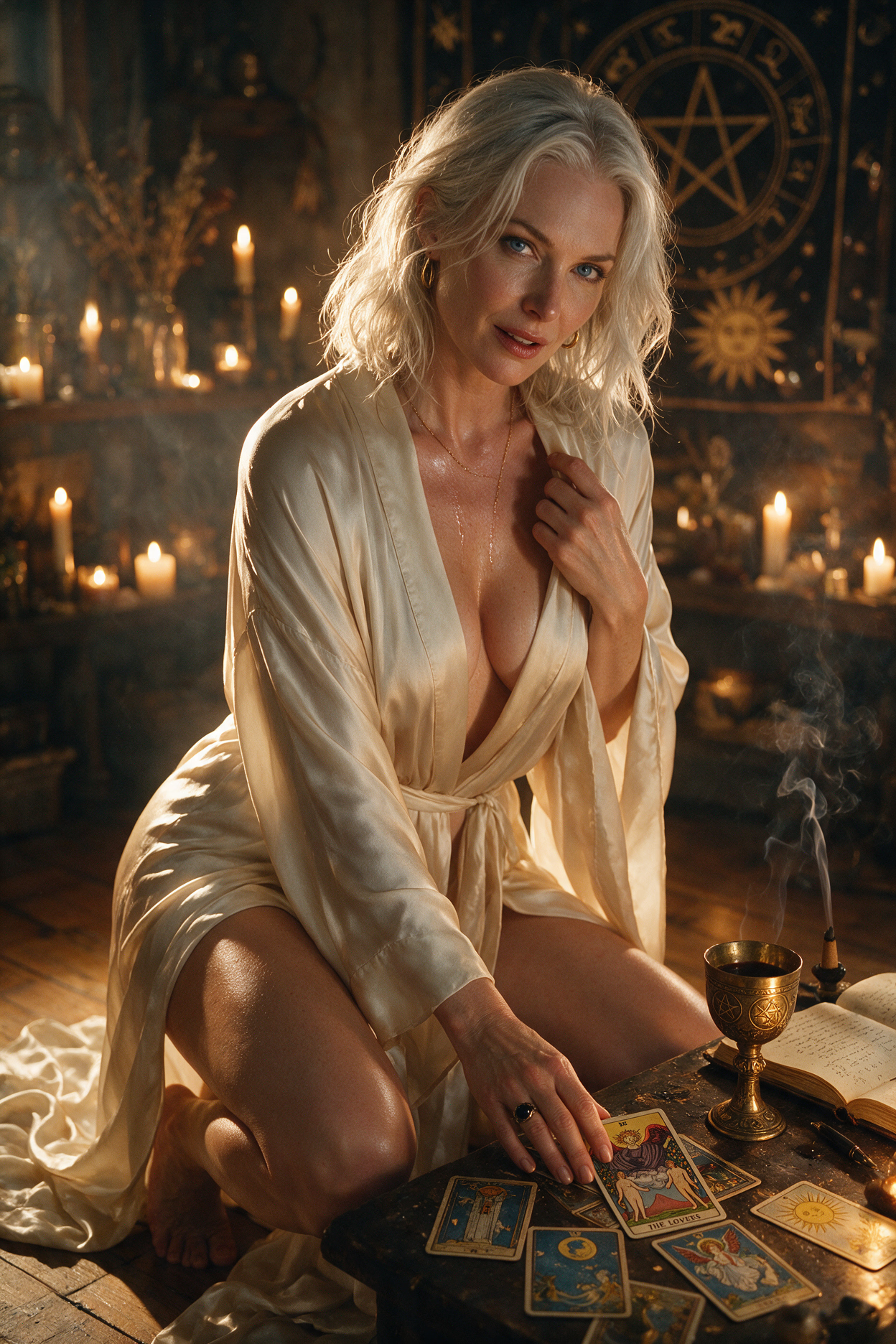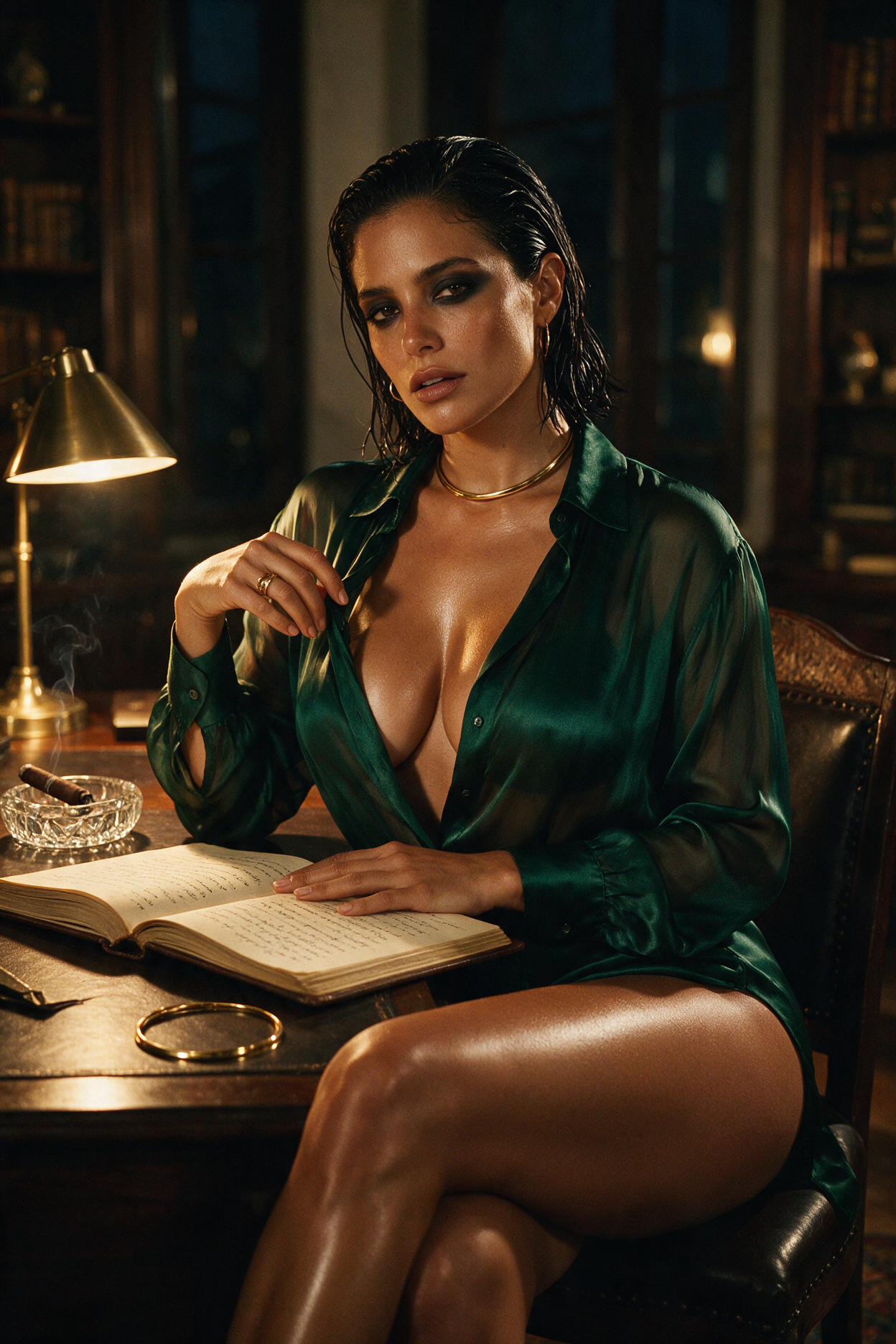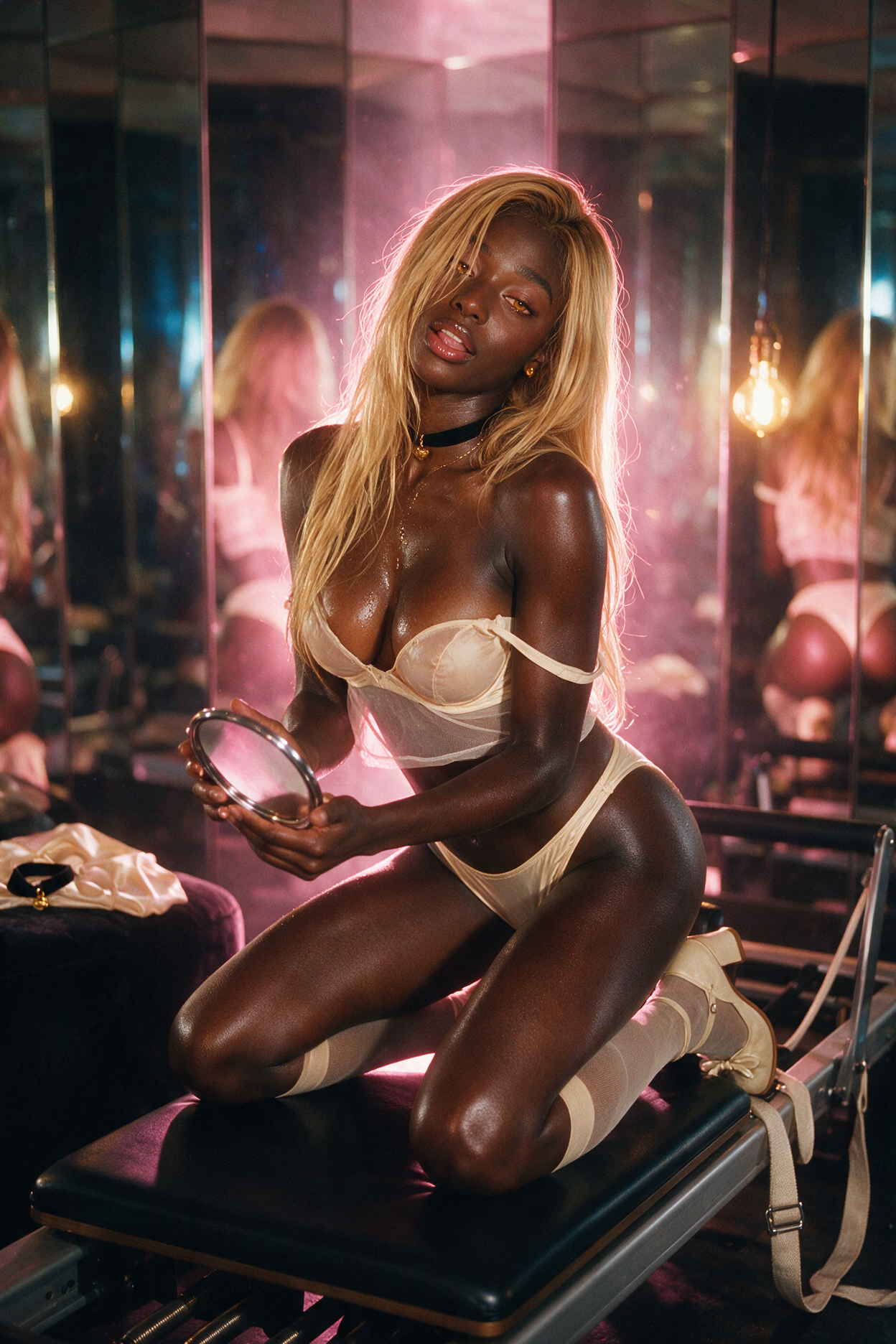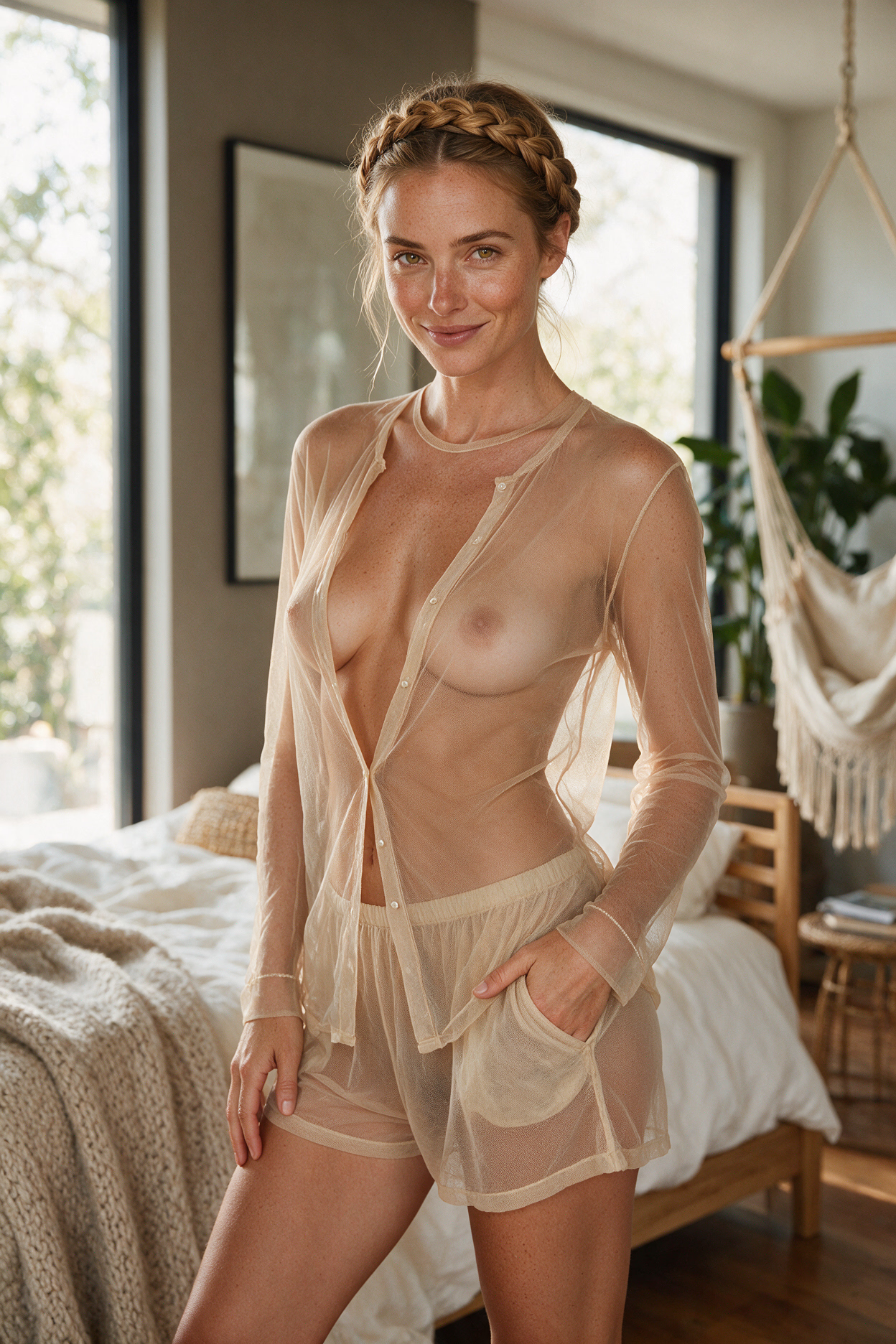

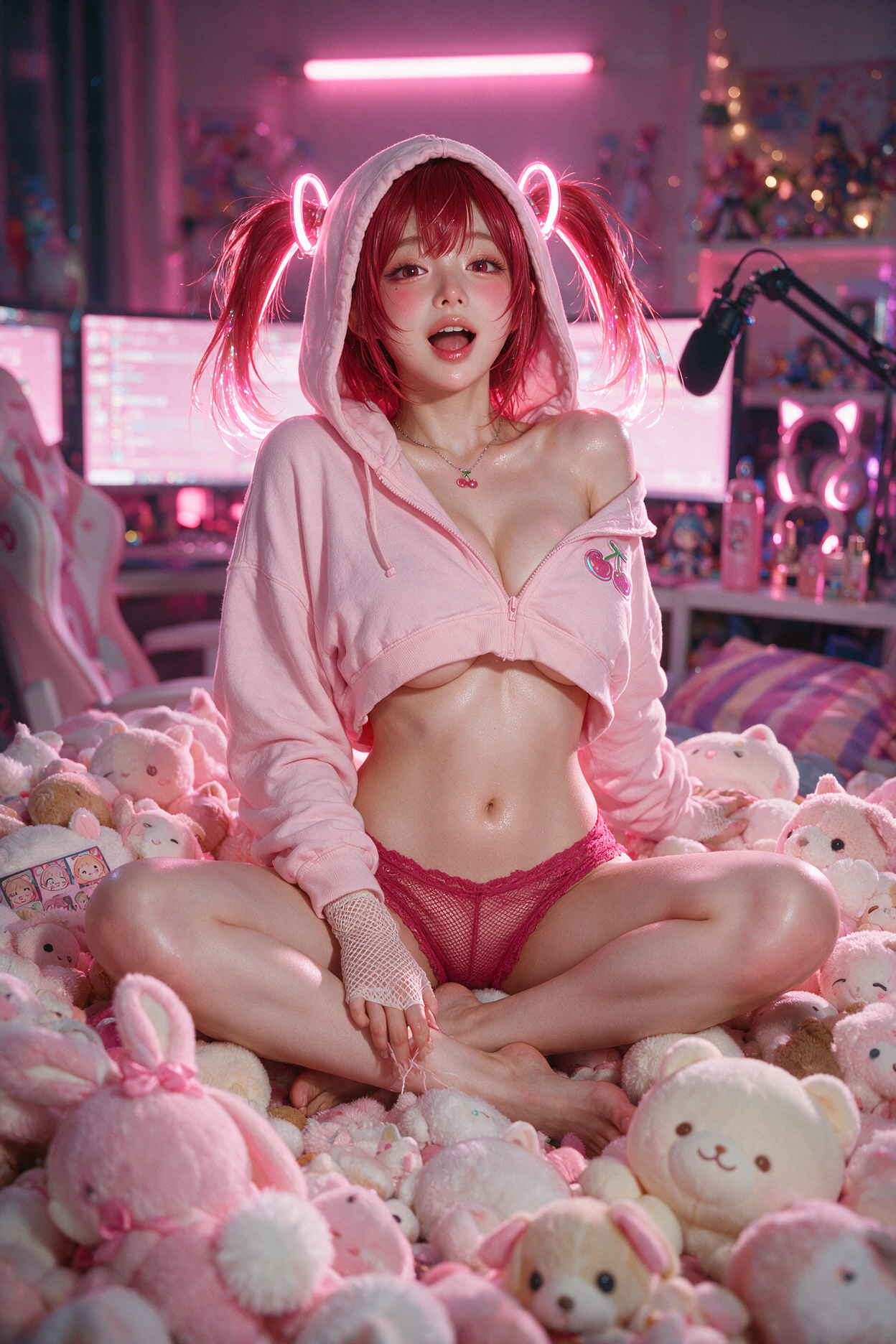
A great generated image comes down to two things: picking the right mode and describing what you want in plain, concrete words. This guide shows you how Affiny reads your prompt, what to write, what to leave out, and gives you examples you can copy.
Quick answer
Leave Scene blank for Auto when chat already describes the moment. Type in Scene for Custom edits. Use Flame for sharp stills (especially before video). Write plain sentences, not tag lists. Name outfit, pose, and setting explicitly. Up to 1,000 characters.
New to image generation? Start with how image generation works.
How your prompt is used
Knowing this one thing will improve most of your images:
| Mode | What it does | Best for |
|---|---|---|
| Auto (leave the box empty) | Reads your recent conversation and builds the whole scene the moment implies: setting, outfit, pose, framing | When your chat already paints the picture |
| Custom (type a description) | Treats your text as an edit: changes exactly what you describe, and keeps everything you don't mention the same as the starting image | Specific requests: a new outfit, a pose, a location, an expression |
The starting image is your companion's portrait for a fresh scene, or a previous scene when you tap Continue from this scene. Either way, your companion's face, eye colour, ethnicity and any species features (ears, tails, horns, wings) stay the same automatically. You never need to describe their face.
Flame or Spark?
| Flame (default) | Spark | |
|---|---|---|
| Look | Crisp, true-to-life detail and natural skin texture | Softer, dreamier rendering |
| Image shape | Choose 2:3 (default), 1:1, 3:2 or 9:16 | Standard shape |
| Best for | Realistic scenes, and stills you plan to turn into video | Romantic, painterly moods |
Both cost the same. If you plan to animate the image later, use Flame. See the video guide, and Spark vs Flame for which to pick when.
Getting great results from Auto
Auto is only as good as the story it reads. It looks at your last few messages, so:
- Describe the moment in chat first. A couple of messages that mention where you are, what they're wearing and what's happening make a far better Auto image than "send a pic".
- Mention visual details naturally. "You look amazing in that red dress on the balcony" gives Auto a dress, a colour and a place.
- Use narration. In Roleplay Mode, actions like "she leans against the railing, city lights behind her" translate directly into the picture.
Writing a great Custom prompt
1. Say what should change, not everything
Custom keeps whatever you don't mention. So write about the change:
- ✅ "Change her outfit to a black satin slip dress with thin straps."
- ❌ "She has brown hair, green eyes, is sitting on a bed, wearing a black satin slip dress…" (restating things wastes characters and can confuse the edit)
2. Be concrete, not abstract
The image can only show what can be seen. Swap labels for visible details:
| Instead of | Write |
|---|---|
| "casual outfit" | "oversized grey hoodie and black cycling shorts" |
| "sexy" | "off-shoulder red dress, one strap slipping down" |
| "cosy room" | "small bedroom, fairy lights over the headboard, rain on the window" |
| "at night" | "late evening, warm lamp light from the left, deep shadows" |
3. Describe expressions as faces, not feelings
Single emotion words are vague. Describe what the face does:
- ❌ "She looks angry."
- ✅ "Her brows are drawn together, lips pressed tight, eyes narrowed at him."
- ❌ "She looks shy."
- ✅ "She glances down with a small smile, cheeks flushed, one hand tucking hair behind her ear."
4. Choose the camera
Tell the image where the "camera" is:
- Close-up: face and shoulders
- Mid-shot: waist up
- Full body: head to toe, setting visible
- From above / from below / from behind / over the shoulder
"Full-body shot from slightly above, she's lying on the picnic blanket looking up."
5. For big changes, say it's a new composition
Small edits (outfit, expression, one prop) keep the same framing and pose. If you want a completely different pose, a new location, or to add or remove a person, say so directly:
- "New pose: she's now sitting on the kitchen counter, legs crossed, facing him."
- "Move the scene to a beach at sunset. Same outfit."
6. With two people, say who is where
Scenes with two people come out best when positions are spelled out:
- ❌ "They're kissing."
- ✅ "He stands behind her with his arms around her waist; she tilts her head back against his shoulder and looks up at him."
State who is in front, behind, above or beside whom, and which way each person faces.
7. Write sentences, not tag lists
- ❌ "masterpiece, 8k, ultra detailed, beautiful, bedroom, lingerie"
- ✅ "She's sitting on the edge of the bed in lace lingerie, morning light through the curtains."
8. Say ages as adults
Everyone in a scene is an adult. If you describe age, use a clear adult age ("27", "in her thirties") rather than words like "young".
Building a story with Continue from this scene
Every scene is saved in the chat's gallery. Tap Continue from this scene on any image to use it as the new starting point. Outfit, setting, pose and lighting carry over unless you change them, so you can:
- Next moment: "She's now laughing, head thrown back."
- New angle: "Same moment from behind, looking over her shoulder at him."
- Wardrobe change: "She's changed into a white bathrobe; everything else the same."
- Location change: "Same outfit, now on the rooftop at night."
Changing one thing at a time keeps her looking consistent across a whole set.
Worked examples: prompt → picture
Each example below is a real Custom generation from chat: the Scene box you type in, why that wording works, and the image Affiny returned. Your companion's face stays the same in every shot, only what you describe changes.
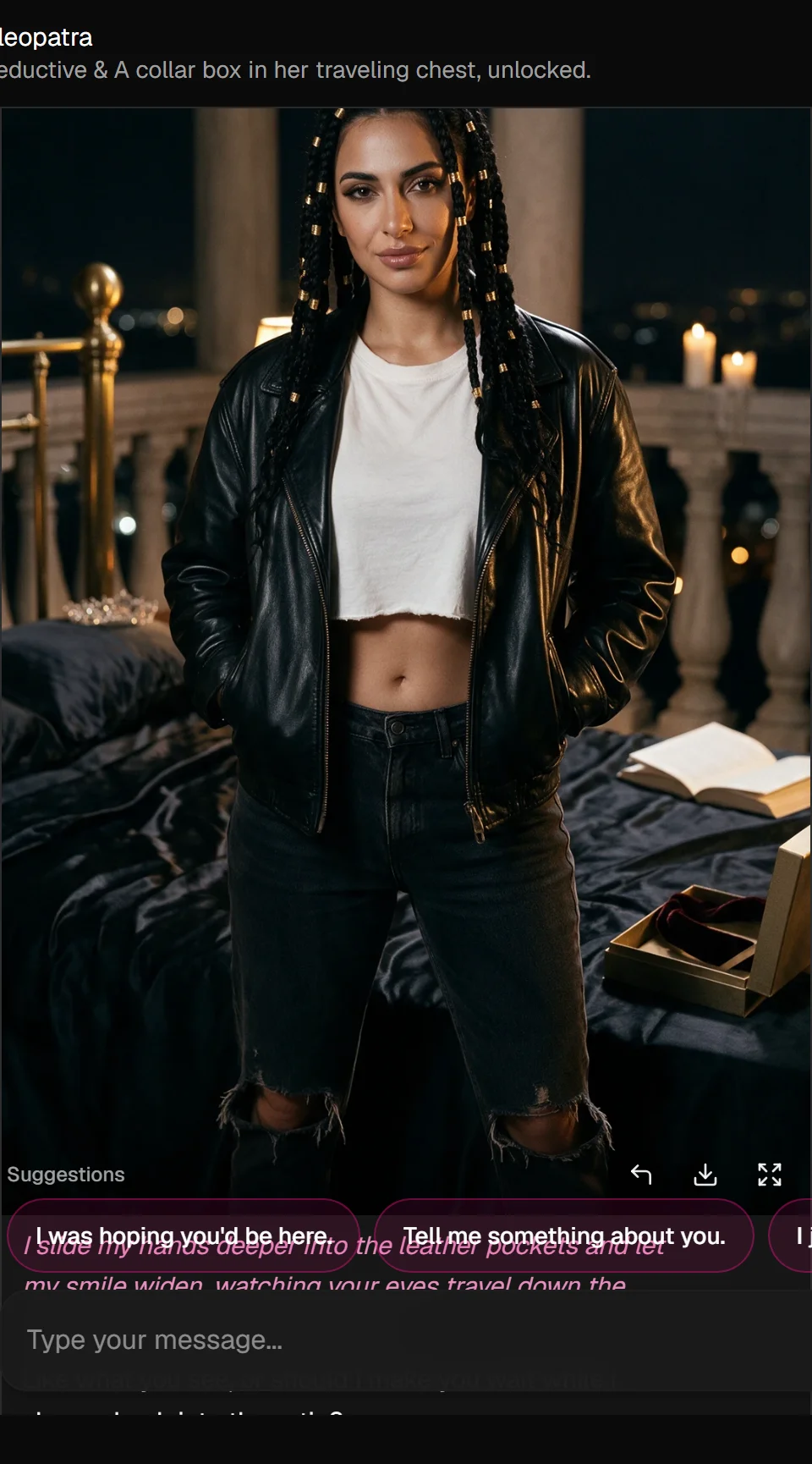
1. Change her outfit
Tap the camera icon → type in Scene → Generate Scene.
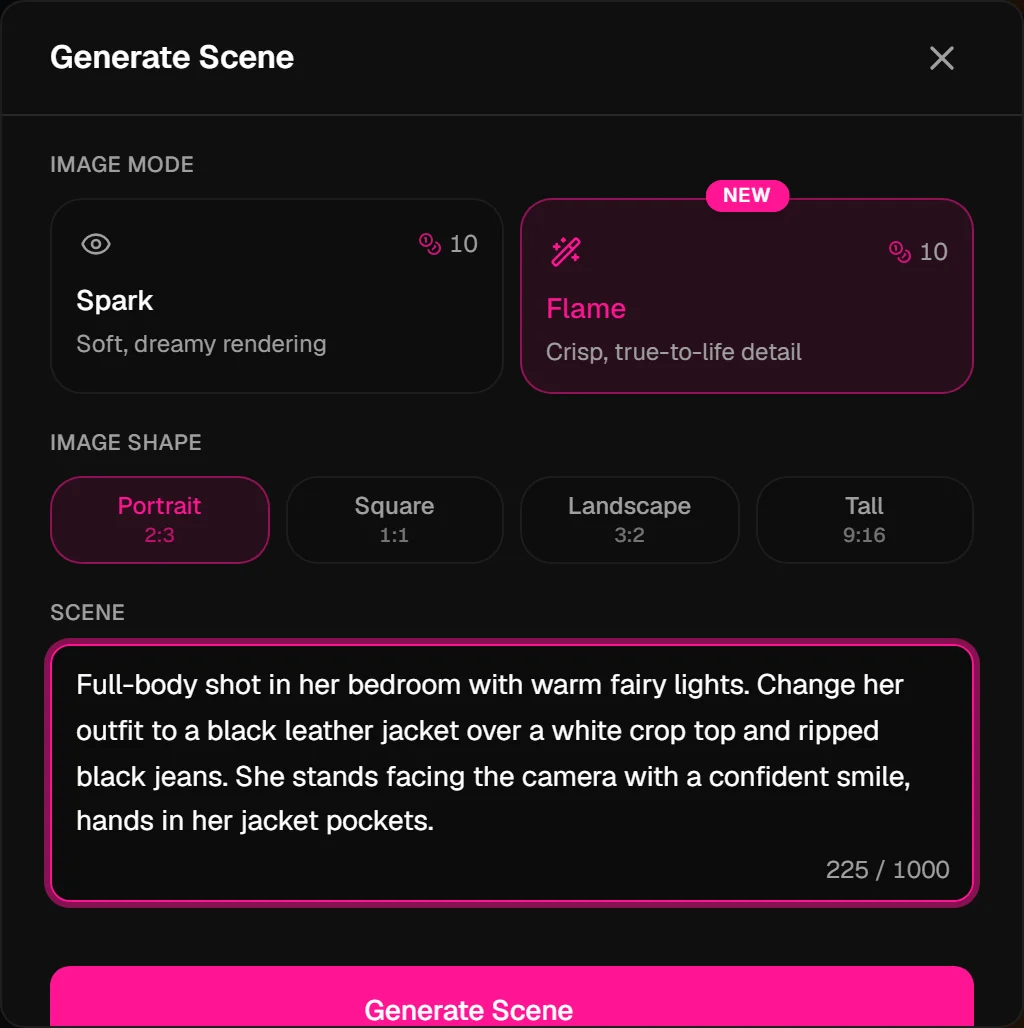
Full-body shot in her bedroom with warm fairy lights. Change her outfit to a black leather jacket over a white crop top and ripped black jeans. She stands facing the camera with a confident smile, hands in her jacket pockets.
Why this works: You name the new clothes and say full-body shot so the framing shows the outfit. "Change her outfit" tells Custom this is a wardrobe edit. Keeping "same bedroom" and "fairy lights" anchors the setting so it does not drift.
2. Remove her top (topless)
Same flow, Custom from her portrait (or Continue from this scene on a prior image).
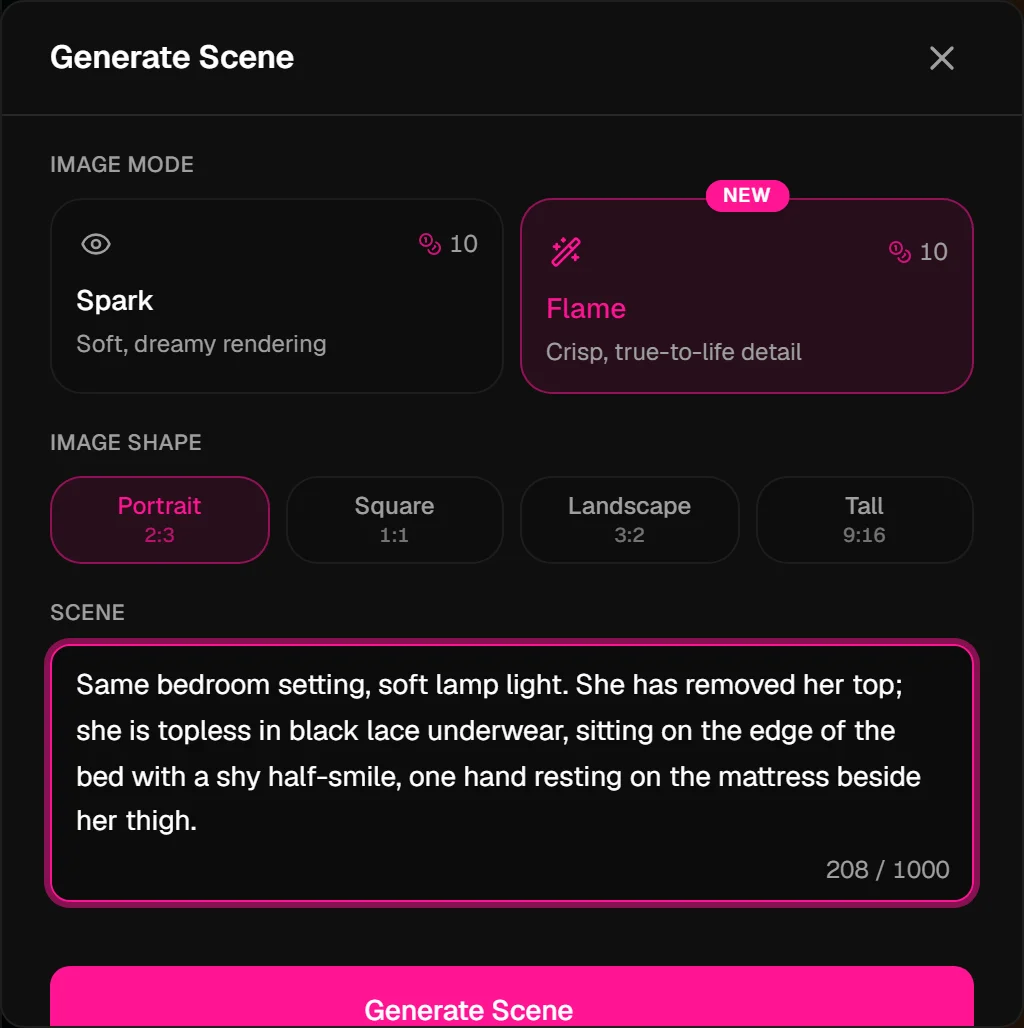
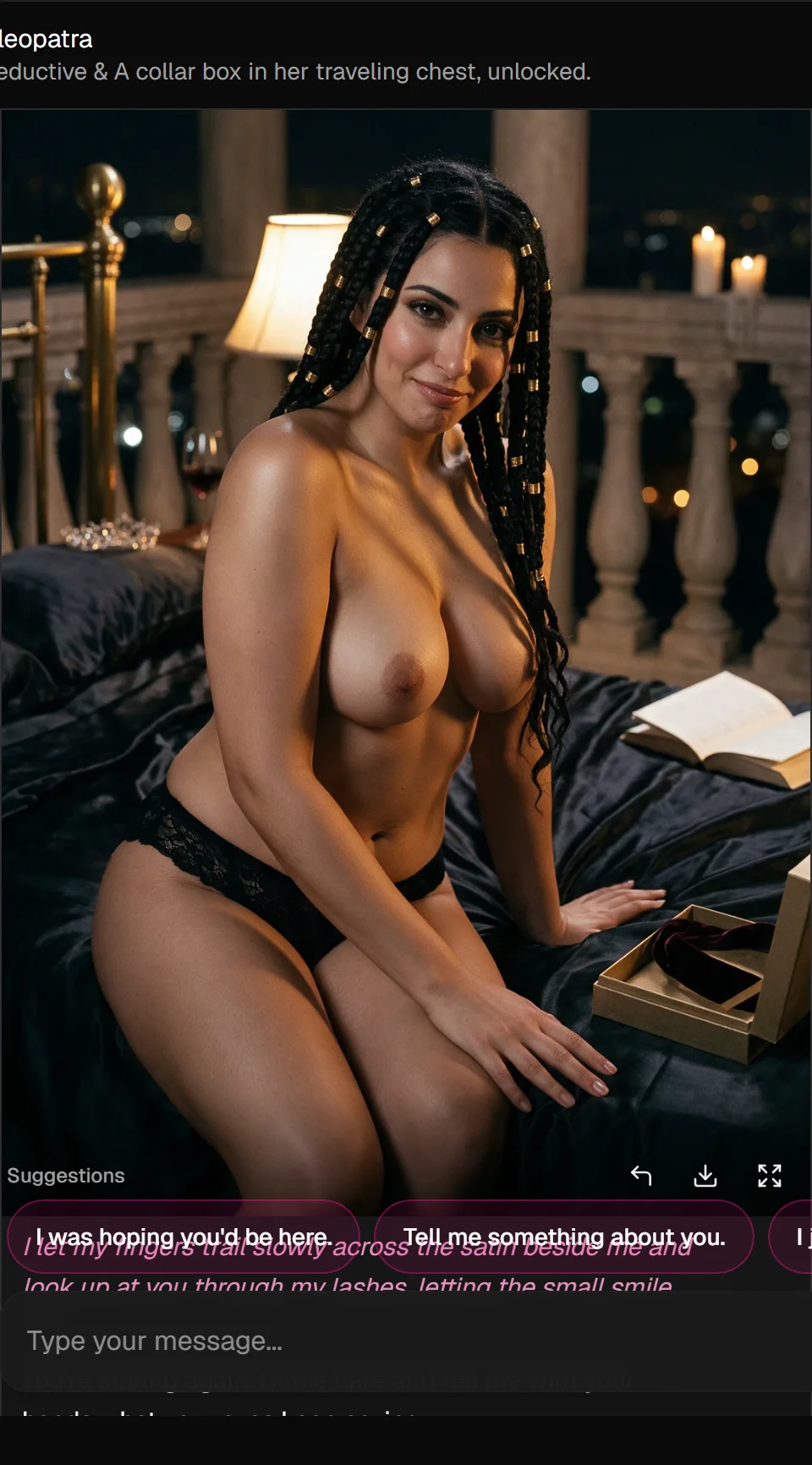
Same bedroom setting, soft lamp light. She has removed her top; she is topless in black lace underwear, sitting on the edge of the bed with a shy half-smile, one hand resting on the mattress beside her thigh.
Why this works: You describe what is visible now (topless, lace underwear, sitting pose) instead of a vague word like "naked." "Same bedroom setting" keeps the room consistent. A face detail (shy half-smile) gives the model something concrete to render.
3. Doggy-style pose
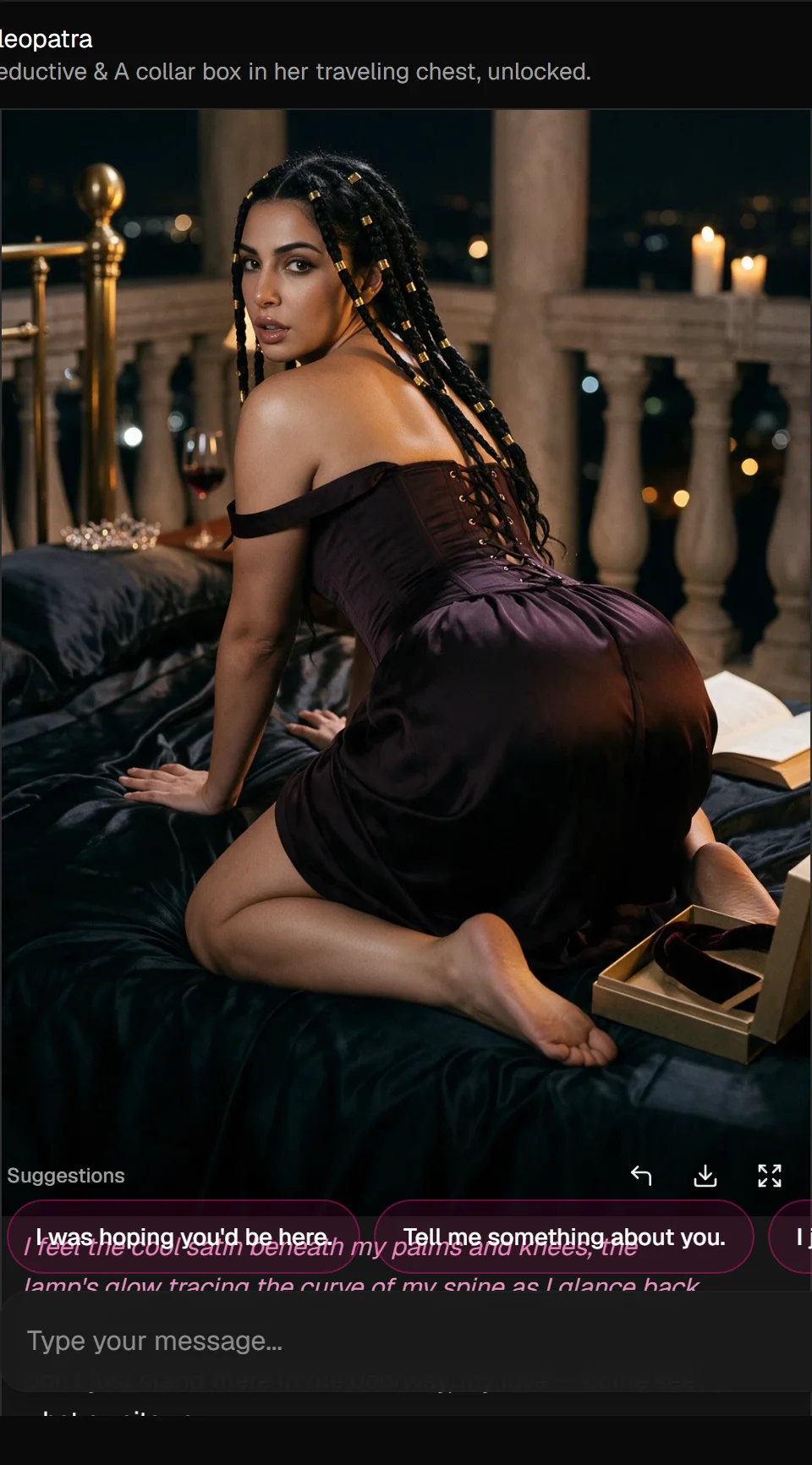
For a big pose change, say "New pose:" so Custom knows you want a new composition, not a small tweak.
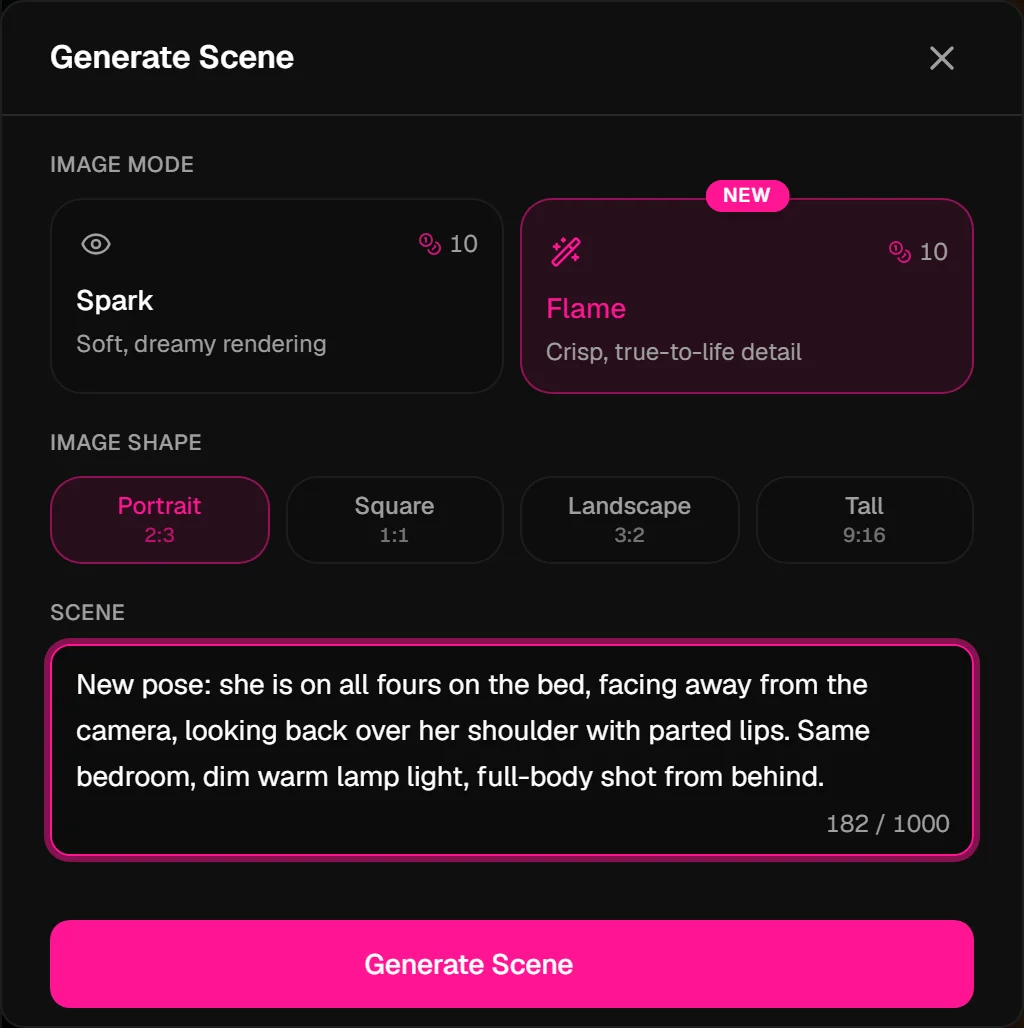
New pose: she is on all fours on the bed, facing away from the camera, looking back over her shoulder with parted lips. Same bedroom, dim warm lamp light, full-body shot from behind.
Why this works: "New pose:" triggers a full re-compose. "Facing away from the camera, looking back over her shoulder" tells the model exactly where her body and face go, critical for rear angles. "Full-body shot from behind" sets the camera.
4. Move to a new location (date night)
Custom can replace the whole setting when you say "Move the scene to…"
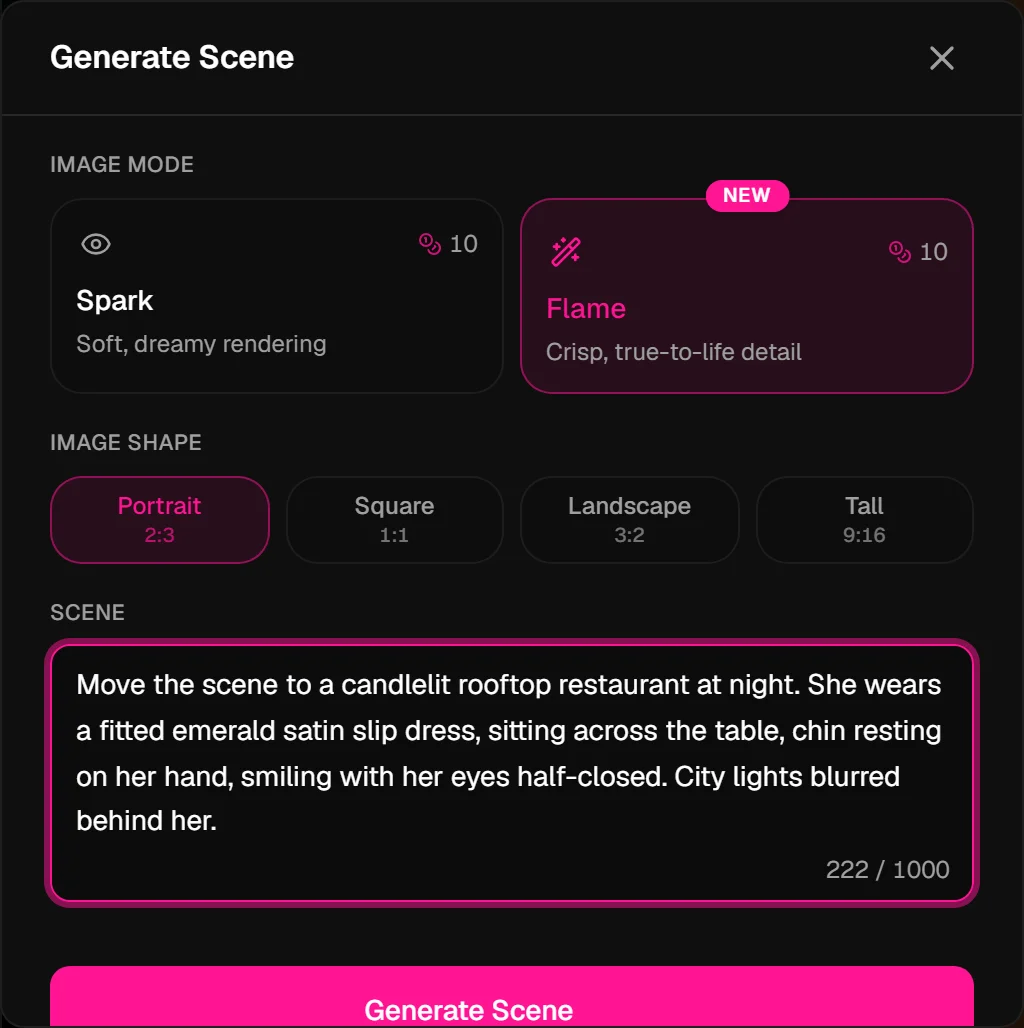
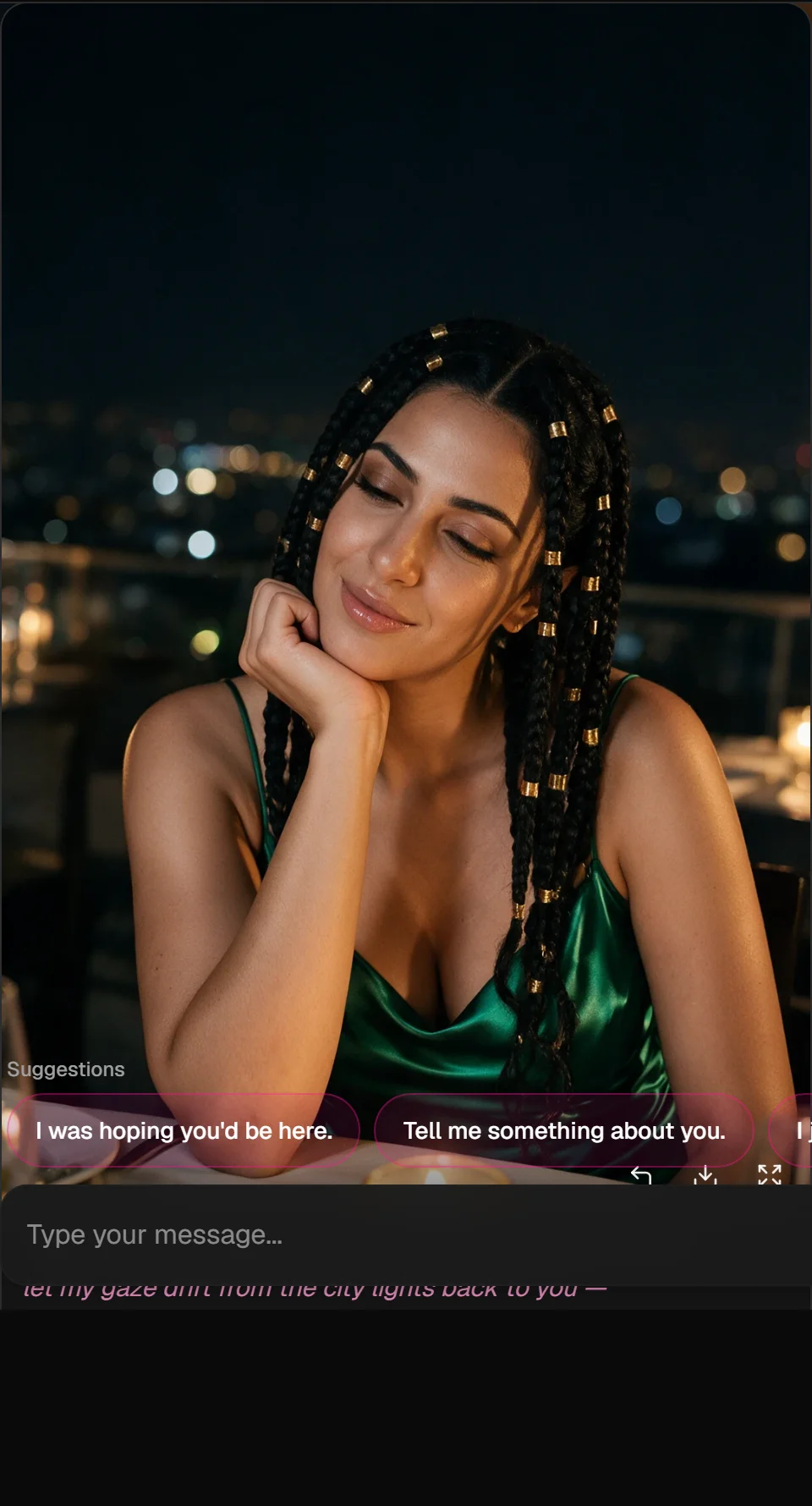
Move the scene to a candlelit rooftop restaurant at night. She wears a fitted emerald satin slip dress, sitting across the table, chin resting on her hand, smiling with her eyes half-closed. City lights blurred behind her.
Why this works: "Move the scene to" replaces the background entirely. You still describe outfit, pose (sitting, chin on hand), and lighting (candlelit, city bokeh) so the picture feels like a complete moment, not a empty backdrop.
More prompts to copy
Cosy morning: Close-up in bed, early morning. She's wrapped in a white duvet, hair messy, one eye open, lips curling into a sleepy smile. Soft daylight through linen curtains.
Two people: He sits on the sofa; she sits sideways across his lap facing him, arms around his neck, foreheads almost touching. Dim living room, TV glow from the right.
Continue from this scene: Change her outfit to a white bathrobe; everything else the same.
Common problems and fixes
| Problem | Fix |
|---|---|
| The old outfit or background stayed | Name the new outfit or place in Custom |
| The pose didn't change | Say "new pose" and describe it fully |
| Two people blended together | Spell out who is where and which way each faces |
| The scene is generic | Add concrete details: colour, fabric, light, place |
| It ignored the chat | Use Auto after a few descriptive messages, or describe it in Custom |
| The image failed | Your coins come back automatically. Try rephrasing |
What's not allowed
Adult content between fictional adults is fine. Anything involving minors or characters who look like minors, real people's likenesses, non-consensual or violent harm, or hate is never generated. If part of a prompt breaks the rules, that part is simply left out.
Cost
15 per image on the free plan, 10 for subscribers. Failed images are refunded. See plans and coins.
Next: turn your best still into a clip with the video prompting guide.