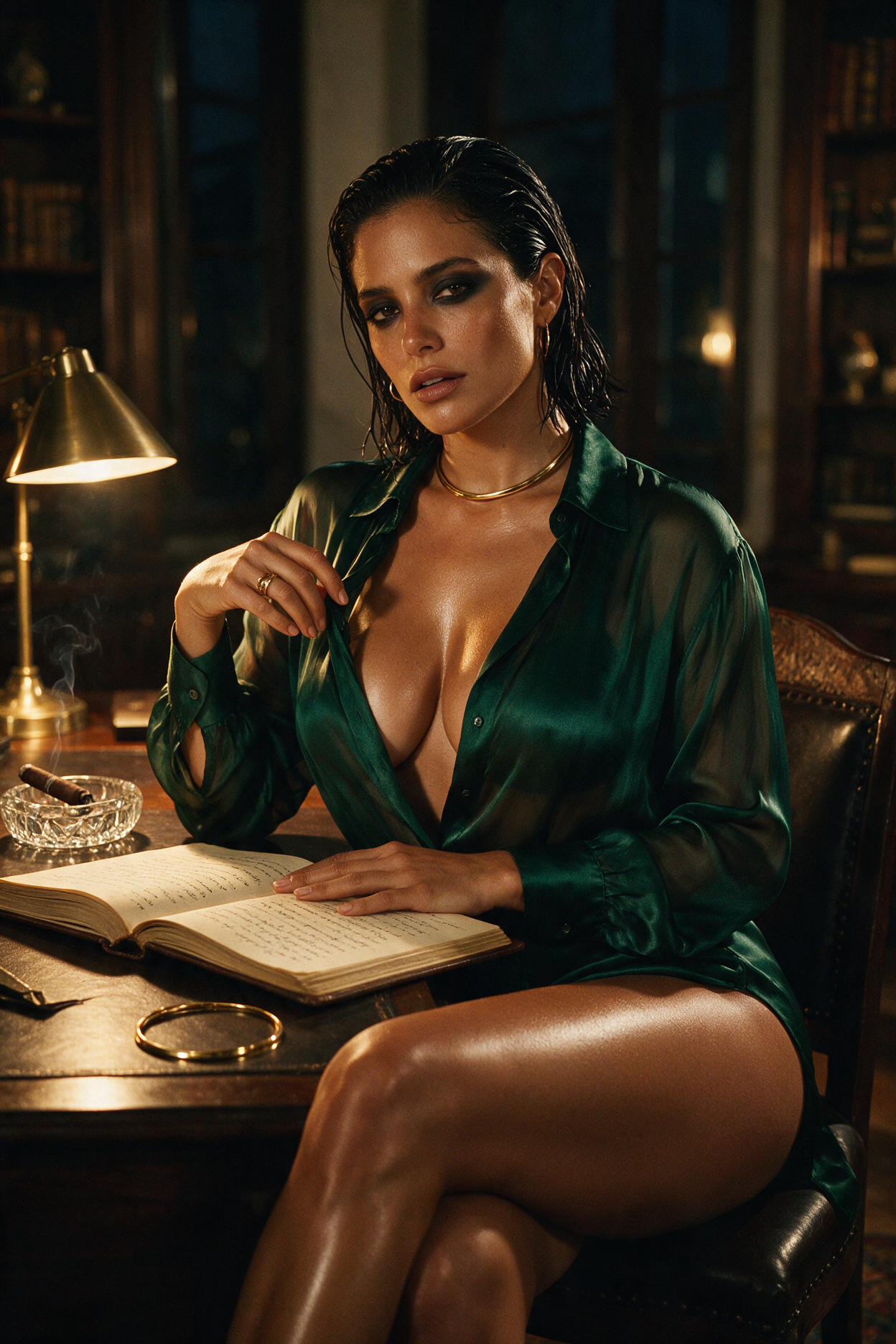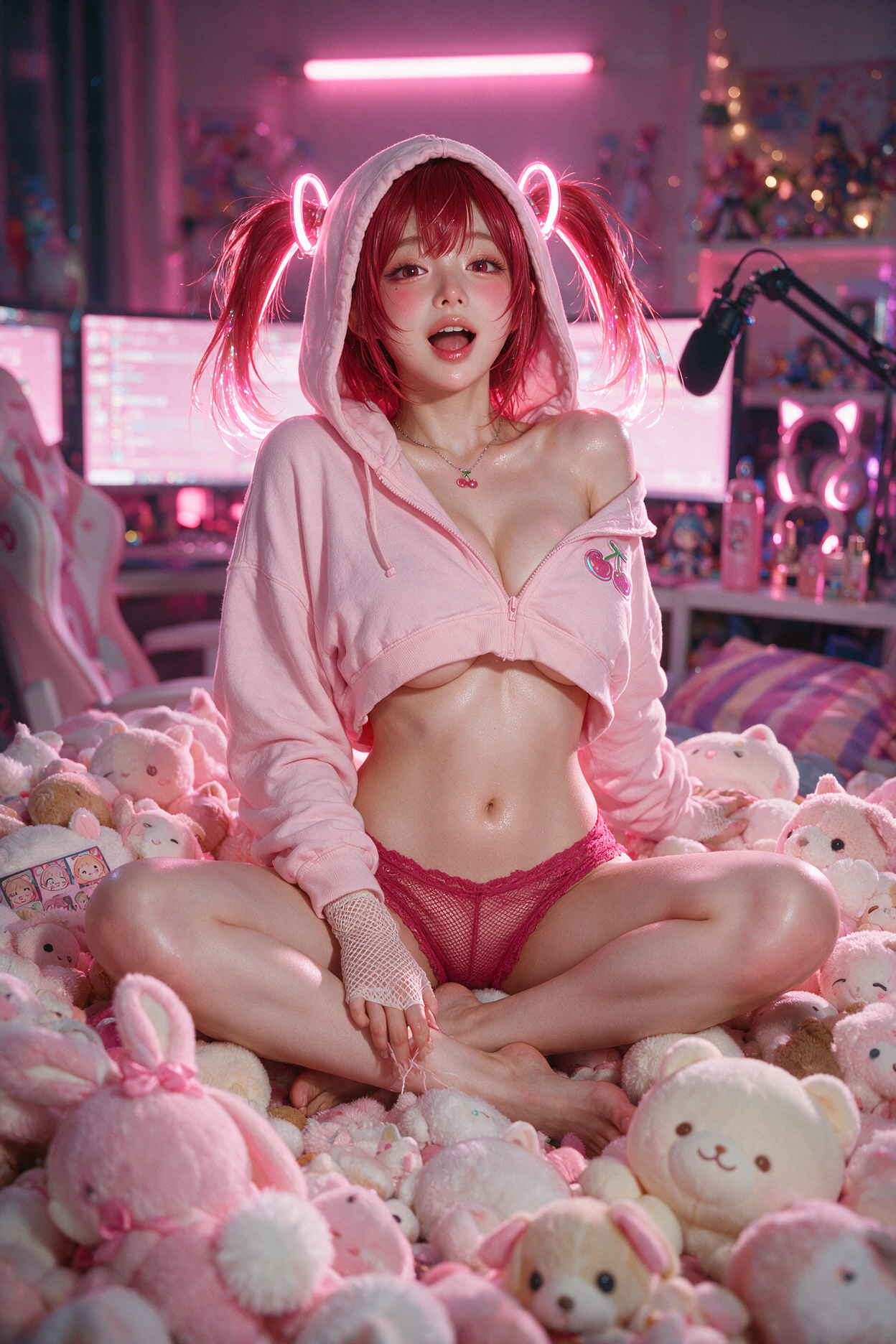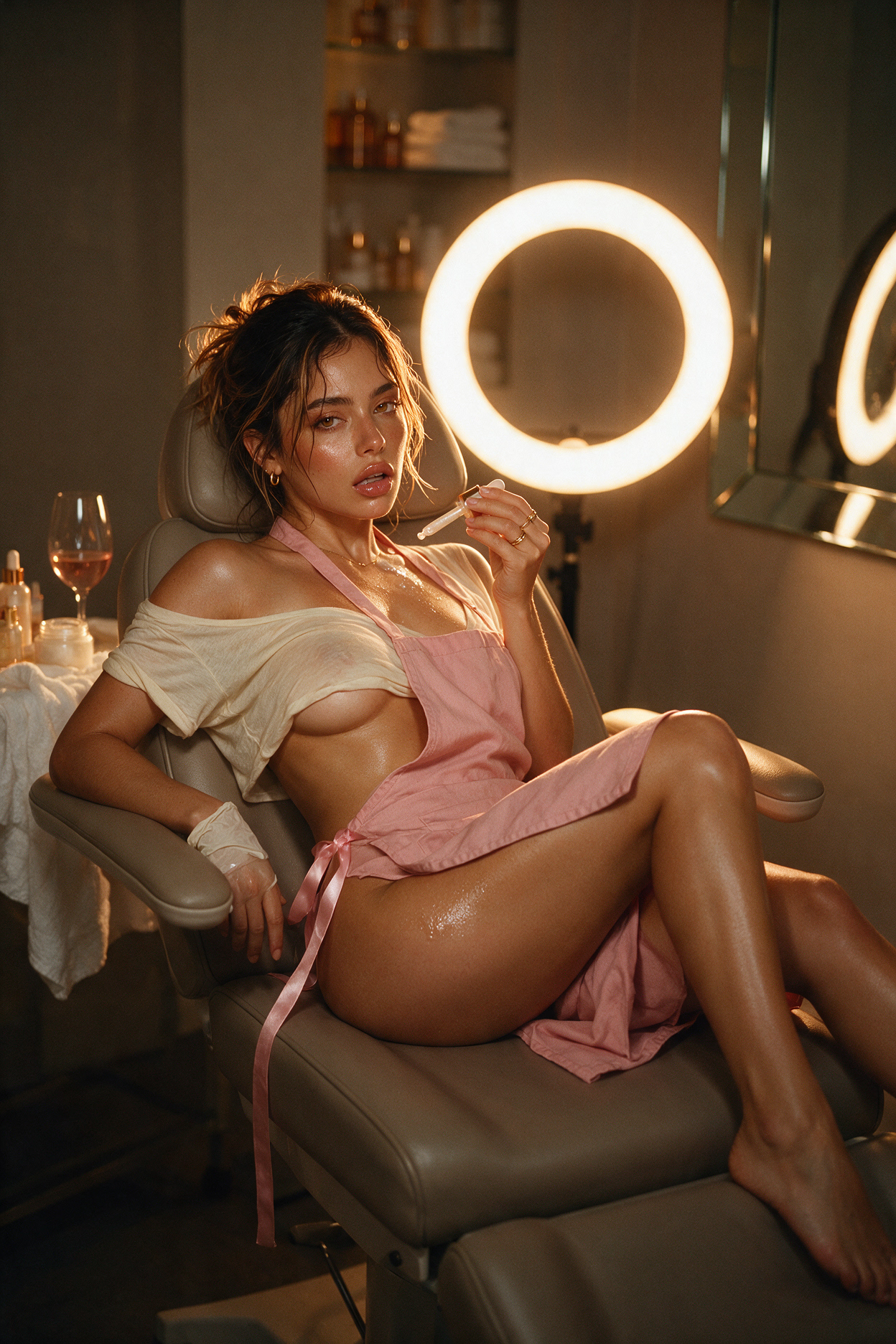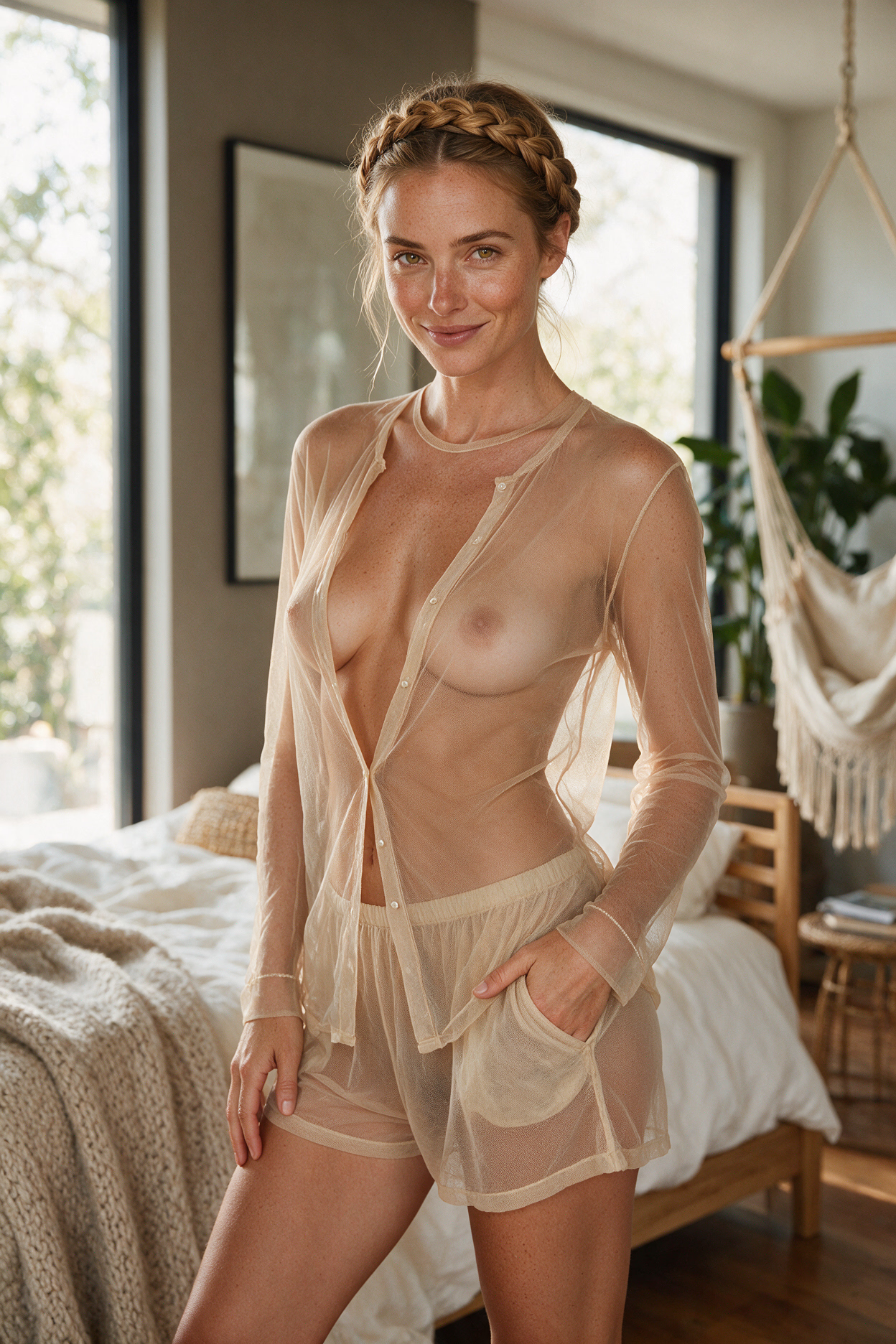

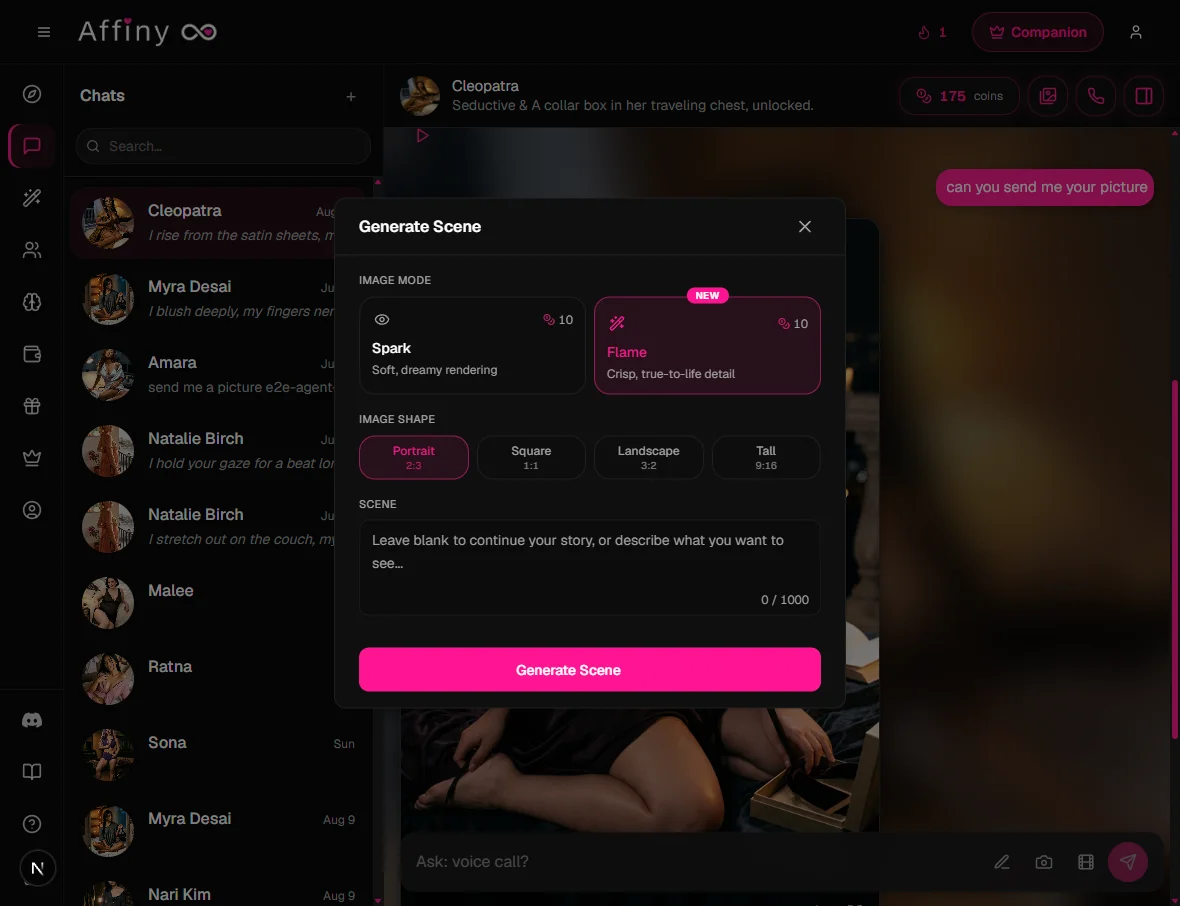
Affiny has two image modes, Spark and Flame. Both turn a moment from your chat into a picture of your companion, and both keep her face from her portrait. They differ in the look of the picture and in the shape you can choose.
This guide explains what each mode does, compares them side by side on the same scenes, and shows how to pick the right one, write for it, and judge the result.
Quick answer
Pick Flame for crisp, realistic detail, a choice of shape, and any still you plan to turn into a video. Pick Spark for a softer, dreamier, more romantic look. Both work on every plan and cost the same, so trying both on the same moment only costs one extra picture.
What the two modes are
Flame: crisp and true to life
Flame is the default and the newer of the two. It renders the scene with sharp detail and natural skin texture, and it's the only mode that lets you choose the image shape: Portrait (2:3), Square (1:1), Landscape (3:2) or Tall (9:16). That makes it the most flexible mode for realistic photos, outfit shots, wide settings and first frames for video.
Spark: soft and dreamy
Spark renders the same moment with a softer, warmer, dreamier finish: golden light and a gentle glow on her skin. It uses a standard shape, so there's no shape row. It suits romantic moods, warm light and scenes where atmosphere matters more than sharp detail.
Specs side by side
| Spark | Flame (default) | |
|---|---|---|
| Look | Soft, dreamy rendering | Crisp, true-to-life detail and natural skin texture |
| Image shape | Standard shape | Portrait 2:3, Square 1:1, Landscape 3:2, Tall 9:16 |
| Keeps her face | Yes | Yes |
| Best for | Romantic moods, warm golden light, a gentle glow | Realistic scenes, close detail, outfits, wide settings |
| As a first frame for video | Works | Best |
| Who can use it | Every plan | Every plan |
| Cost | Same as Flame | Same as Spark |
The same scenes in both modes
The quickest way to see the difference is to make the same moment in both. Each pair below uses the same companion and exactly the same scene text, made on the same day: Spark on the left, Flame on the right.
Close-up: "Close-up of her face, looking at the camera over her shoulder, soft window light."
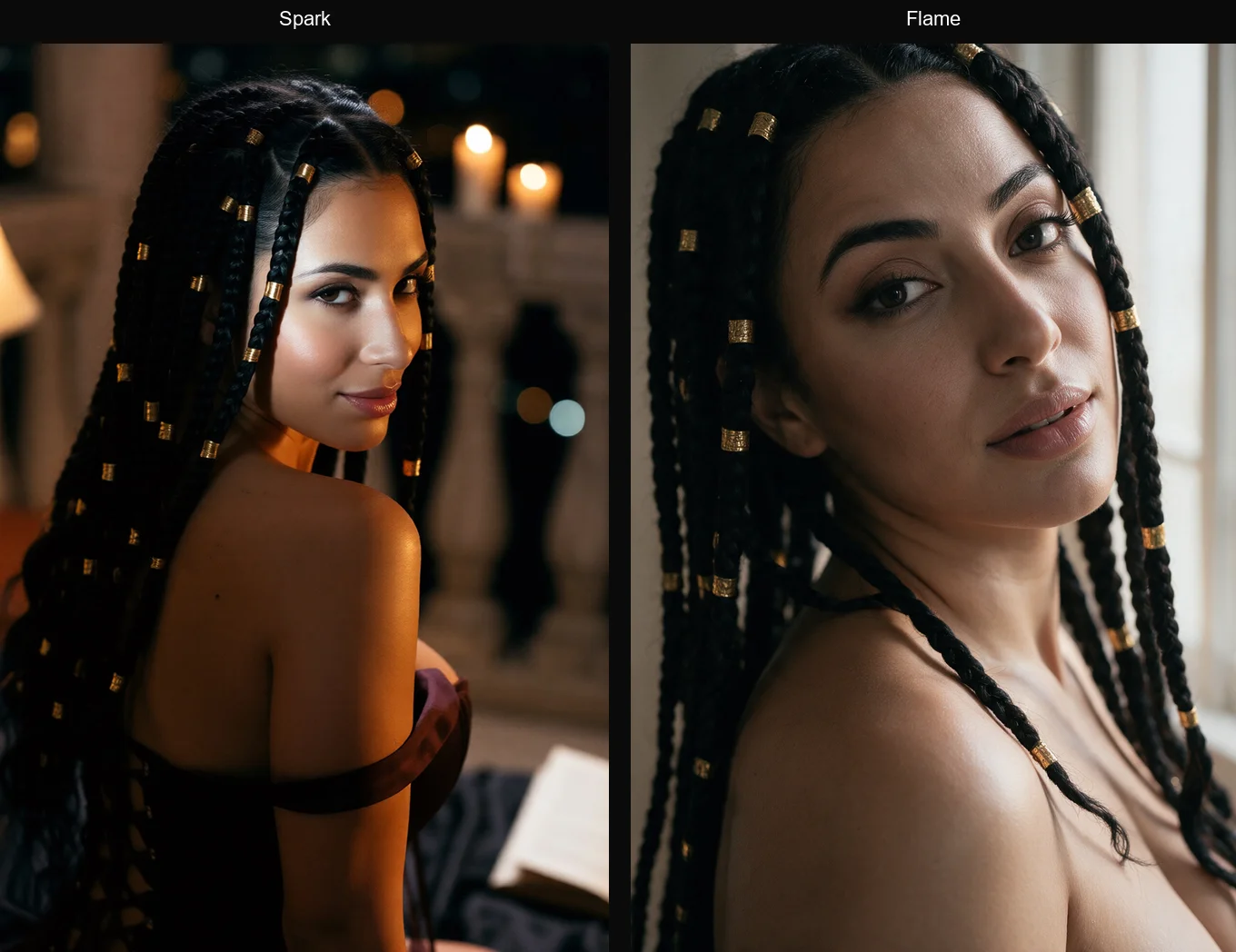
What we saw: both kept her face, braids and the over-the-shoulder look. Flame followed the scene text closely: soft daylight from the window, a tight crop, and skin and lashes you could zoom into. Spark gave her a warm, candlelit evening instead of window light, with a softer glow on her skin.
Candlelight: "Sitting at a candlelit table on a rooftop at night, holding a glass of wine, soft smile, city lights behind her."
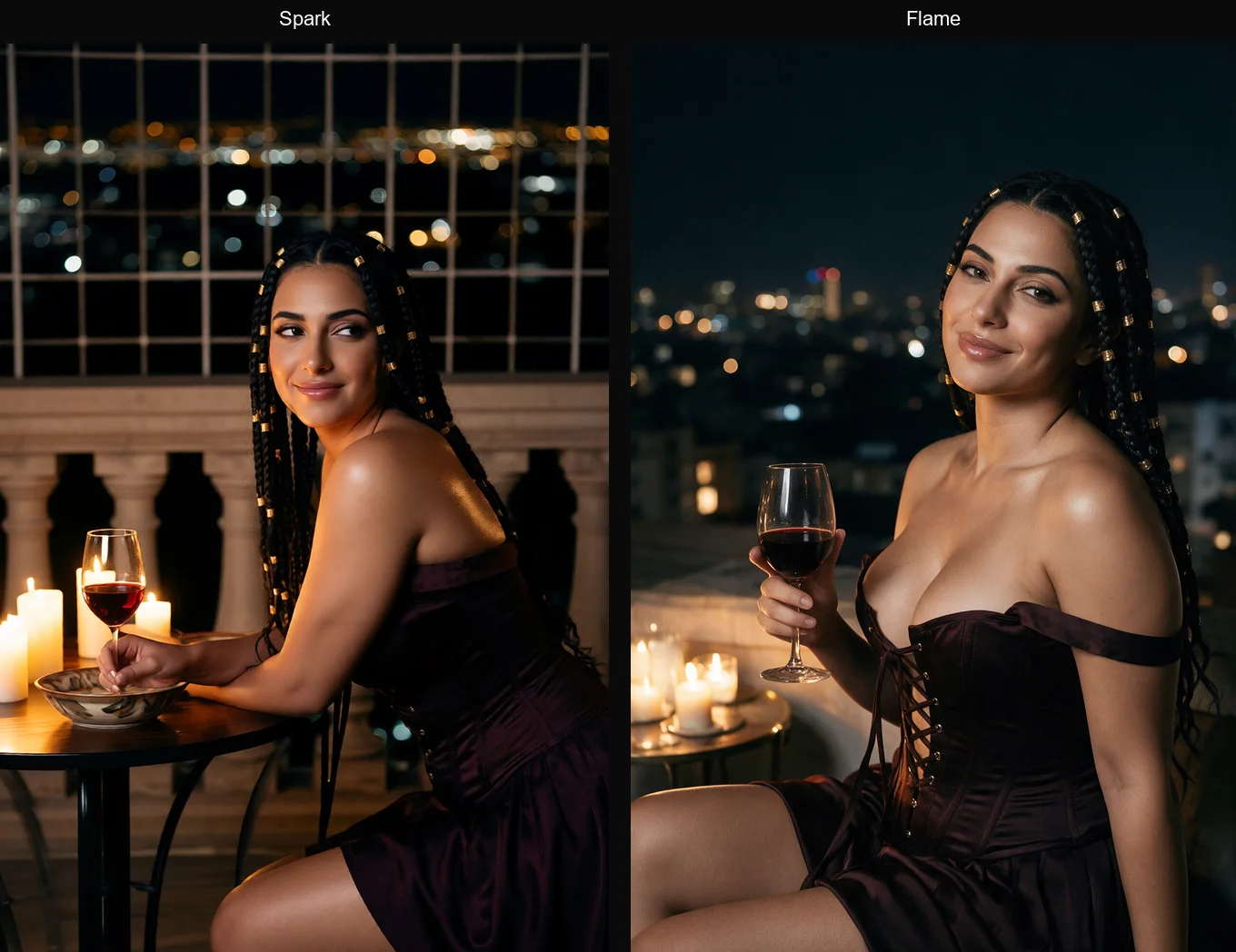
What we saw: both kept her face, braids and outfit. Spark pulled back to show more of the setting (the table, the candles, the stone railing) and gave her skin a warmer, softer glow. Flame framed her closer, with crisper detail, sharper city lights behind her and more natural skin texture. Same scene text, two different moods: Spark feels like a memory, Flame like a photo.
Full-body outfit (Flame in Tall 9:16): "Standing in a hotel corridor, full body, fitted black dress and heels, one hand on her hip."
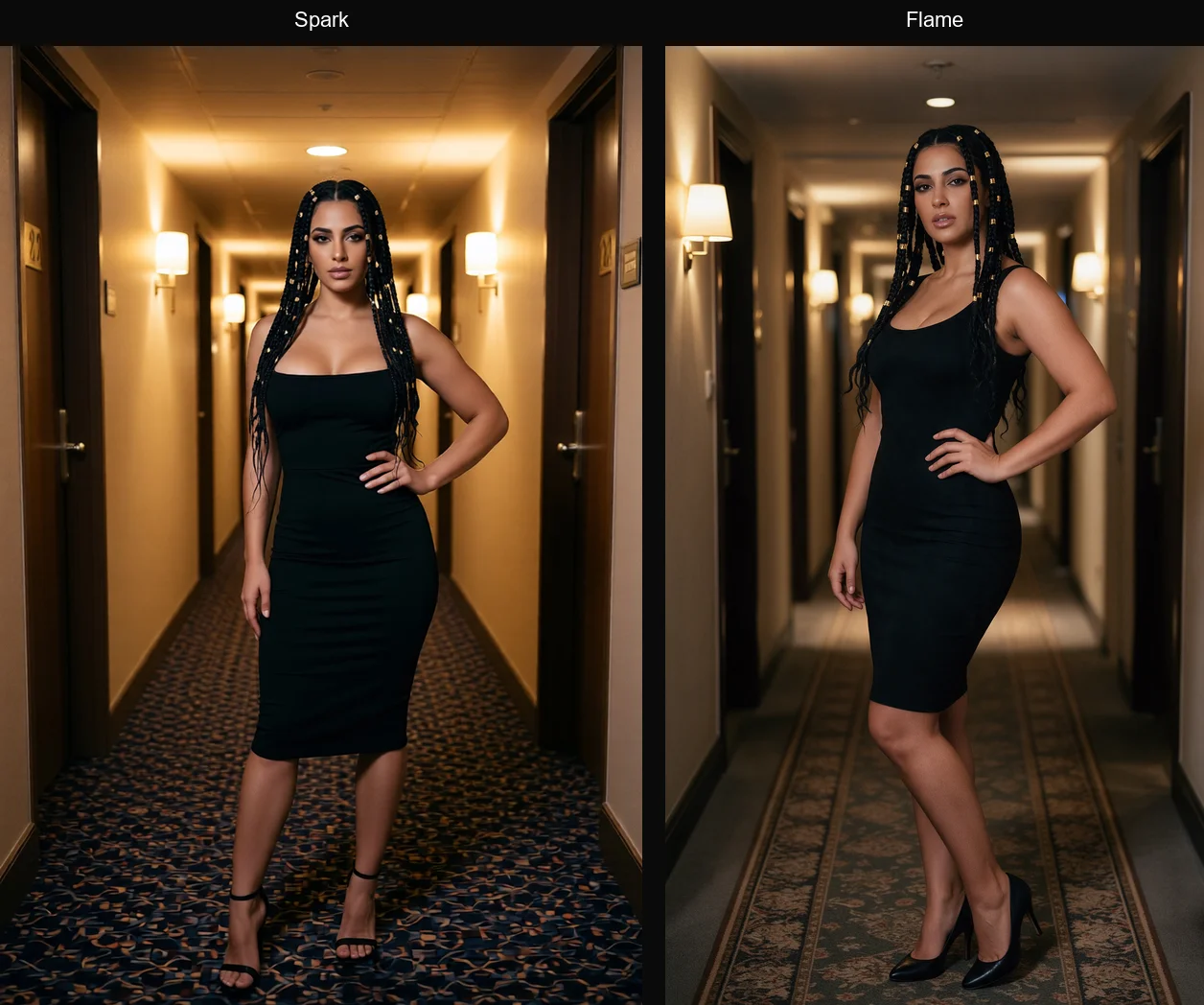
What we saw: both fit her head to toe, dress and heels included. Spark lit the corridor in warm gold and posed her straight on. Flame's taller frame gave a longer, deeper corridor, more natural light, and a relaxed three-quarter pose with more realistic fabric and skin.
Wide setting (Flame in Landscape 3:2): "Relaxing on a velvet sofa in a large sunlit living room, plants and bookshelves around her."
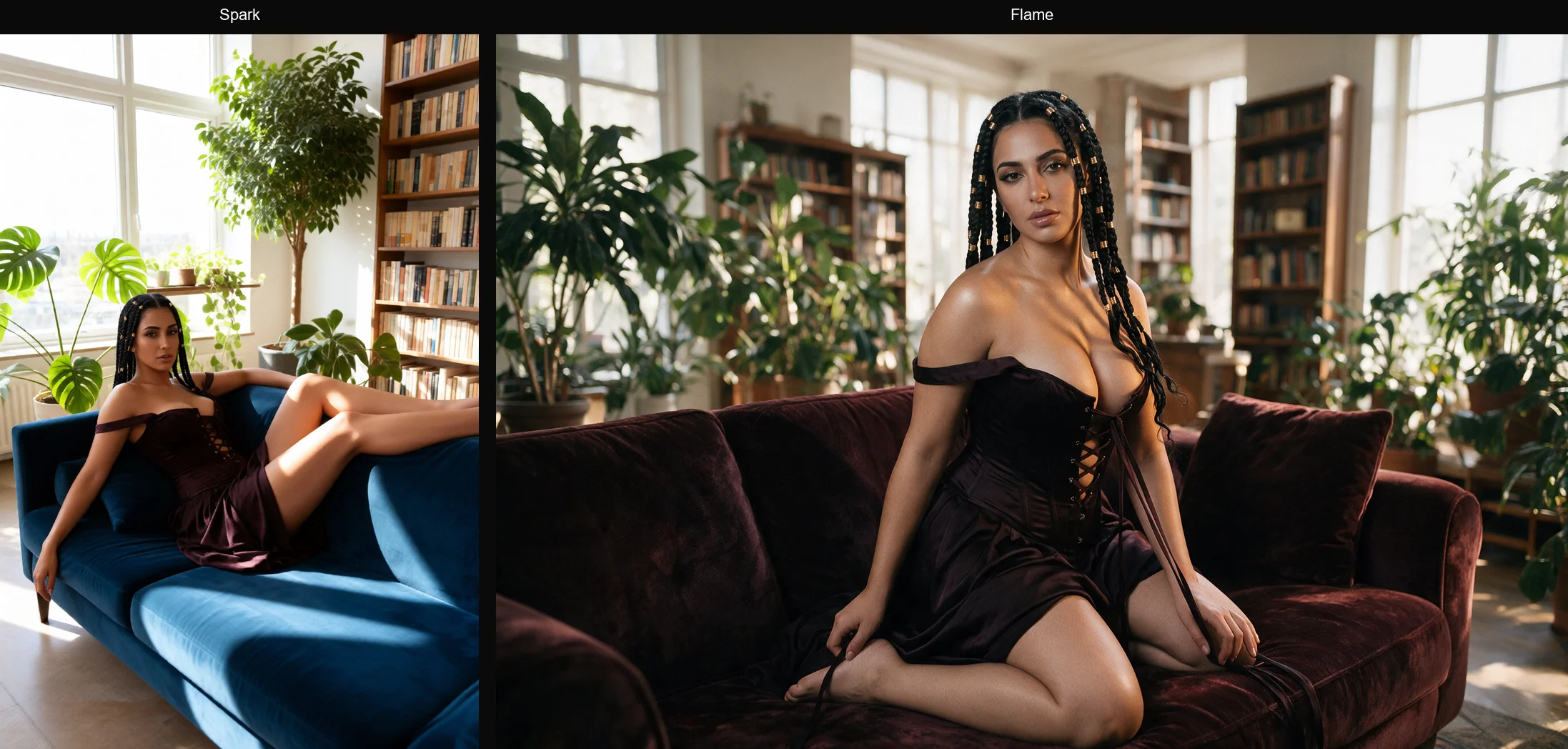
What we saw: this pair shows the biggest gap. Flame's Landscape frame fits the whole room: tall windows, two bookshelves, plants on both sides, and rich texture in the velvet. Spark's standard frame shows one corner of the room, with her stretched out on the sofa in bright, soft sunlight. For a setting shot, the wider shape matters more than the look.
Anime companion: "Sitting on a park bench at sunset under cherry blossoms, oversized knit sweater, warm smile."
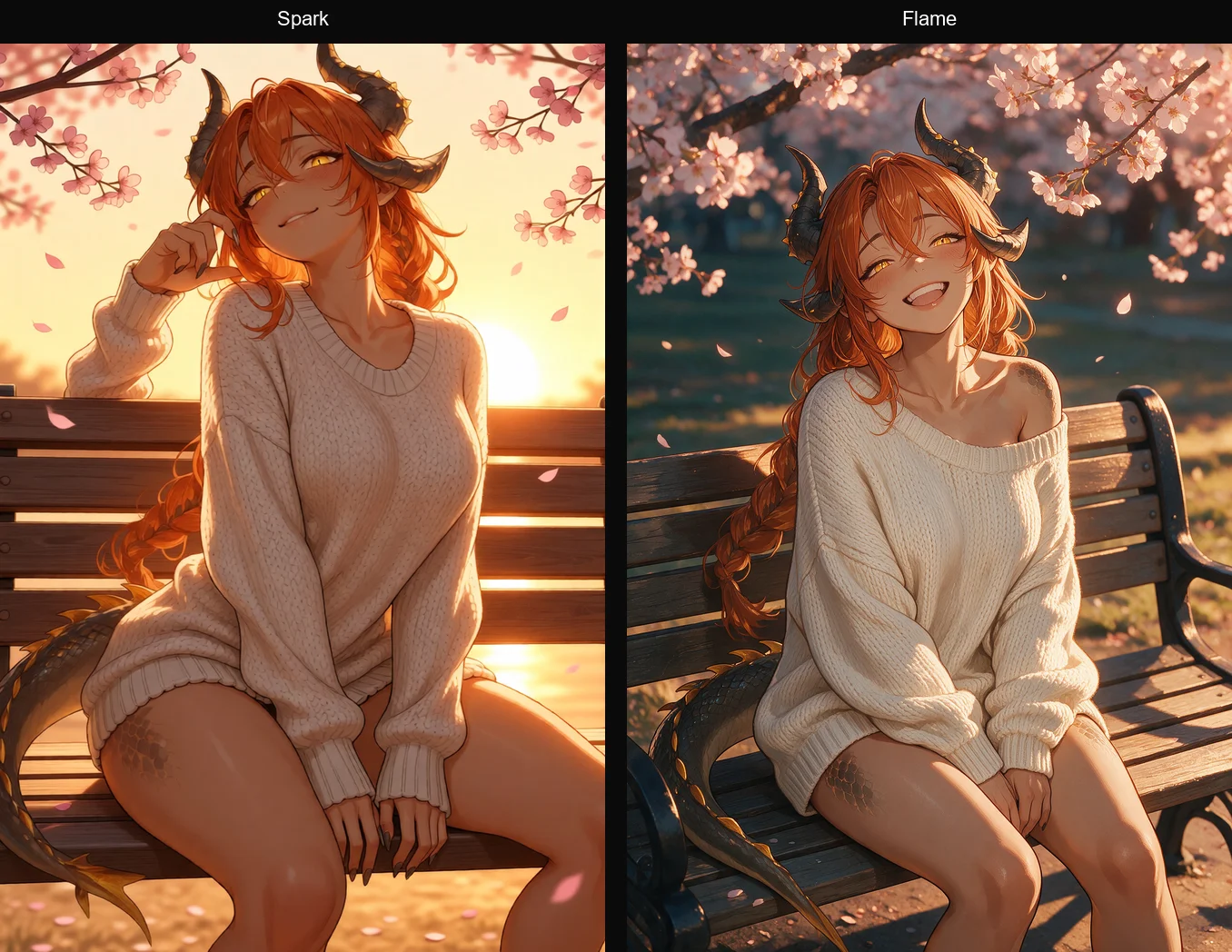
What we saw: both kept her anime style, horns, tail and braid. Spark went all in on the sunset: a glowing orange sky and warm light on everything. Flame gave softer evening light, a deeper park behind her, fuller blossoms, and finer texture in the knit and scales.
The pattern across all five: Spark leans warm and golden, with a softer glow. Flame gives more natural light, sharper skin, fabric and hair, and uses its shapes to fit the shot. Both kept her face every time.
As you compare each pair, look at skin and fabric detail, how the light falls, how much of the setting you can see, and which one feels closer to the mood you wanted.
How to judge an image
Use these checks on any scene image, in either mode. Most problems come from the scene text or the starting image, not the mode.
| Check | What good looks like | If it fails |
|---|---|---|
| Is she still her? | Same face, eyes and features as her portrait | Don't describe her face; start from a clear portrait or scene |
| Outfit and pose | What you described, and nothing you didn't | Name the outfit and pose in plain words; change one thing at a time |
| Hands | Natural, the right number of fingers | Give her hands something to do: holding a glass, on her hip |
| Light and mood | Matches the moment you wanted | Name the light: "candlelight", "soft window light", "neon" |
| Framing | The right amount of her and the setting | In Flame, change the shape; name the shot: "close-up", "full body" |
| Ready for video? | Sharp, face clearly visible, body part that will move is in frame | Remake it in Flame, Portrait or Tall |
Which one to use when
| You want… | Pick | Why |
|---|---|---|
| A candlelit, romantic moment | Spark | The soft rendering suits warm, dreamy light |
| A glowing sunset or fantasy mood | Spark | Leans into warm, golden colour |
| A realistic photo of her in the scene | Flame | Sharper detail and natural skin texture |
| A close-up where detail matters | Flame | Crisp eyes, lips and skin |
| A full-body outfit shot | Flame + Tall | A tall frame fits her from head to toe |
| A wide room, a view, or two people in frame | Flame + Landscape | More width for the setting |
| A still you'll turn into a video | Flame + Portrait or Tall | Crisp first frames animate best |
| Not sure yet | Flame | The default for a reason: sharp and flexible |
Writing for each mode
The Scene box takes up to 1,000 characters in both modes. Leave it empty and your companion picks the moment from your recent chat, or describe it yourself.
For Flame, be concrete. Flame rewards specific detail. Name the outfit, pose, setting, light and shot:
Full body, standing by the balcony door at night, fitted red satin dress, one hand on the frame, city lights behind her, warm lamp light from the left.
For Spark, set the mood. Spark rewards atmosphere. Name the feeling, the light and the colours:
A slow, dreamy evening: she curls up on the window seat in a soft cream sweater, rain on the glass, golden light, a sleepy smile.
In both modes:
- Don't describe her face. Her portrait already sets it.
- Use "New pose:" at the start when you want a big change of position.
- Change one thing at a time when you continue a scene, so she stays consistent.
- Say who's there. If it's just her, say so.
More prompt patterns are in image generation tips.
Picking a shape in Flame
| Shape | Ratio | Best for |
|---|---|---|
| Portrait | 2:3 | Everyday scenes, profile-style shots, video first frames |
| Square | 1:1 | Centred poses, social-style crops |
| Landscape | 3:2 | Wide rooms and views, two people in frame |
| Tall | 9:16 | Full-body outfits, phone-style vertical scenes and videos |
A workflow that works
- Start in Flame with the outfit, pose and setting you want.
- Try the same moment in Spark if you want a softer mood, and keep the one you like.
- Build the story with Continue from this scene: the next moment, a new angle, a change of outfit.
- Animate your favourite in Tease, Desire or Ecstasy.
Common mistakes
- Describing her face. It fights the portrait and can make her look less like herself.
- Vague scene text. "Something sexy" leaves the look to chance. Name the outfit, pose and place.
- Too many changes at once. New outfit, new room and new pose in one step makes drift more likely.
- Using Spark for a video first frame. It works, but a crisp Flame still animates better.
- Wrong shape for the shot. A full-body outfit in Square crops her feet; use Tall.
Where to next
- Image generation: the full guide, including Auto vs Custom and prices
- Image generation tips: prompt patterns and fixes
- Tease vs Desire vs Ecstasy: pick a video mode to animate your still