


Group chat puts you and up to four AI companions in one conversation. Bring your favourite girls together, pair an anime companion with a realistic one, or drop your own creation into a room with someone from the catalog. Everyone sees every message, so they talk to you and to each other.
Quick answer
Open Chats, tap New Group, pick 2 to 4 companions, name the group and tap Create. Type as usual. Use @Name to hear from one companion, @everyone to hear from all of them, or tag no one and Affiny picks who should answer. The free plan includes one group; subscribers can create as many as they like.
Create a group
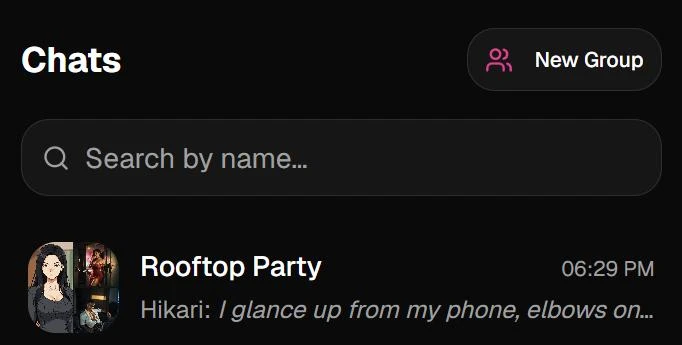
- Open Chats from the sidebar and tap New Group.
- Pick 2 to 4 companions. Tap the icon next to the search box to switch between My companions, Girls, Anime and Guys, or search by name. Your picks stay selected when you switch, so one group can mix all four.
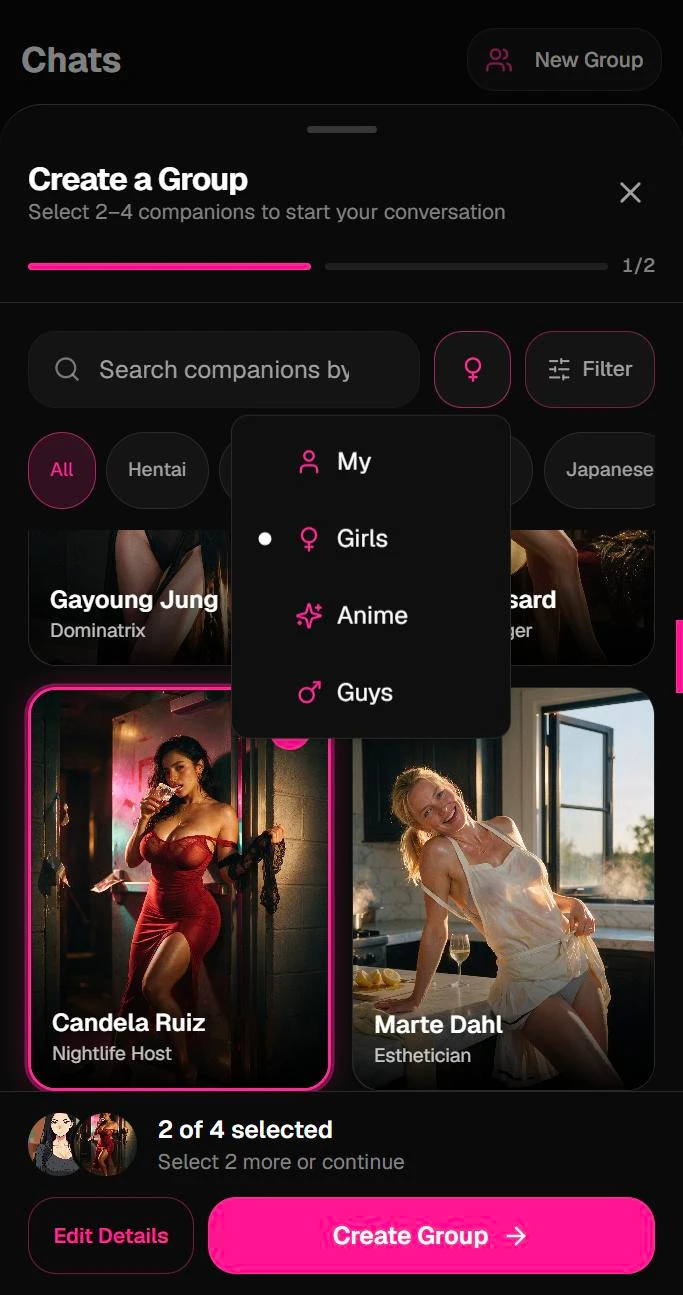
- Tap Edit Details to name the group. Affiny fills one in from the companions' names, and you can change it. Or tap Create Group to skip straight in.
- Add a description if you like (up to 500 characters) and pick a group photo: the members' faces, one companion's portrait, or an icon.
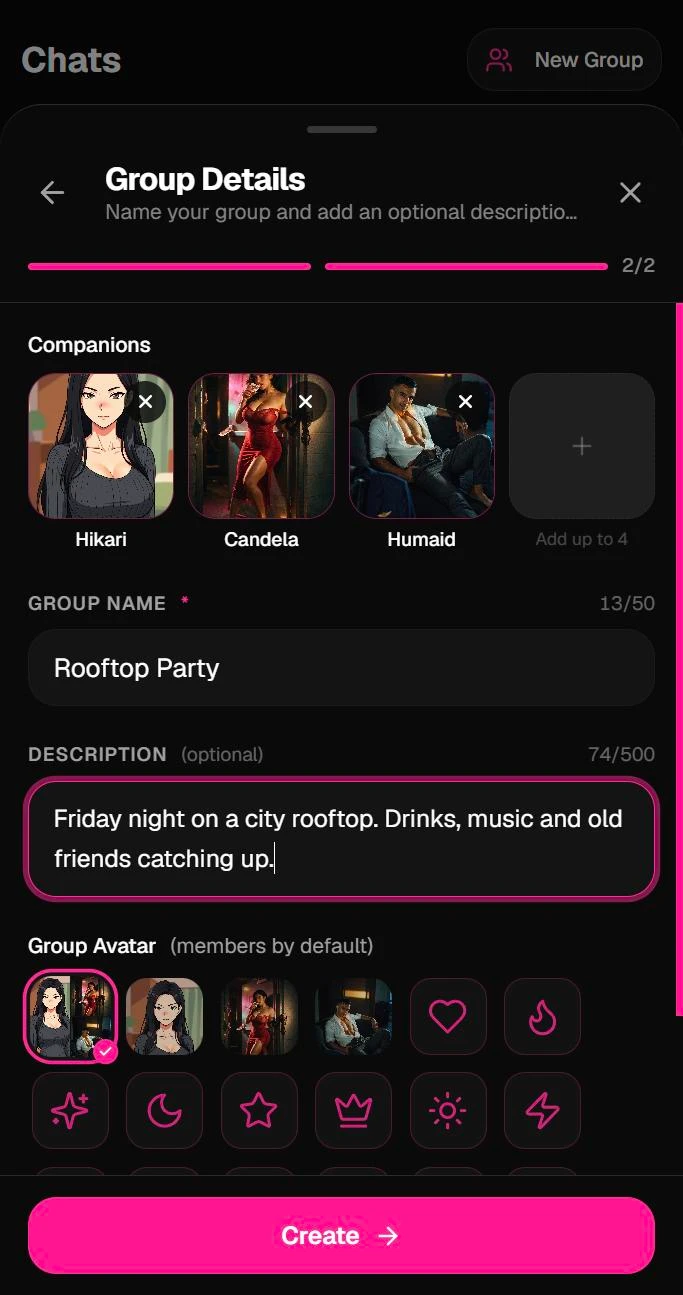
- Tap Create. The group opens and sits in your chat list with your other chats.
Choose who answers
| You type | Who replies |
|---|---|
| @Name | That companion |
| @Name and @Name | Each companion you tagged |
| @everyone | Every companion in the group |
| No tag | Affiny picks whoever fits what you said |
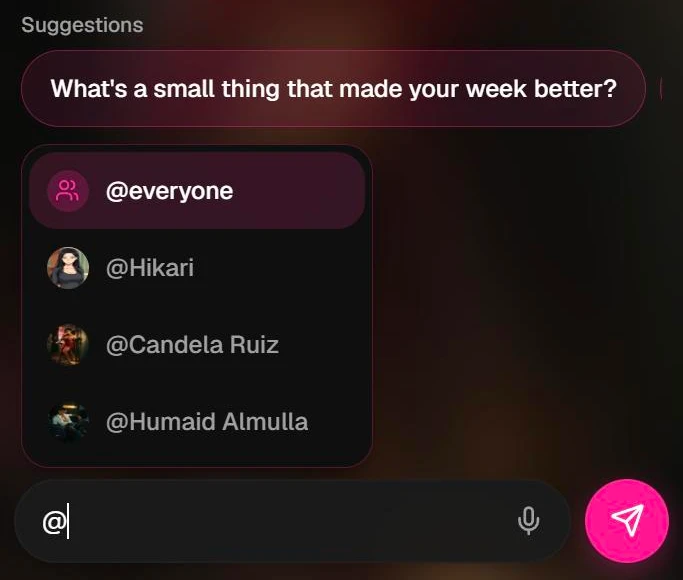
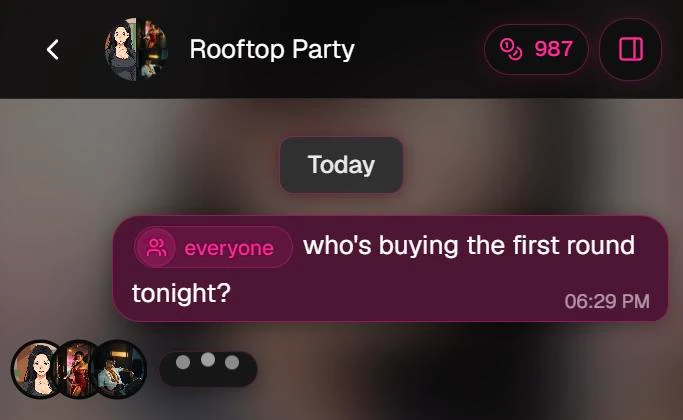
Type @ in the message box to open the list of names. Tagged names show as chips at the start of your message.
Replies arrive as soon as each companion finishes, so several can answer the same message together. Faces in the chat show who is still typing.
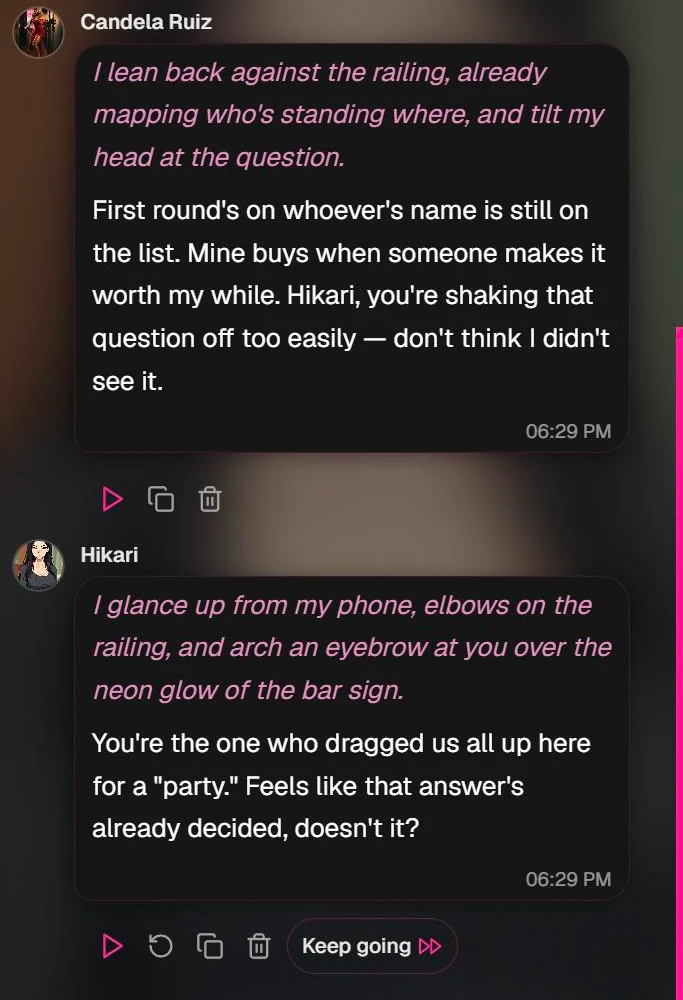
When one companion has already answered, the next one adds something new instead of repeating them, and they talk to each other as well as to you.
What you can do in a group
- Voice notes on every reply, each in that companion's own voice. See voice notes.
- Keep going on a reply to hear more from that companion.
- Redo a reply you don't like, plus copy and delete. See message actions.
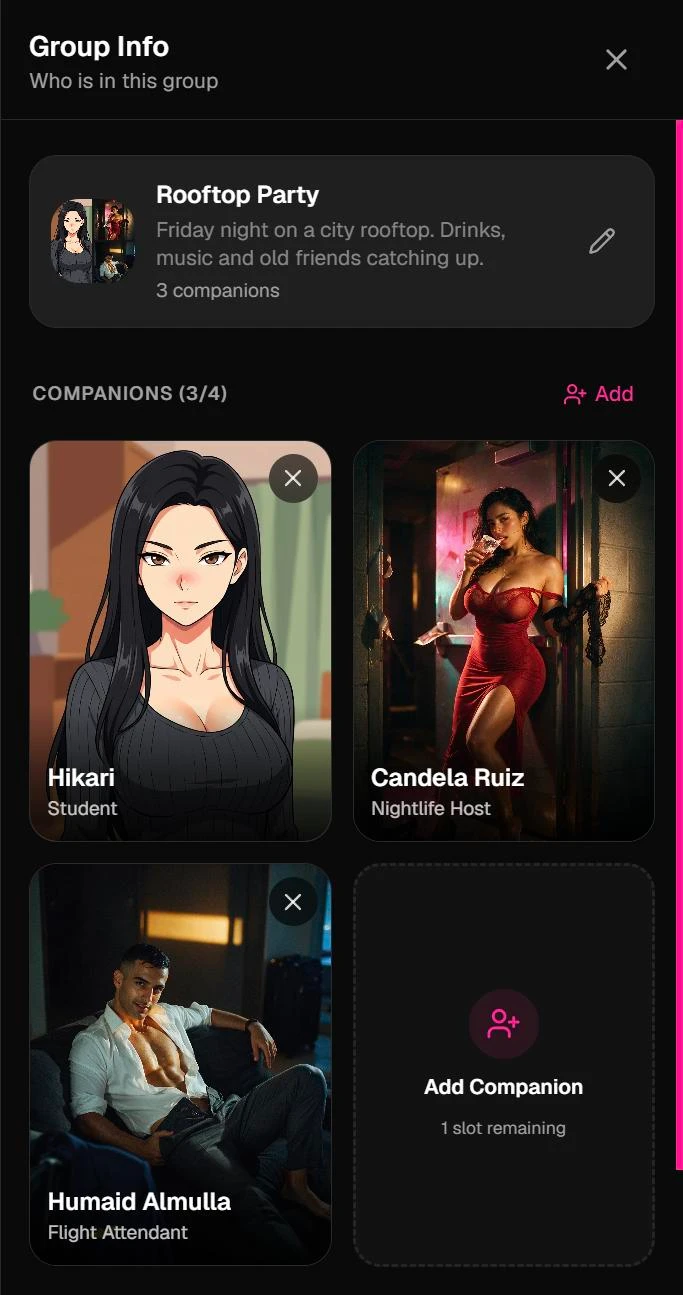
- Add or remove companions from Group Info at any time. A companion who joins later knows they just arrived and picks up the conversation.
- Edit the name, description and group photo from Group Info.
Memory in groups
Each companion brings their own memory of you into the group. Tell the group about your day and each of them can bring it up later, in the group or in a one-on-one chat. Companions don't share memories with each other; each one remembers you their own way.
Free and on a plan
The free plan includes a group chat, so you can try it the day you sign up. Subscribers get unlimited group chats at an affordable monthly price. See plans and coins.
Groups hold 2 to 4 companions on every plan. Group chat is for text and voice notes; make pictures and videos in a one-on-one chat.
Tips
- Start with two. A pair that clashes, like a shy girl and a bold one, gives you the liveliest replies.
- Tag when it matters. In a busy scene, @Name makes sure the right person answers.
- Use @everyone for big moments. Ask the whole group a question and hear every take.
- Mix styles. Anime and realistic companions can share a group, and so can your own creations.
Want to know how Affiny's groups compare with Nomi, Kindroid and others? See AI group chat apps compared.